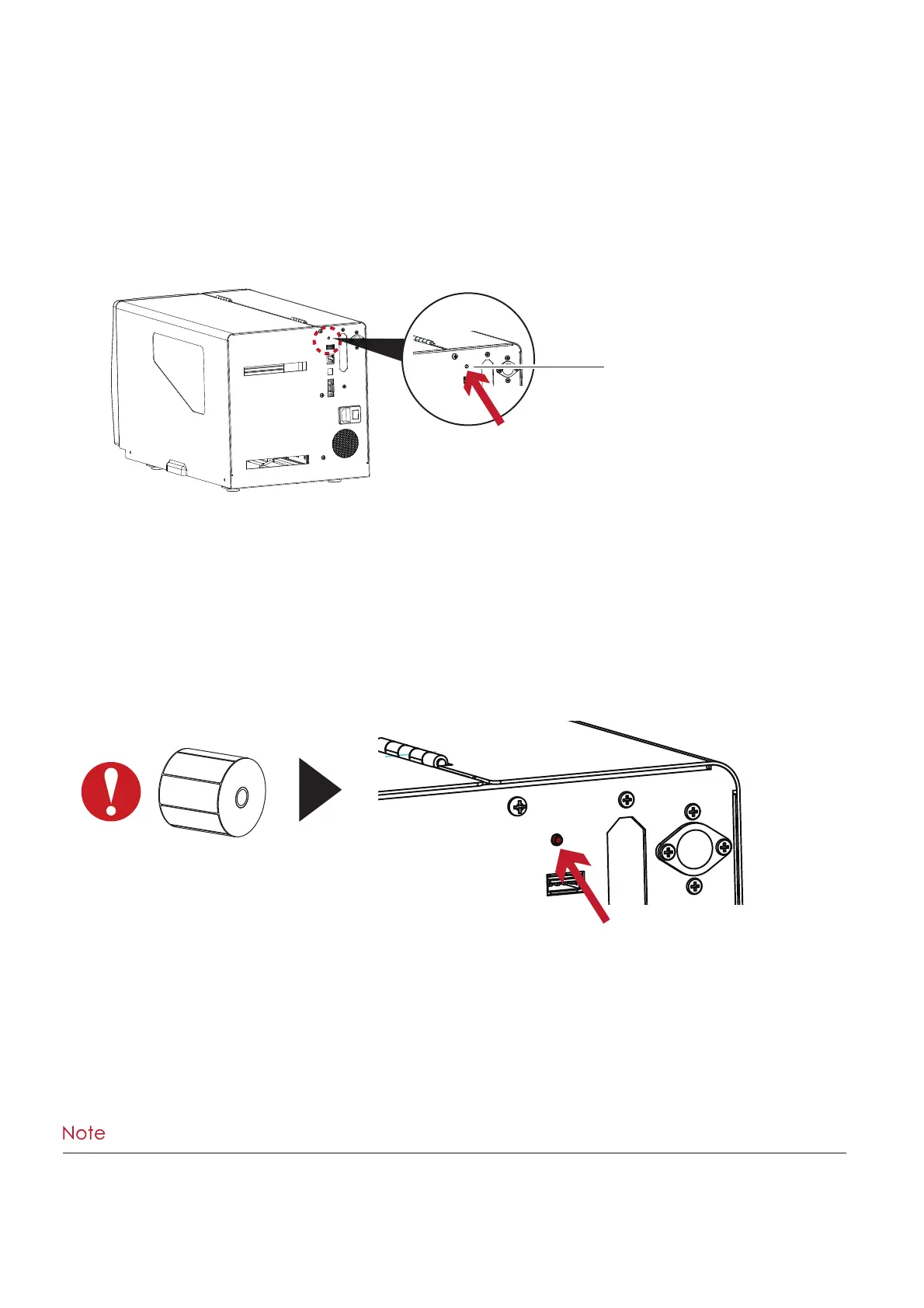
CALIBRATION BUTTON
Press
25
Press and hold the Calibration Button for 2 seconds to start the Label Calibration.
Label Calibration Button
The Label Calibration button is used to perform a Label Calibration.
This is useful to correct any Media Errors that may occur when changing the labels to another type,
such as changing gap labels to black mark labels or continuous media.
****Pressing the Calibration Button is equivalent to the auto-sensing command ‘’~S,SENSOR’’.
3 Printer Settings and Control



 To Next Page