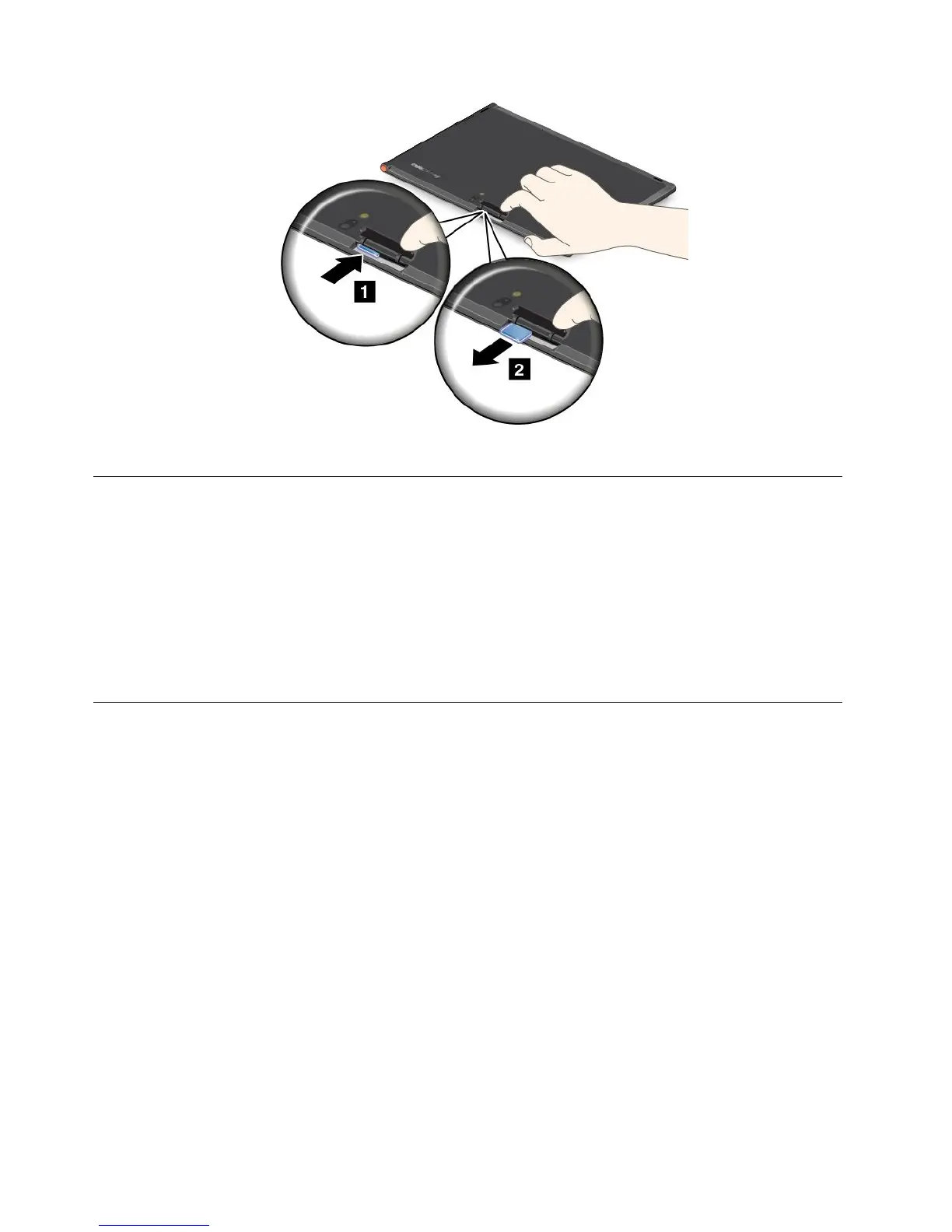
4.ClosetheSIMcardslotcoverandrestartyourtablet.
Determiningwhichmobilenetworkyouareusing
Ifyouhaveconnectedtoanetwork,youcancheckthenetworknametoseewhichmobilenetworkyou
areusing.
Tocheckthenetworkname,dooneofthefollowing:
•Swipeinfromtherightedgeofthescreentodisplaythecharms.ThentaptheSettingscharm.The
networknameisdisplayedunderthenetworkicon.
•Onthedesktop,movethecursortothenetworkiconintheWindowsnoticationarea.Thenetwork
nameisdisplayed.
Connectingtoamobiledatanetwork
ASIMcardisrequiredtoconnecttoamobilenetwork.Referto“InstallingtheSIMcard”onpage11for
instructionsonhowtoinstallaSIMcard.
Note:SometabletssupportaccesstoWi-Finetworksonly.See“ConnectingtoaWi-Finetwork”onpage
13
forinstructionsonconnectingtoaWi-Finetwork.
Ifyouuseamobiledatanetwork,youmighthavetosignupforadataplanwithyourservicecarrierinyour
area.TheLenovoMobileAccessprogramenablesyoutosigninwithyourMicrosoftaccounttoregisterfor
service,purchasedataplans,makepaymentsonline,andmanageyourmobileaccount.
TousetheLenovoMobileAccessprogram,dothefollowing:
1.TapLenovoMobileAccessontheStartscreen.TheLenovoMobileAccessprogramopens.
2.Signintoyouraccountandfollowtheonscreeninstructions.
Whenyouareconnectedtothemobiledatanetwork,settheactivemobilenetworkasmeteredconnection
toreducetheamountofdatayousendandreceive.
Tosettheactivemobilenetworkasmeteredconnection,dothefollowing:
1.Swipeinfromtherightedgeofthescreentodisplaythecharms.
2.TaptheSettingscharm.
12UserGuide



 To Next Page