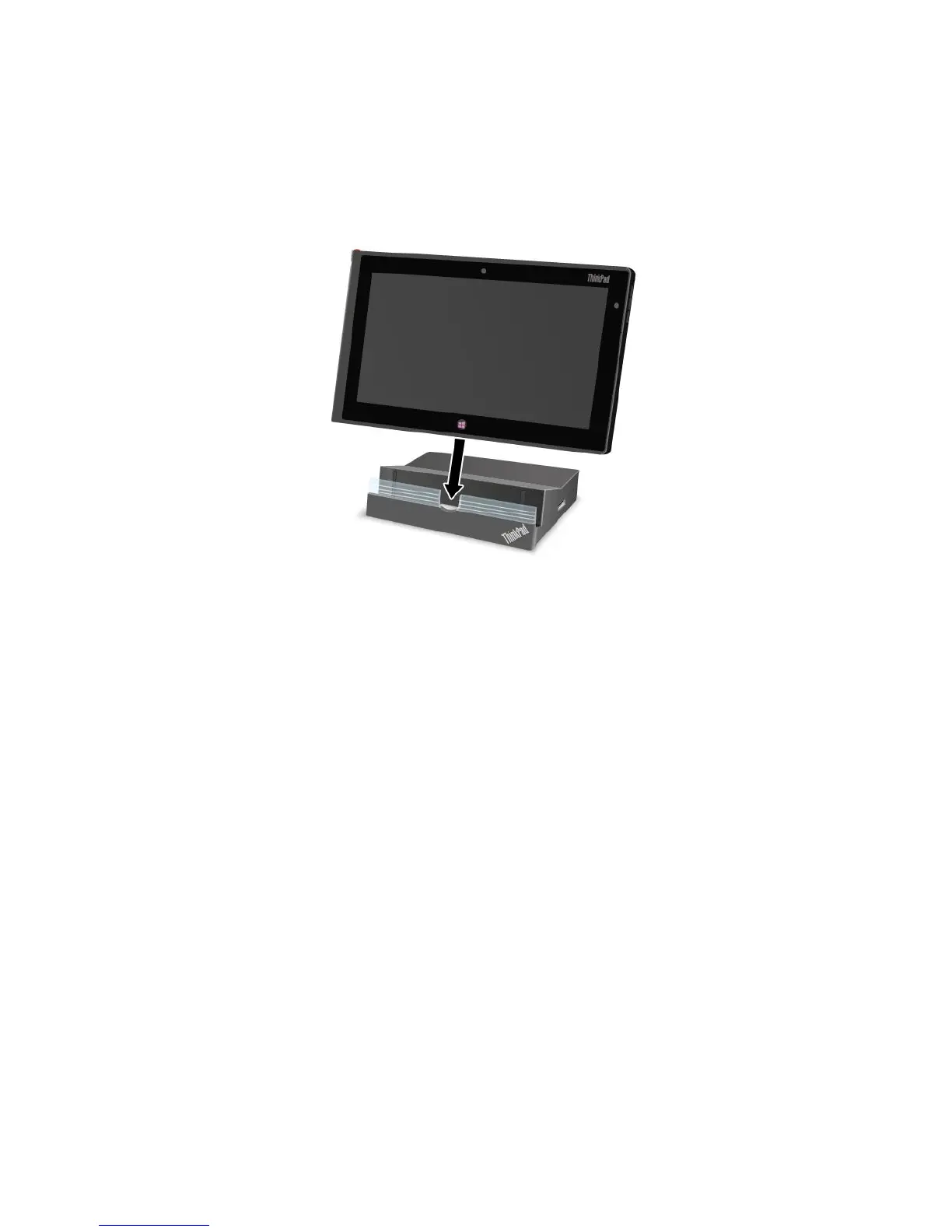
Toconnectyourtablettothedock,dothefollowing:
1.Positionyourtabletwiththedockconnectorsidefacingdownward.
2.Alignthedockconnectoronthetabletwiththeconnectoronthedock.
3.Gentlyslideyourtabletintothedockuntilitisseatedinplace.
Figure10.Sittingyourtabletonthedock
Afterthetabletisconnectedtothedock,youcan:
•Useyourtabletinanuprightpositionwithouthavingtoholdthetablet.
•UsethedocktoholdyourtabletuprightwhenusinganexternalUSBkeyboard.
•ConnectthedocktoyourpersonalcomputerwiththesuppliedUSBcabletotransferles.
•Connectthedocktoastereosystemorspeakersusingastereoaudiocabletoplaymusic.
•Connectthedocktoanelectricaloutletusingthe65Wacpoweradaptershippedwiththedockto
chargethetabletbattery.
Chapter6.ThinkPadTablet2options31



 To Next Page