7 Switching on / off and basic operation
7.1 Switching the digital piano on
7.1.1 Normal switching on / off
Press the power button on the left of the operating panel to turn the digital piano on
or off.
7.1.2 Automatic shutoff
When the digital piano is not being used for 30 minutes, it switches off automatically.
To turn it on again, press the on / off switch on the left of the operating panel.
7.2 Adjusting the volume
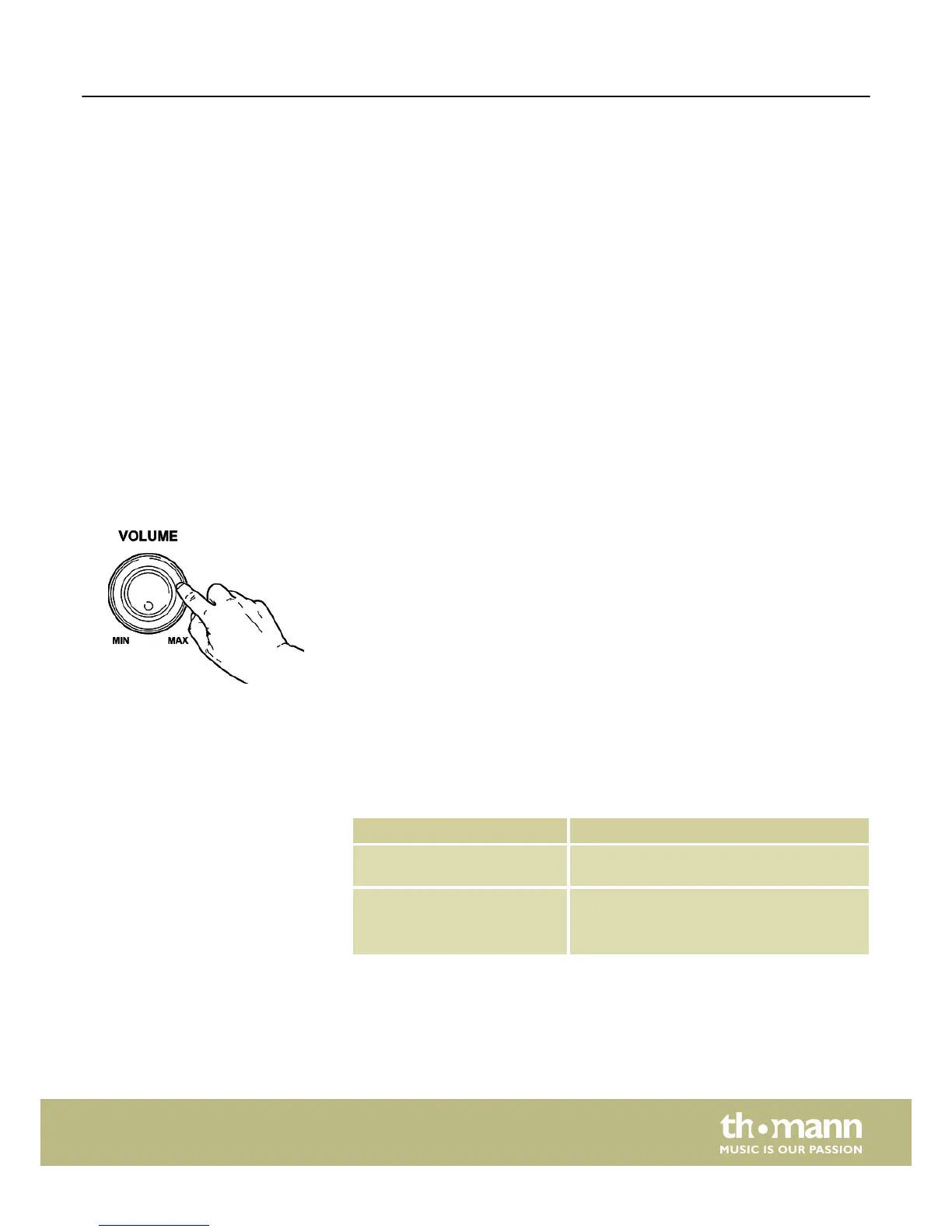
Adjust the rotary control [VOLUME] for a pleasant volume for playback and practising.
Turn this control clockwise to increase the volume. Turn it counter-clockwise to
reduce the volume.
7.3 Touch sensitivity
With this function you can adjust the touch response of the claviature in four dif‐
ferent levels.
Setting Description
[OFF] Touch sensitivity is off. This can be very recom‐
mendable when playing the organ voice.
[1] Soft
In this setting, the volume is higher than usual
even when playing with a soft touch.
Switching on / off and basic operation
DP-26
19



 To Next Page