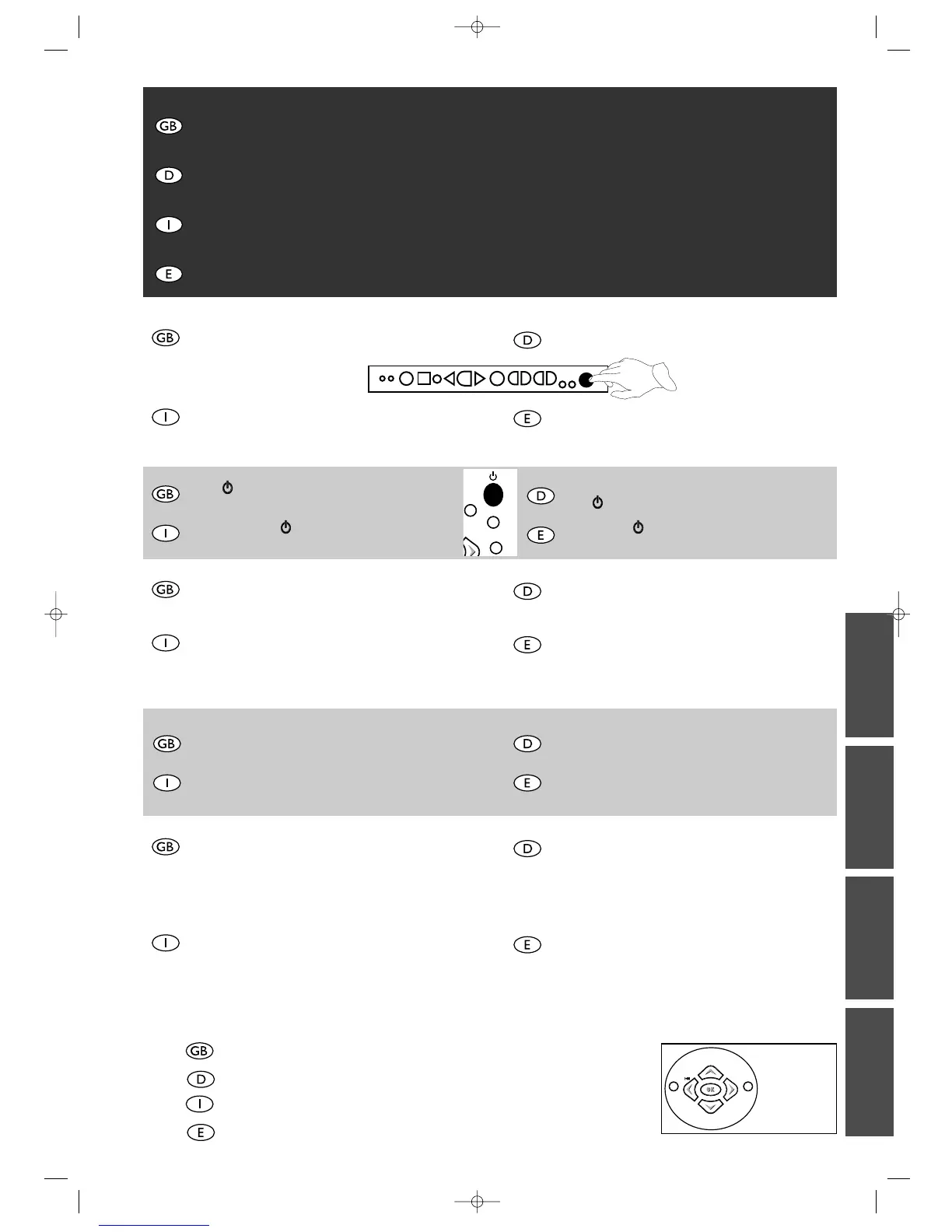
para encender el Combi TV-vídeo. El
piloto se encenderá de color verde.
By means of key V/W, select the language you prefer for
display of the menus. Confirm with OK.
Con il tasto V/W del telecomando scegliete la lingua che
preferite per visualizzare i menu che appariranno via via
sullo schermo. Convalidate con OK.
Mit der Taste V/W die von Ihnen für die Anzeige der
Bildschirmmenüs bevorzugte Sprache wählen. Mit OK.
bestätigen.
Utilice la tecla V/W del mando a distancia para elegir el
idioma en el que desea que aparezcan los menús en la pan-
talla. Para confirmar su selección, pulse OK.
Press C/B buttons until the country you are currently
residing in is selected. Confirm with OK.
Premete il tasto C/B per selezionare il vostro paese di
residenza abituale. Convalidate con OK.
Zur Wahl des Landes, in dem Sie wohnen, die Taste C/B
benutzen. Mit OK. bestätigen.
Pulse las teclas C/B para seleccionar su país de
residencia. Para confirmar su selección, pulse OK.
You are informed by a message that your
Combi TV-Video recorder is now scanning the channels
which can be received in your region and is storing them.
You'll have to wait a fairly long time until a message
informs you that channel storage is completed.
Press OK to sort the channels.
Un messaggio indicher
à che il
Videovision sta cercando e
memorizzando i canali che potete ricevere nella vostra
regione. Alla fine dell’operazione, un messaggio segnalerà
la fine della memorizzazione dei canali.
Premete OK per procedere al riordino dei canali.
Eine Meldung informiert Sie, daß Ihr Kombi TV-
Videorecorder die in Ihrer Region empfangenen Sender
sucht und anschließend speichert.Warten Sie solange, bis
Sie die Meldung erhalten, daß die Senderspeicherung
abgeschlossen ist.
Zum Sortieren der Sender OK drücken.
Un mensaje le indicará que su Combi TV-vídeo está bus-
cando los canales que se pueden recibir en su región y los
guardará en la memoria. Espere un rato (hasta 10 minu-
tos); aparecerá un mensaje indicando que ha finalizado la
memorización de los canales.
Pulse OK para clasificar los canales.
1
2
3
4
5
Continue on the following page.
Weiter auf der nächsten Seite.
Continua nella pagina seguente
Contin
ú
a en la página siguiente.
!
MENU
TEXT
TV
For easy identification of the channels, we suggest you look up the programmes in a TV-magazine.
INSTALLING THE CURRENT TV CHANNELS IN THE COMBI TV-VIDEO RECORDER FOR THE 1ST TIME
Um Ihnen das Erkennen der Programme zu erleichtern, sollten Sie eine Programmzeitschrift zur Hand haben.
ERSTMALIGE EINSTELLUNG DER FERNSEHSENDER IN IHREM KOMBI TV-VIDEORECORDER
Per aiutarvi ad identificare i canali, vi consigliamo di consultare un programma TV.
COME INSTALLARE PER LA PRIMA VOLTA I CANALI TV SUL VIDEOVISION
Para poder identificar los distintos canales, le sugerimos que consulte la programación de TV.
CÓMO SINTONIZAR POR PRIMERA VEZ LOS CANALES DE TV EN EL COMBI TV-VÍDEO
▲
C
OK
B
▼
EXIT MENU



 To Next Page