Installation
12
Switching on for the first time
When you connect your set-top box to the mains, all the lights on the front panel will
light up.After around 5 seconds, only the standby light remains light.
Press DEC key (decoder key) on your remote control to control your set-top box,
then press B key to switch it on.The light turns green.
• Make sure your TV is switched on.
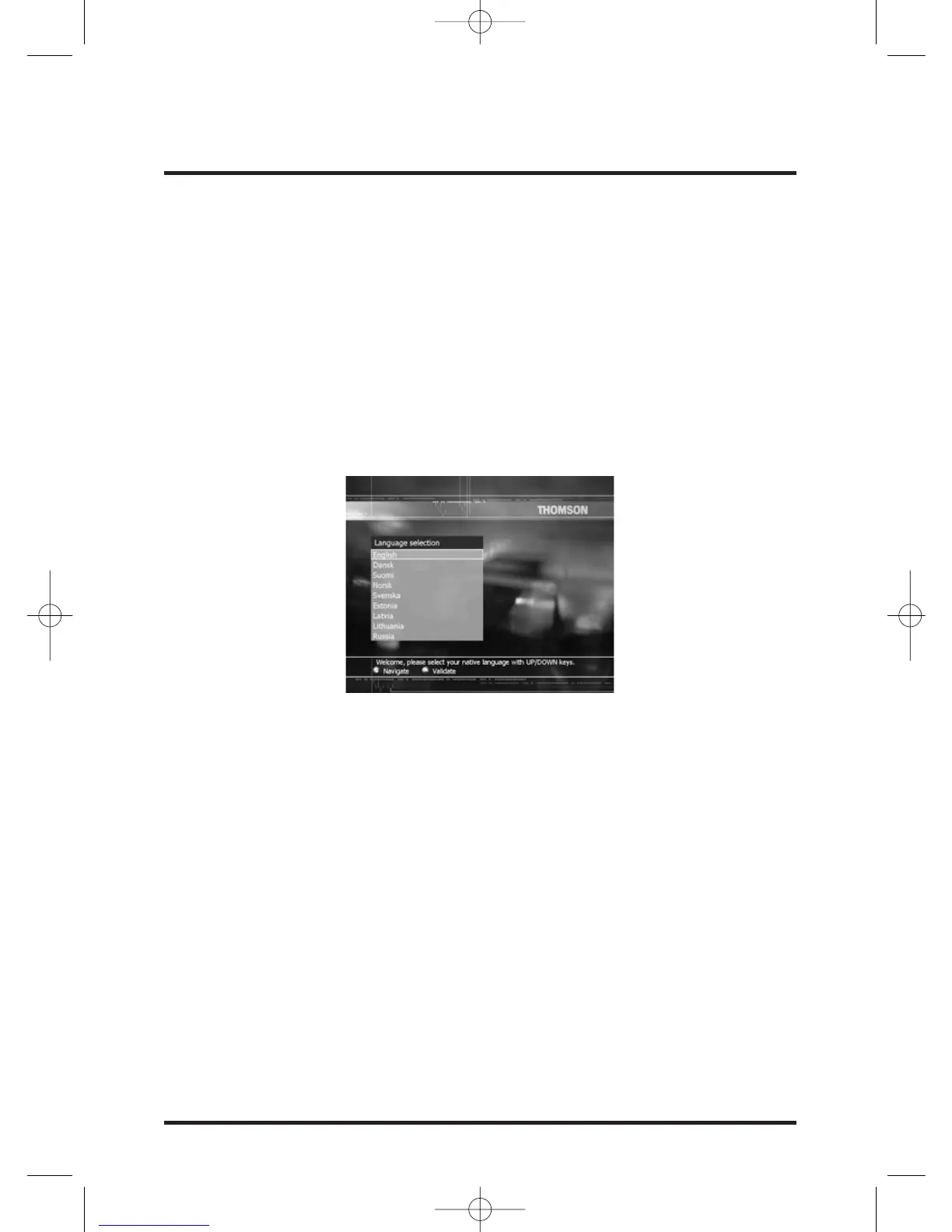
If the Language selection screen below displays, your TV is ready for digital satellite
channels.
You can now continue the installation by turning to the section "Cheking the
installation screens" on page 13.
If the Languages screen does not display...
If you have connected your set-top box to your TV via a SCART lead, as in methods 1
and 2, try selecting your TV's "AV input".


 To Next Page