Installation
14
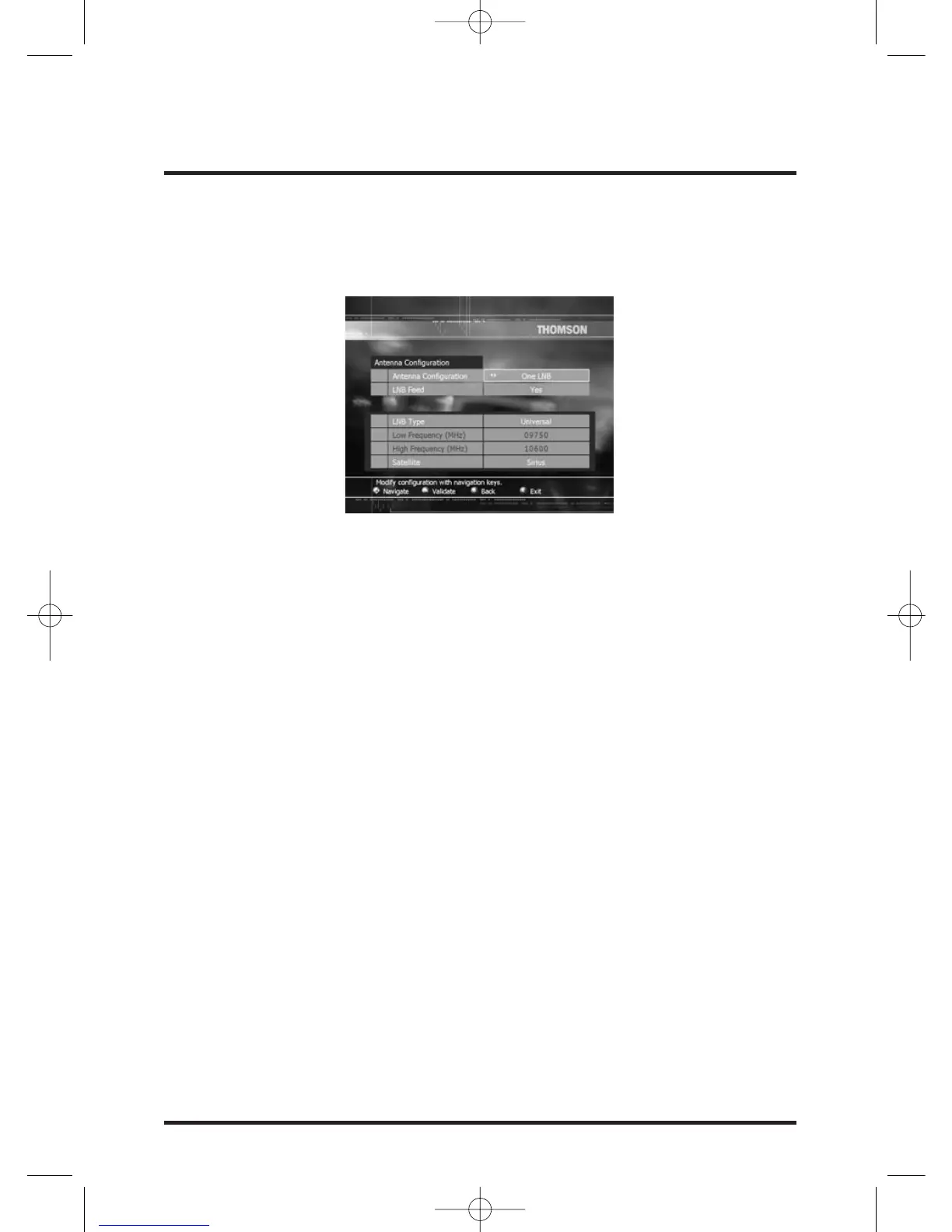
Antenna configuration menu
The Antenna configuration menu is displayed and Antenna Configuration field is
selected.
Depending on your antenna configuration, select:
- One LNB: if you have only one antenna.
- DiSEqC: if you have 2, 3 or 4 antennas connected to the set-top box through a
DiSEqC switch.
- SMATV: if you are using a local network.
LNB feed
- Select Yes if your antenna configuration is One LNB. In this case, you will be able to
receive update of your Conditional Access rights even in Standby mode.
- Select No if your antenna configuration is SMATV.
- Select Auto if you want an LNB feed only when the set-top box is on.
You will not be able to receive an update of your Conditional Access rights in Standby
mode.
LNB index
(This field is only displayed if you have selected DiSEqC at the Antenna Configuration
field).
According to the DiSEqC switch input where the antenna is connected select
corresponding Index (from 1 to 4).
LNB type
(This field is not displayed if you have selected SMATV at the Antenna Configuration
field).
According to your LNB, select Universal, Customized or None.


 To Next Page