Installation
13
EN
Checking the installation screens
For most intallations, this is easy to do, if you follow these instructions. However, for
some installations you may need to make additionnal settings - see the “Other settings”
section starting on page 24.
Note:At any time during the first time installation process, you can return to previous screen
by pressing BACK button.
Choosing your language
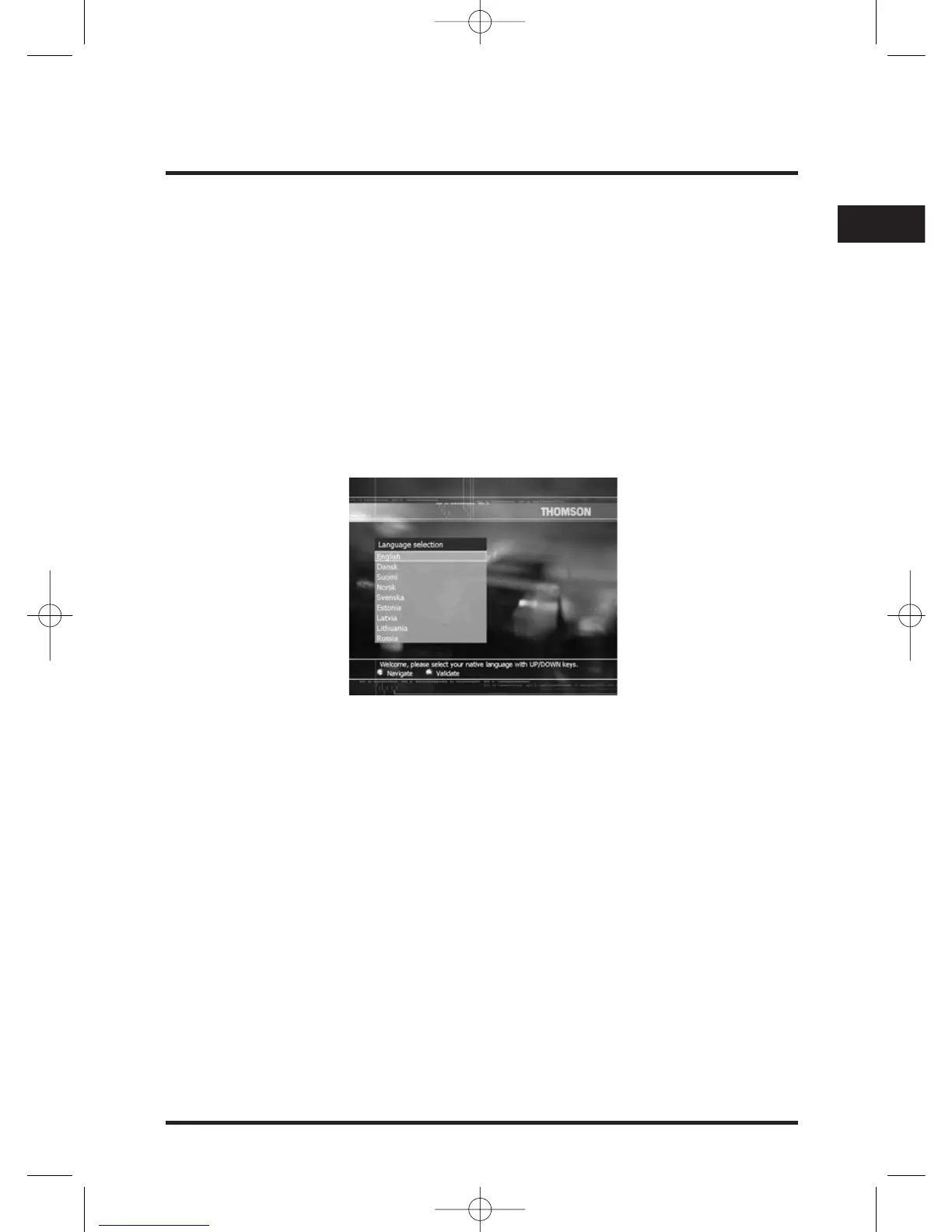
If you have completed the installation instructions up to this point, the following screen
is displayed on your TV screen.
1. Take your remote control. If you have not already inserted the batteries, do so now
(see page 4).
2. Press V or W key until the language you want is highlighted, then press OK.
A Welcome screen now displays.
Note: For Swedish, Norwish, Danish and Finnih, the Welcome screen appears in the selected
language.
3. To change the language, press BACK (then repeat step 2), or to confirm your
choice press OK.
Time menu
Once you have confirmed the language, the Time menu is displayed.
Select your local time zone then press OK.


 To Next Page