Day to day use
19
EN
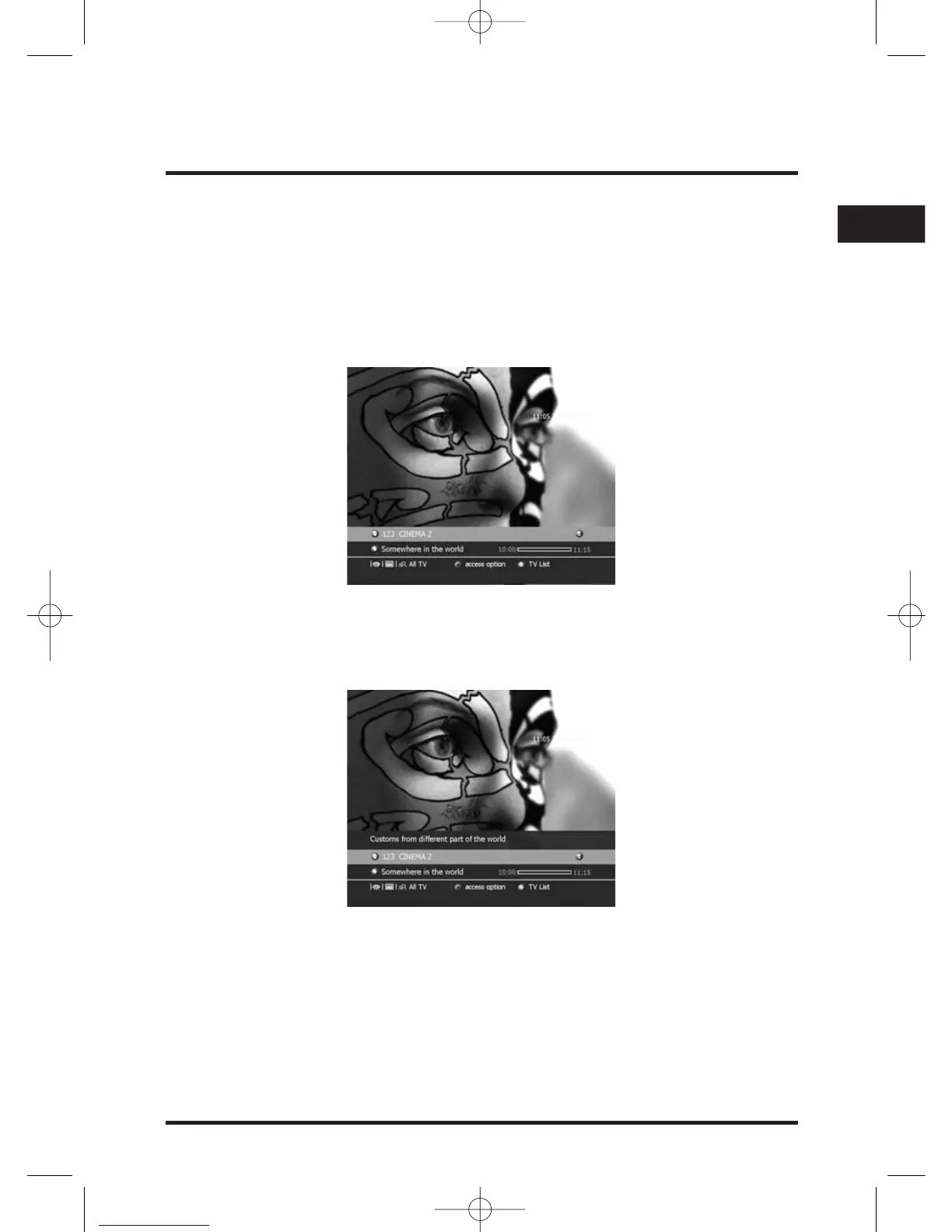
Zapping Banner / Extended Information banner
You can get two levels of information related to the current played event.
• TV banner basic channel information,
• Extended event description.
The Basic channel information is displayed through a Zapping Banner that is either
shortly displayed after each Zapping or by pressing the INFO key.
! You can adjust the display duration of the Zapping Banner in the Preferences Menu.
The Extended event description is displayed/erased by pressing again the INFO key
while the TV Banner information is present.
Whilst TV information is displayed:
Next / Present event information (If available):
Press B key to display the next event information.
Press C key to display the present event information.
Next / Previous TV channel information: (Virtual Zapping)
Press V key to display the next service information.
Press W key to display the previous service information.
Press OK key to watch the specified TV channel.


 To Next Page