Day to day use
20
Access option:
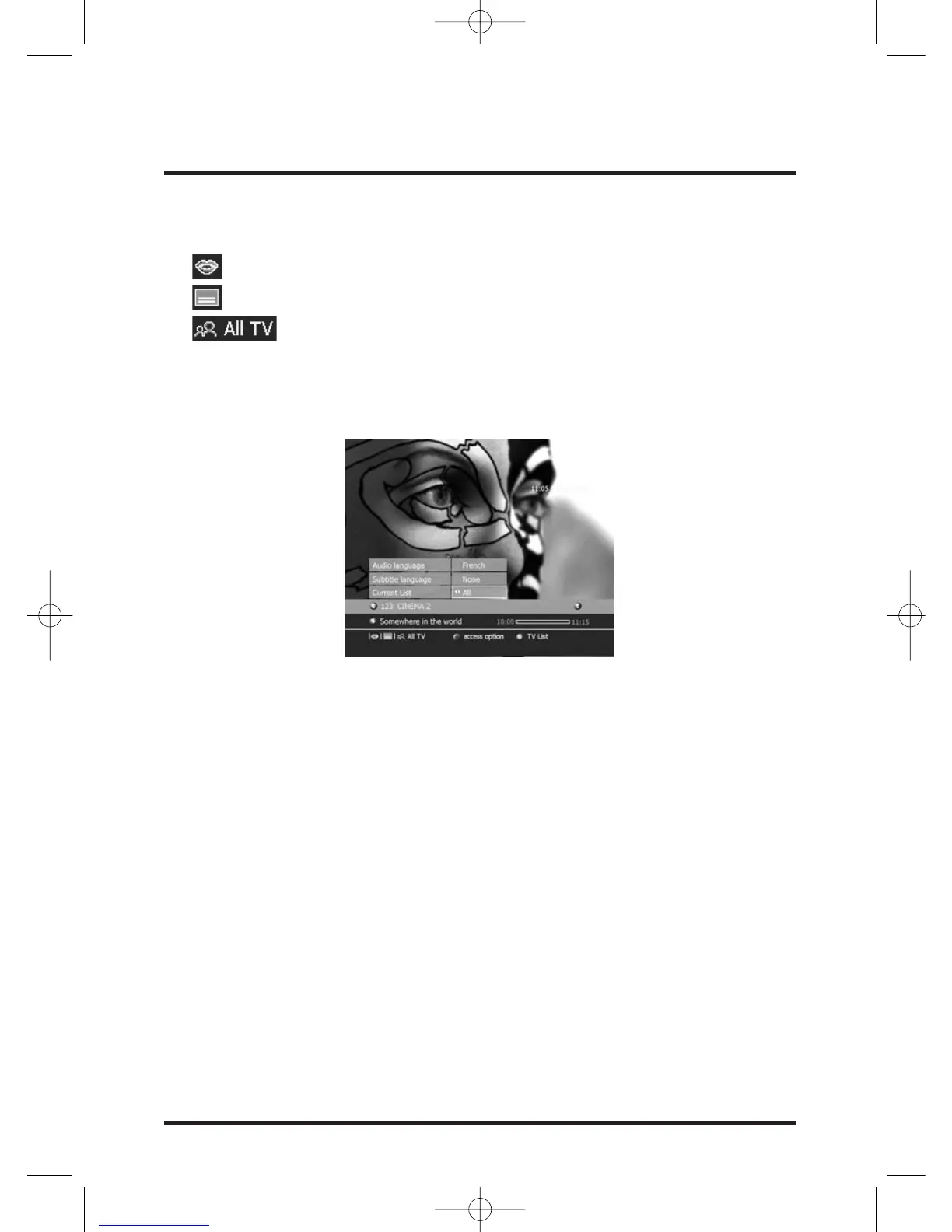
Following icons may be displayed at the bottom line of the information banner.
Availability of another audio language.
Availability of another Subtitle language.
Name of the current channels list.
If one of these icons is displayed, a option icon at the bottom of the information banner
inform you that you can access the option screen.
Press OPTIONS button on the remote control, the Option screen is displayed.
This screen allows you to change the favorite list (if created), to change the subtitles
languages (if available), to change Audio languages (if available).
Select the desired field with W / V keys and set with C / B keys.
TV channel list or TV Miniguide:
Press GUIDE key to switch to the TV channels list.
Press GUIDE key more than 2 seconds to switch to the TV Miniguide.
Press the EXIT button to erase the displayed information.


 To Next Page