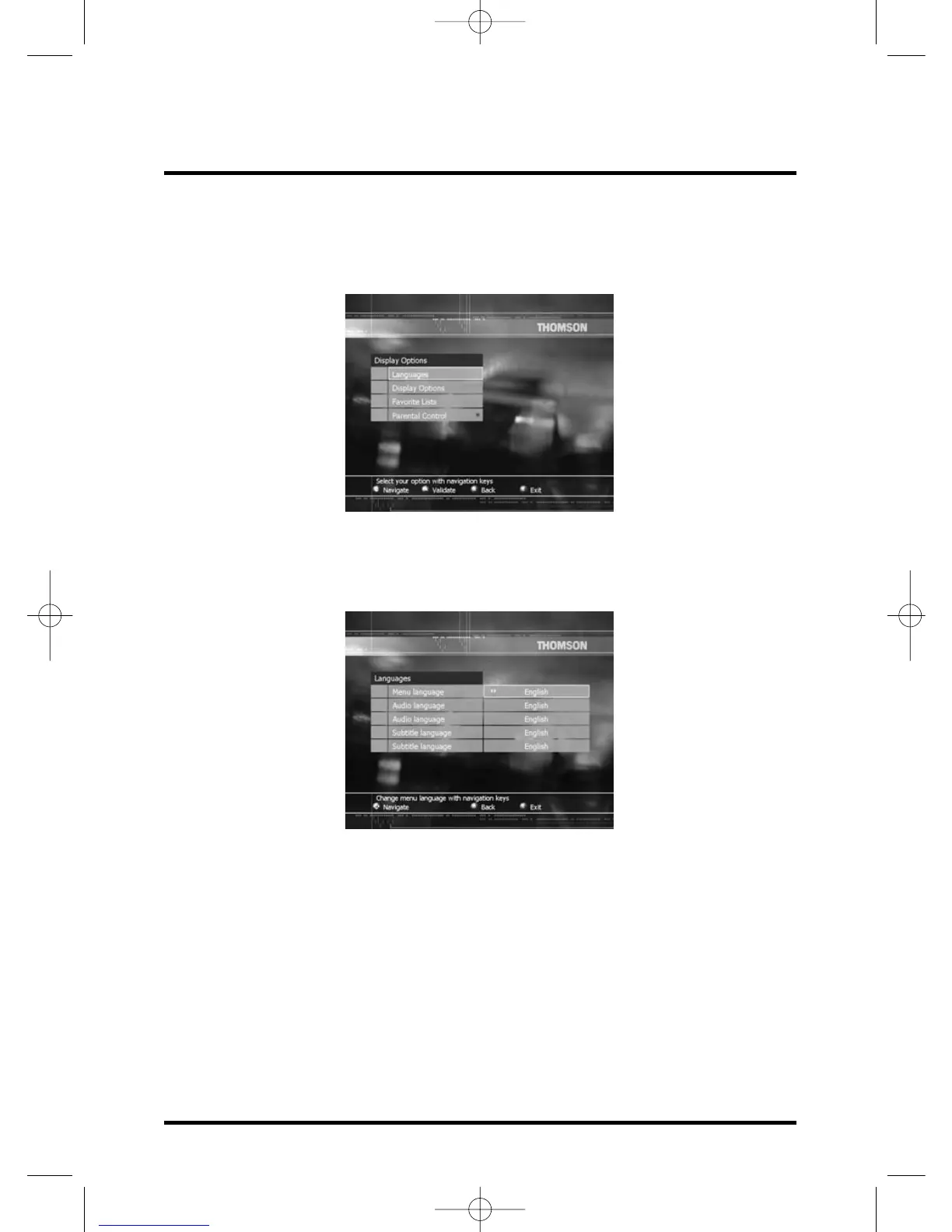
Preferences
Select Preferences field and press OK.
Preferences menu is displayed and Languages field is highlighted.
Languages
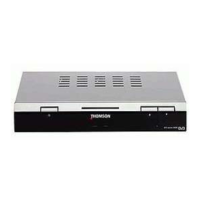
While Languages field is highlighted press OK, Languages menu is displayed.
This screen allows you to select the desired language for menus as well as for audio
and subtitles if available.
Select a line with V / W keys and select a language with C / B keys.
Press EXIT to confirm your choice and exit the menu or press BACK to return to
Preferences menu.
Display options
Select Display Options field in the Preferences menu and press OK.
Display Options menu is displayed.
Banner Time-out (s): Define the display duration of the Zapping Banner after a zapping.
The allowed values are between 1 to 9 seconds.
With digit buttons enter the desired Banner Time out.
Press EXIT to exit the menu, or press BACK to return to Preferences menu.
Other settings
26


 To Next Page