Other settings
31
EN
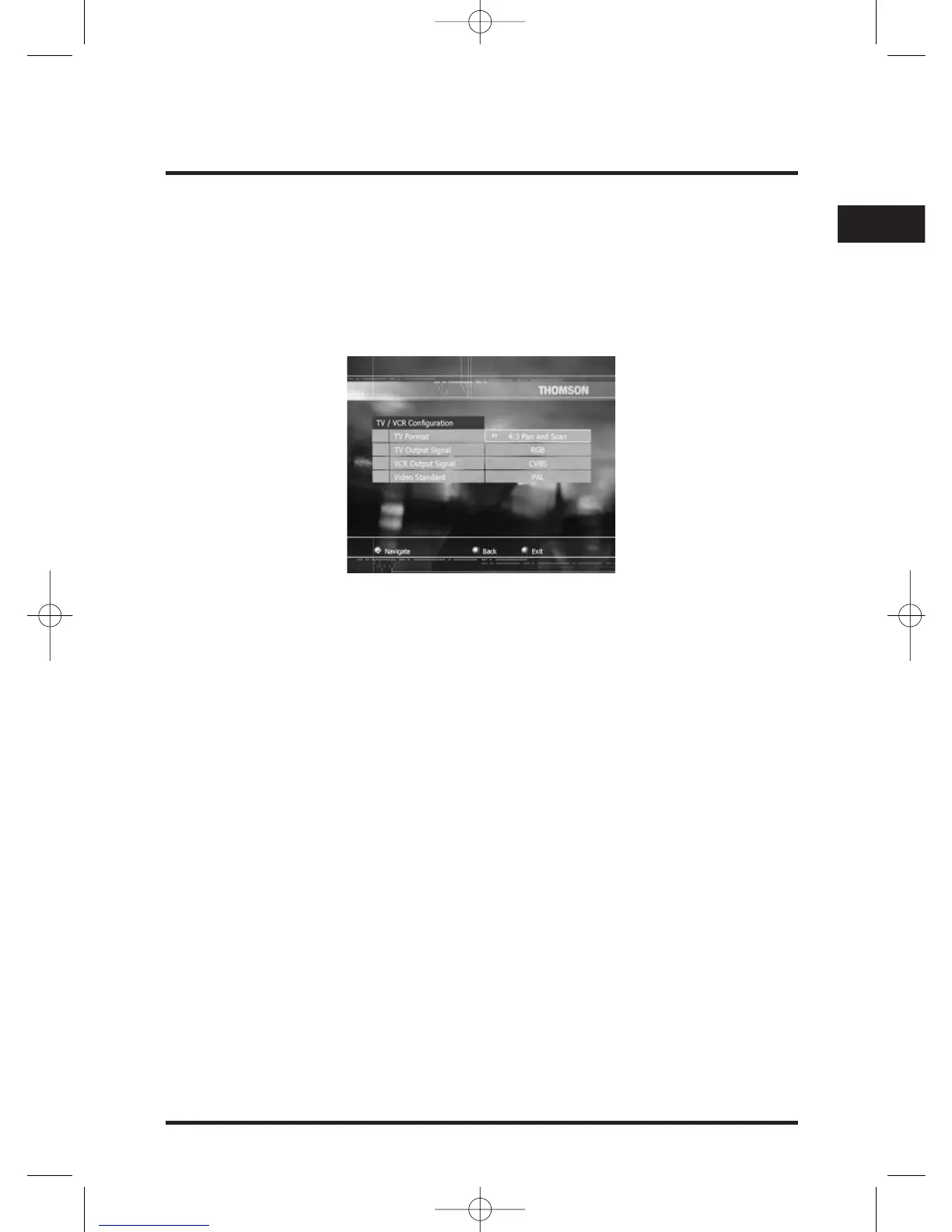
TV/VCR Configuration
This menu allows you to set TV /VCR settings to your personal preferences.
Select TV/VCR Configuration field in the Configuration menu and press OK,
TV/VCR Configuration menu is displayed and TV Format field is selected.
- TV Format:With C / B button set your TV format to 4/3 Letterbox, 16:9 or 4/3
Pan and Scan.
- TV Output signal:With C / B button set your TV mode to RGB, S-Video or
CVBS.
- VCR Output signal:With C / B button set your TV mode to S-Video or CVBS.
- Video standard:With C / B button set your Video standard to SECAM or PAL.
Time Zone
Select Time Zone in the Configuration menu and press OK, Time Zone screen is
displayed.
With C / B button, select your Local time zone.


 To Next Page