Other settings
30
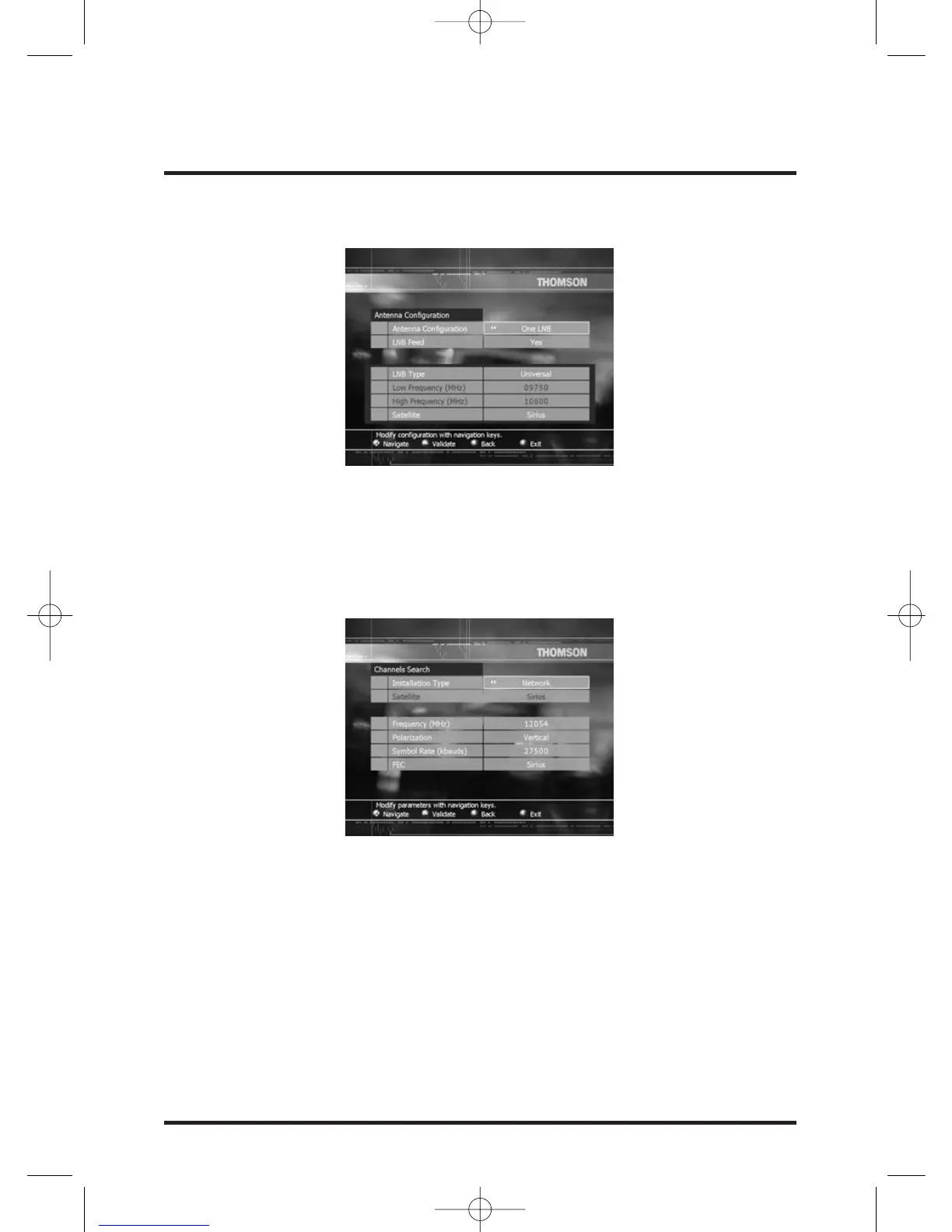
Antenna Configuration menu is displayed.
Refer to chapter First installation, page 14, for more information on this menu.
Channels search: select Channels Search field and press OK.
Channels Search menu is displayed.
Refer to chapter First installation, page 16, for more information on this menu.
Channels erase: select Channels erase field and press OK.
Channels Erase screen is displayed.
Press OK if you want to erase the entire services list.
Caution:All memorized channels will be erased.


 To Next Page