12
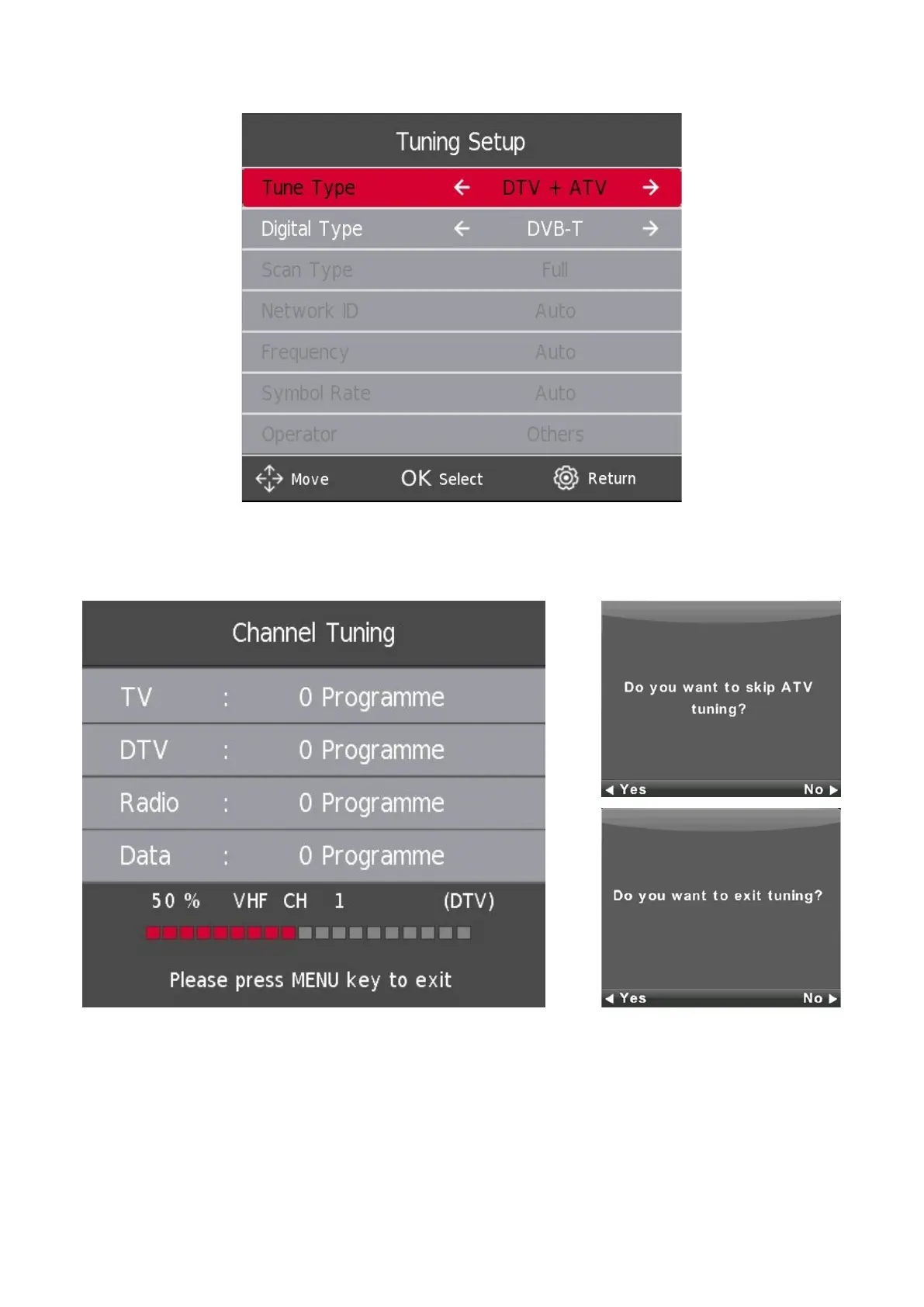
4.4. Auto Tuning (Analog TV + Digital TV)
By selecting ATV+DTV, two scans will be performed separately. To stop the rst scan, you must rst press the SETTINGS/
MENU button and then conrm your choice with the LEFT button. Then, the second scan will start automatically. In case
you want to interrupt the second scan, please press the
SETTINGS/MENU button again and press the LEFT button to
conrm.





 To Next Page