19
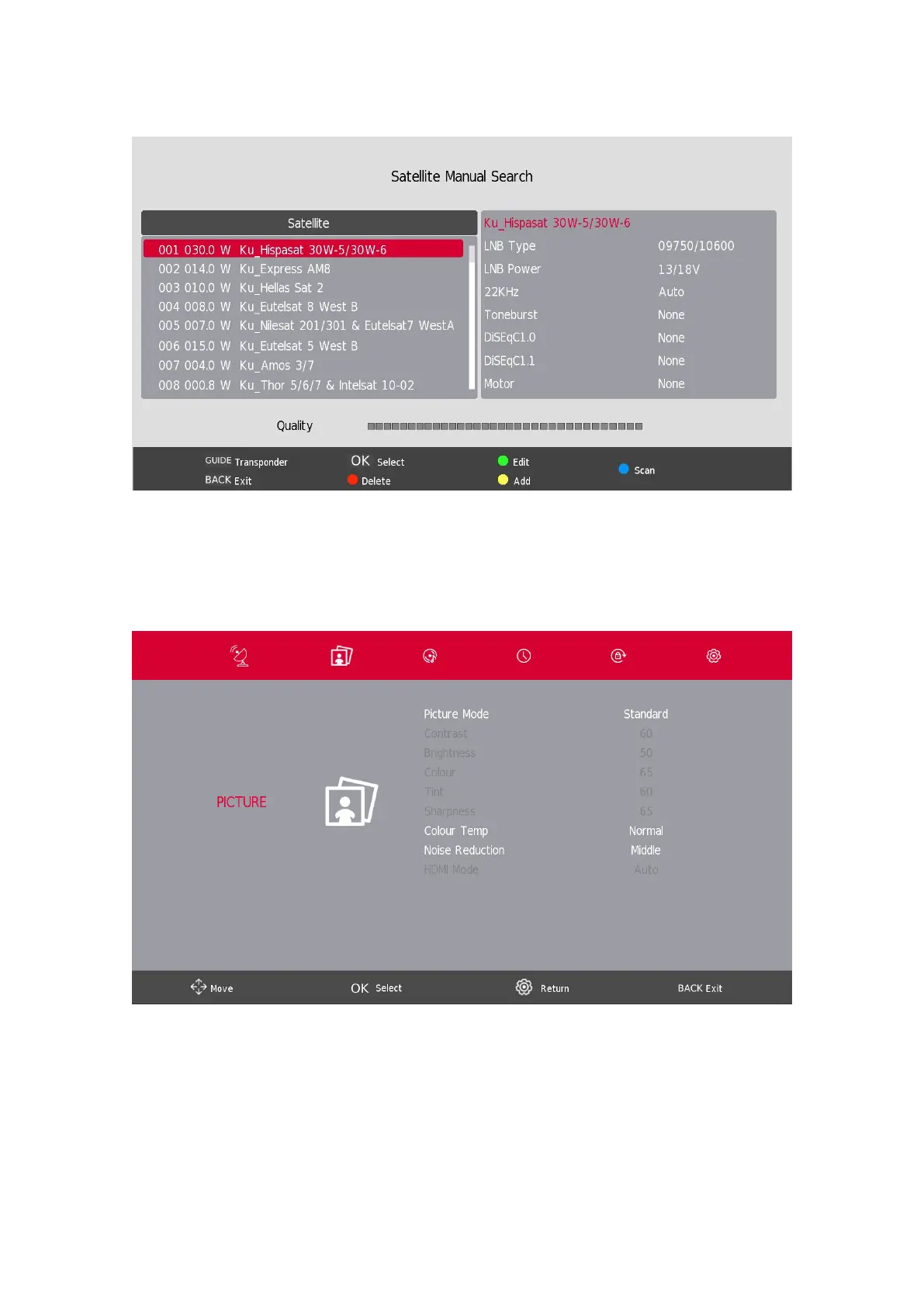
5.8. Satellite Dish Setup
Press the s / w button to select Satellite dish Setup then press the Enter button to conrm.
6. Picture Menu
Press the SETTINGS/MENU button to display the main menu.
Press the a / d button to select PICTURE in the main menu.
1. Press the s / w button to select the option that you want to adjust in the PICTURE menu.
2. Press the OK button to adjust.
3. After nishing your adjustment, Press theSETTINGS/MENU button to save and BACK to return to the
previous menu.





 To Next Page