28
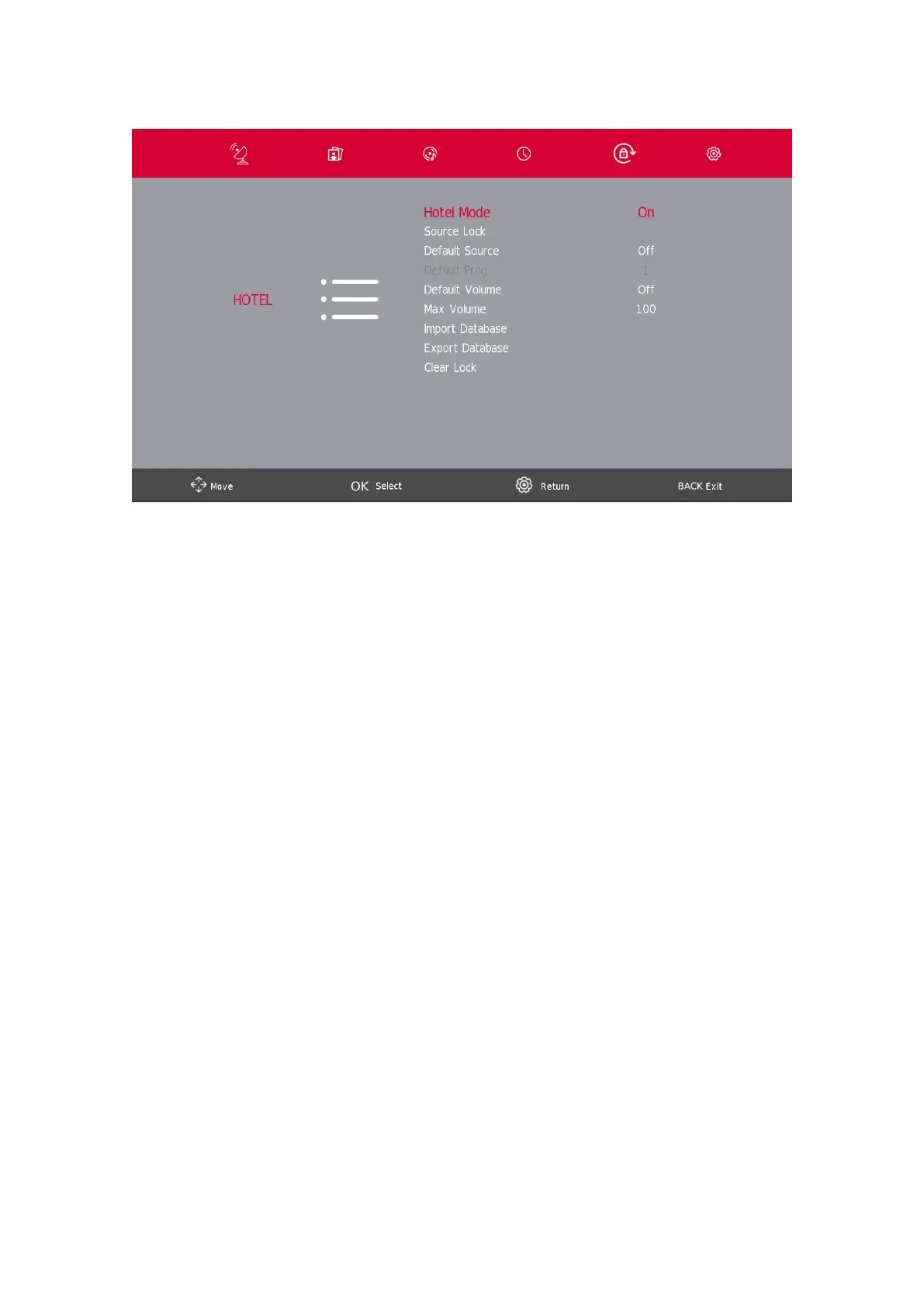
10. Hotel Mode
1. Press the s / w button on the remote control to select hotel mode in the Lock menu.
2. Press the Enter button on the remote control to enter the sub-menu.
3. After nishing your adjustment, Press theSETTINGS/MENU button to save and go back to the previous
menu.
Hotel Mode
Press the s / w button to select Hotel Mode, then press the a / d button to select on or o.
Source Lock
Press the s / w button to select Source lock, then press the Enter/OK button to enter sub-menu to select.
Default Source
Press the s / w button to select Default Source, then press the Enter/OK button to enter sub-menu to select.
Default Prog
Press the s / w button to select Default Prog, then press the a / d button to adjust. This function is available when
the default source is TV.
Max Volume
Press the s / w button to select Max Volume, then press the a / d button to adjust.





 To Next Page