31
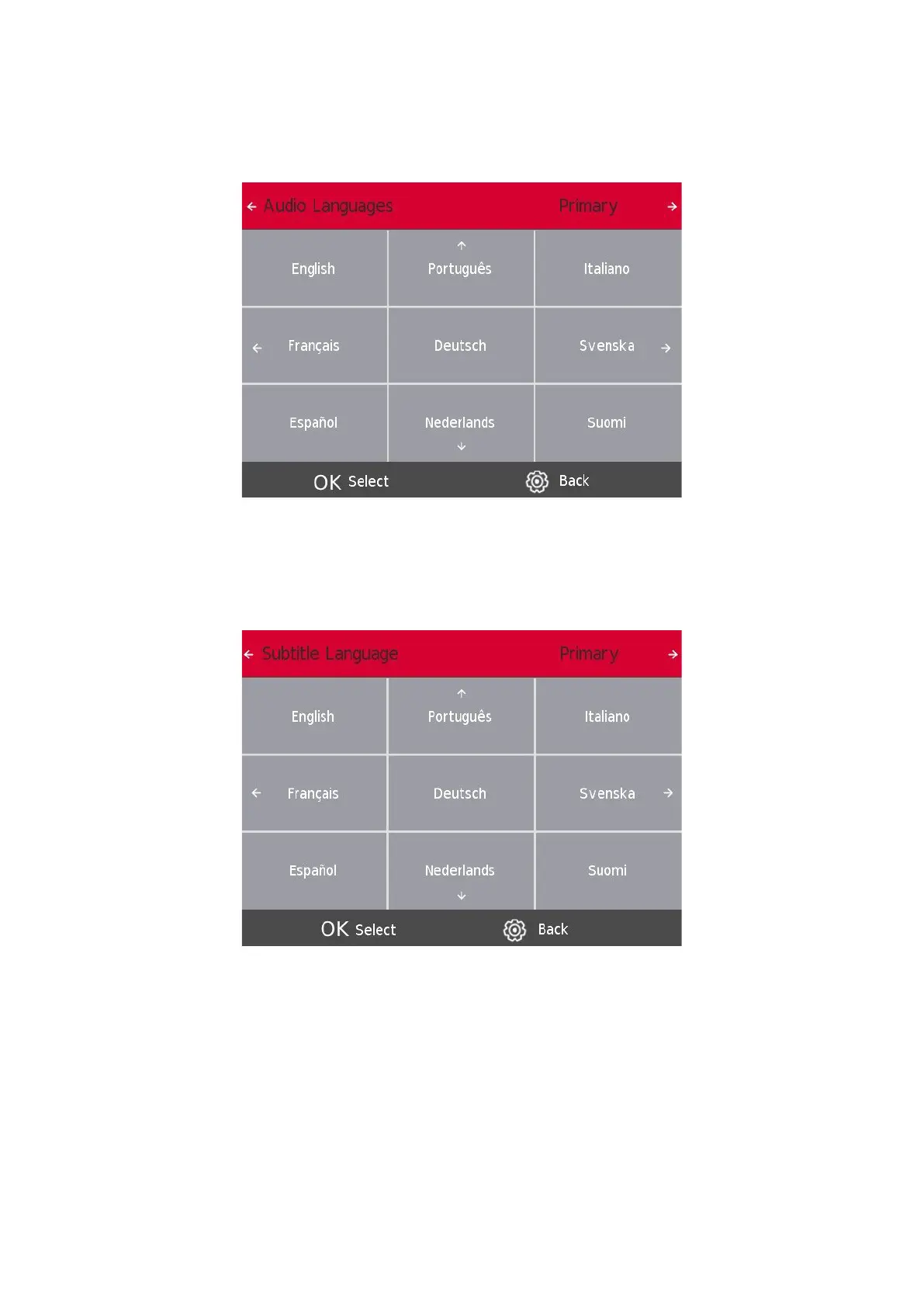
11.3. Audio Languages
Press the s / w button to select Audio Languages, then press the Enter/OK button to enter sub-menu.
Press the a / d button to select the primary Audio Languages.
Press the s / w / a / d button to select the Audio Languages
11.4. Subtitle Language
Press the s / w button to select the Subtitle Language, then press the Enter/OK button to enter sub-menu.
Press the a / d button to select the primary Subtitle Language.
Press the s / w / a / d button to select the Subtitle Language.





 To Next Page