- 12-
1.2. Turning Off Your Phone, Activating Flight Mode,
Silent Mode and Vibrate Mode
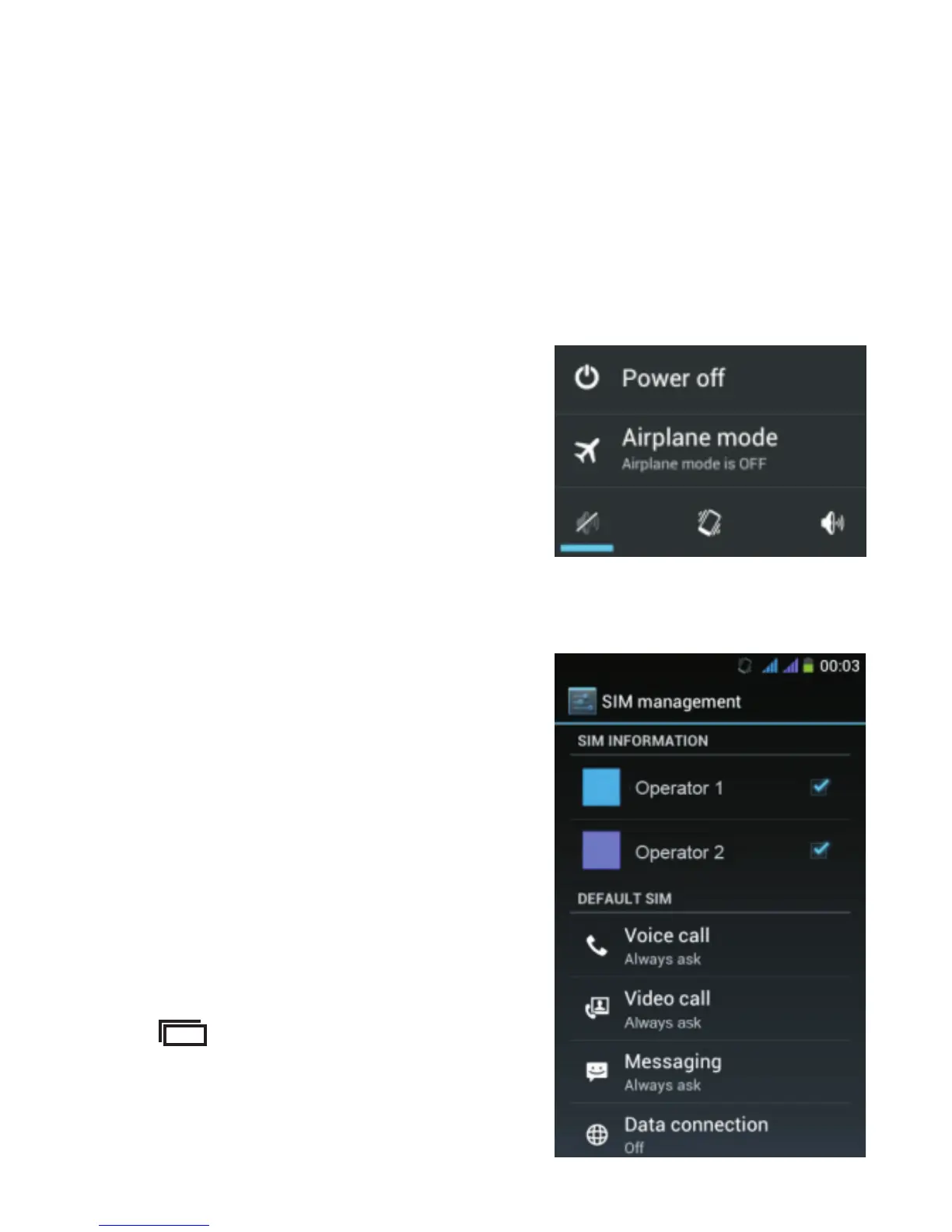
When your phone is switched on, long press the button on
the right side of the device. After one second, the following
message appears on the screen.
You can choose to turn off ,
switch to silent mode, vibrate
mode or activate flight mode in
order to disconnect from the
network. In flight mode, you
cannot receive calls or connect
to the Internet.
1.3. Activating Mobile Data
To activate mobile data in order
to browse the Internet or send
emails through your operator's
network, tap “Data connection”
and select the network operator
of the corresponding SIM card.
If the above screen does not
appear: from the Home screen,
tap and select “System
set tings” the n select “SIM
management”.



 To Next Page