4.
4.1. Enabling the French Word Prediction for Keyboard
For you to make the most of your phone, we have equipped
this device with a word prediction feature which
automatically corrects and also completes your entry when
you input text. For example, when you type “bons”, the
keyboard will automatically suggest “bonsoir”. This feature
saves your inputs in memory: new words and the words
you use most often are stored in memory in order to
propose them more quickly.
If you enter sensitive information such as passwords
or bank account information, you must disable this
feature.
Other Settings of Your Phone
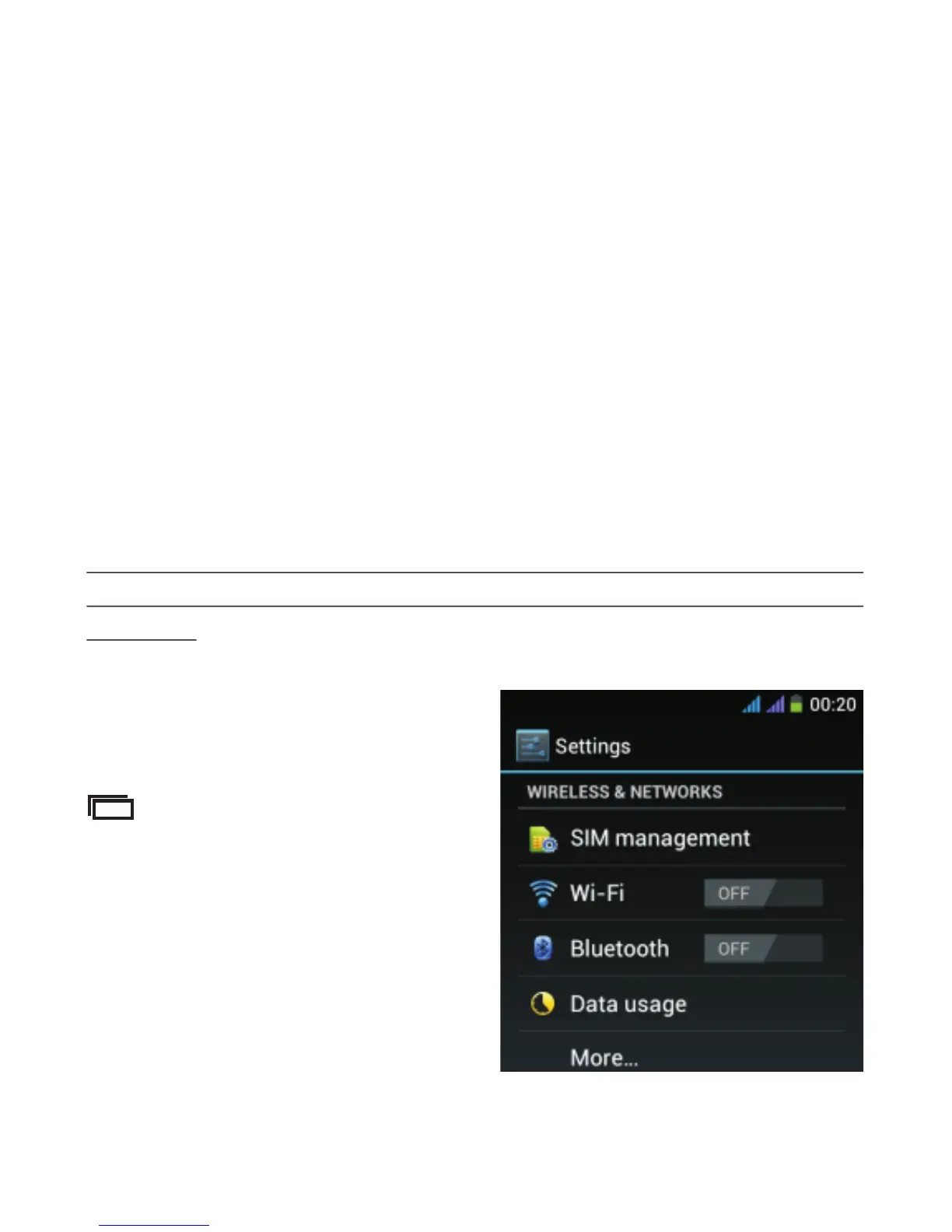
To d i s a b l e a u t o m a t i c
prediction, from the Home
screen of your phone, tap
a n d t h e n s e l e c t
“System settings”. The
screen below is displayed.
-51-



 To Next Page