- 19-
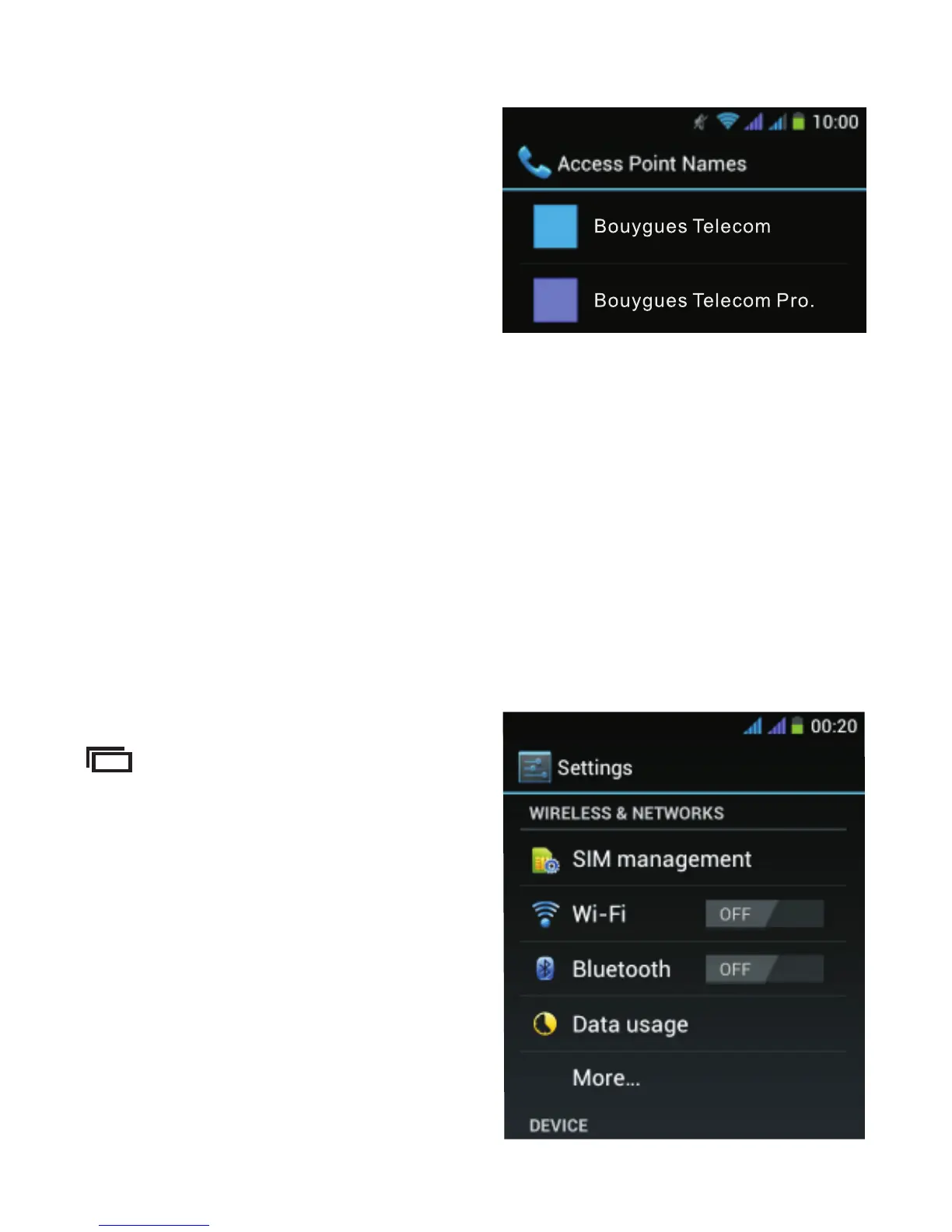
Then choose Bouygues.
Two access points will then appear on the screen:
Bouygues Telecom and Bouygues Telecom Pro. Select the
access point that corresponds to your subscription.
1.4. Activating Wi-Fi
When you are at home or in a place with a Wi-Fi network,
turn on Wi-Fi to reduce mobile data usage and to get a
faster connection.
From the Home screen, tap
and select “System
s e t t i n g s ” . T h e s c r e e n
below will appear. After that,
select “Wi-Fi”.



 To Next Page