- 54-
4.3. Changing the Ringer Volume or Ringtone
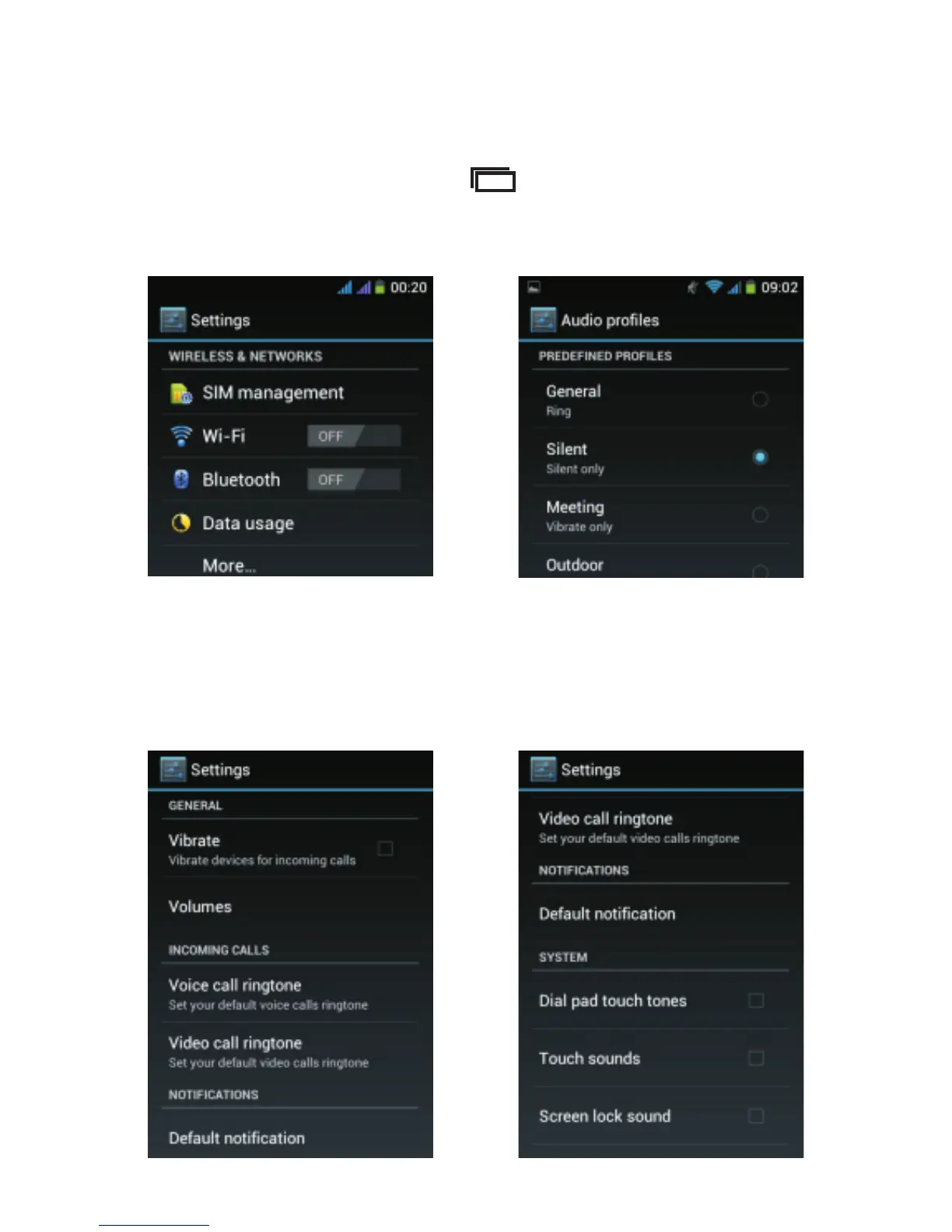
From the Home screen, tap and then select “System
settings”. The below screen appears, select “Audio
profiles”.
Tap “General” (do not tap the blue button, tap the word
“General” directly). From the next screen, you can change
the ringtone, ringer volume, vibrate mode, as well as the
alert tone for notifications.



 To Next Page