- 57-
4.6. Activating Hotspot
Mobile Hotspot is an innovative feature which allows your
laptop to use the mobile data service of your phone to
connect to the Internet. This function is particularly useful
in areas where your laptop cannot connect to a Wi-Fi
network.
Warning: Enabling Hotspot may lead to significant mobile
data usage since your laptop can do a large number of
software updates (Windows Update, for example) without
notice to you. To use this feature, we strongly recommend
that you subscribe to an unlimited data plan. Be
particularly careful when you are abroad and opt
preferably for a local SIM card.
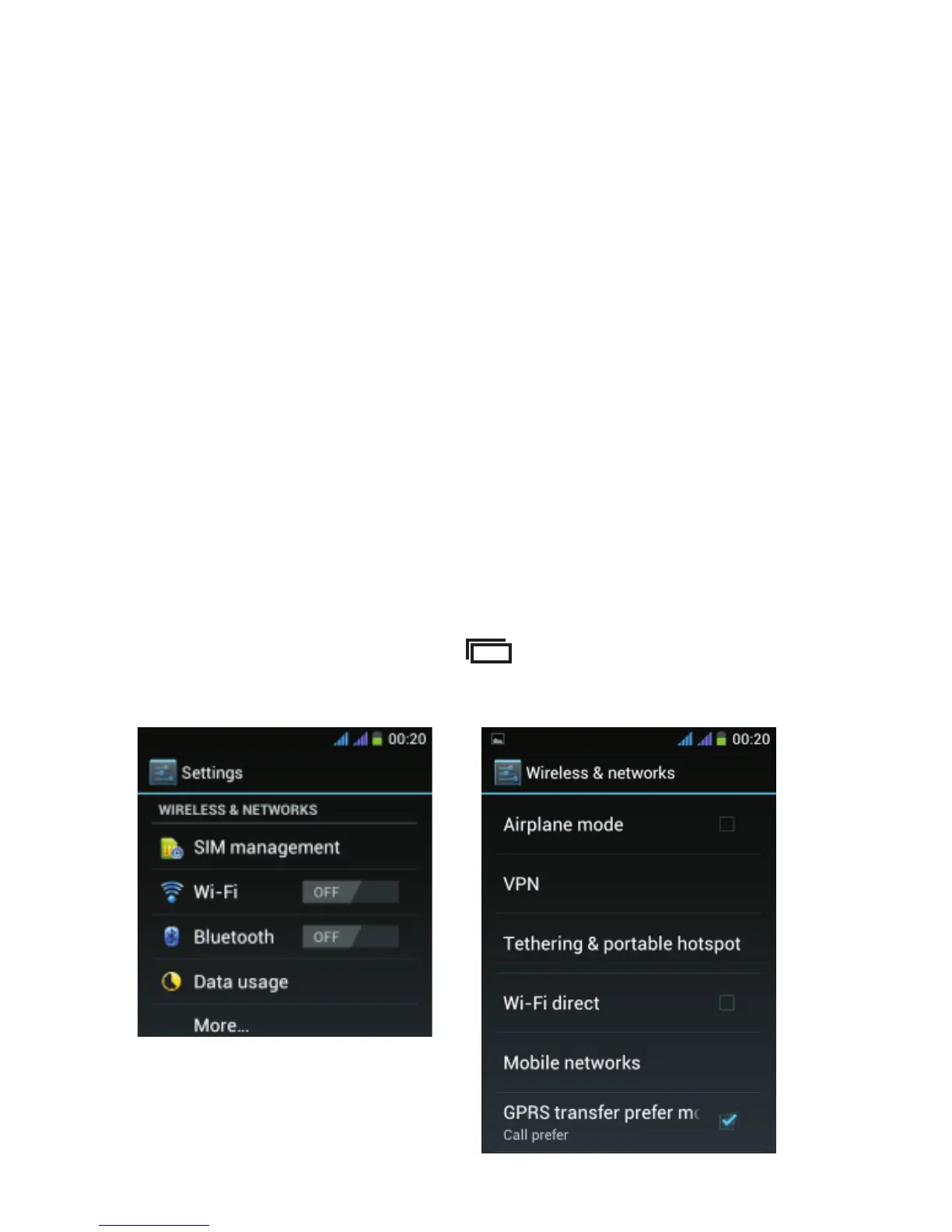
From the Home screen, tap and then select “System
settings”. The below screen appears, select “More…”.



 To Next Page