- 39-
3. Discovering the Interface of Your Phone
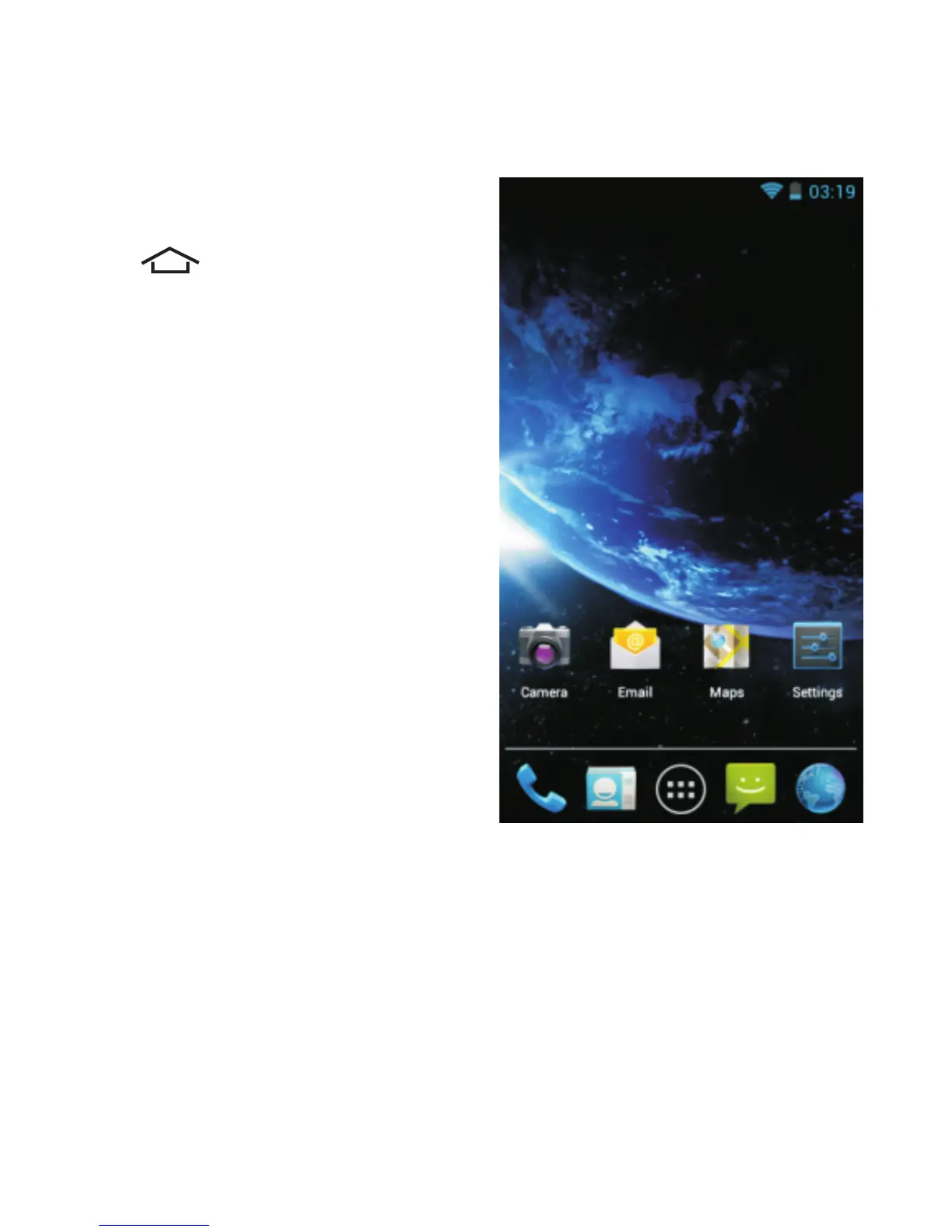
Once you have completed
setting up your phone, tap
the button below the
screen to return to the
Home screen .shown below
3.1. Navigation Buttons
There are three navigation buttons below the screen.
Whatever you do with your phone, you can always return
to the Home screen or to the previously opened screens:



 To Next Page