- 38-
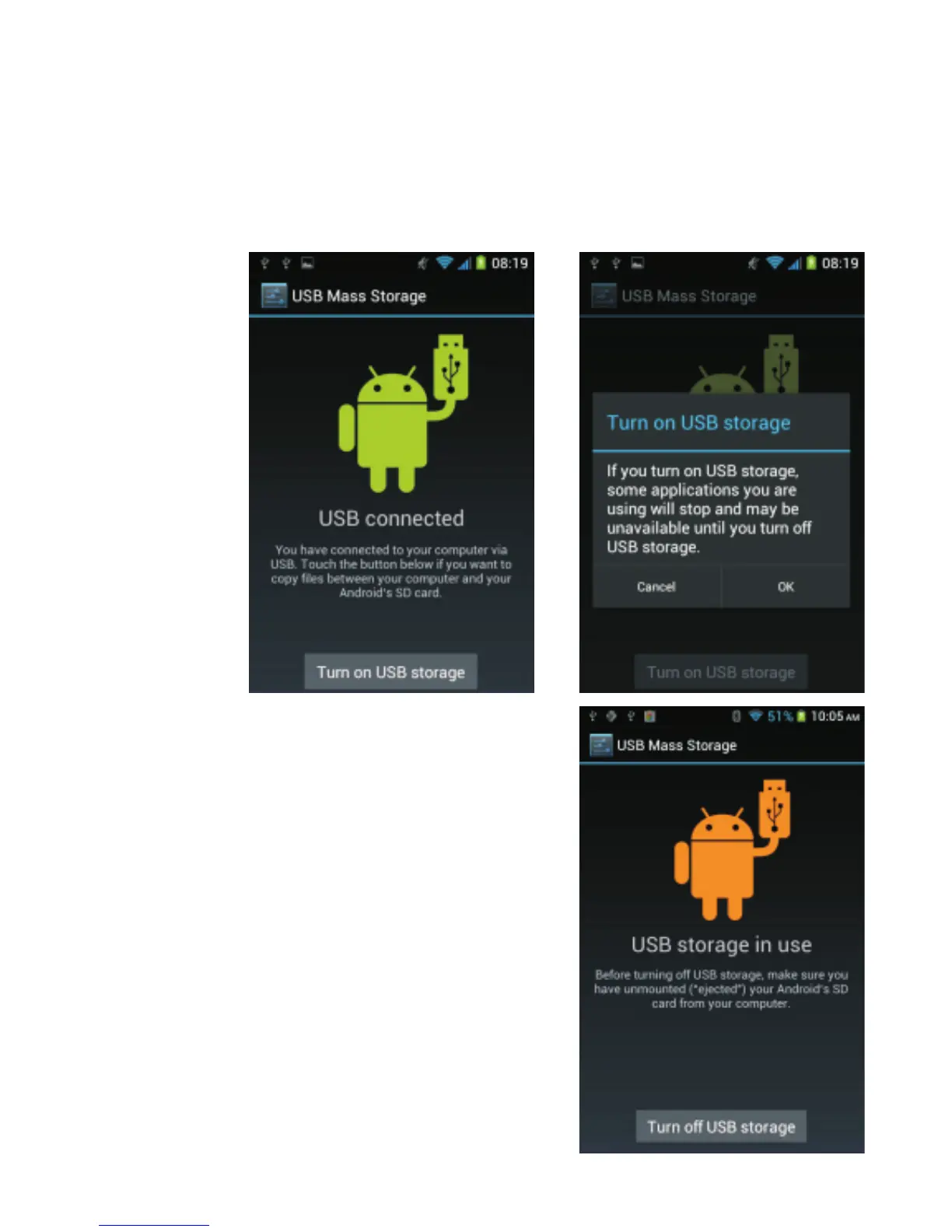
The message “Turn off USB
storage” appears on the screen.
The files of the phone are now
accessible from your computer.
Files of the camera are stored in
the “DCIM” folder.
The message “USB connected” appears. At this point, the
computer still does not recognize the phone. You need to
select the option “Turn on USB storage” and then confirm
by tapping OK.



 To Next Page