- 26-
2 . 2 . S e n d i n g E m a i l s f r o m Yo u r P h o n e a n d
Synchronizing Your Contacts and Calendar
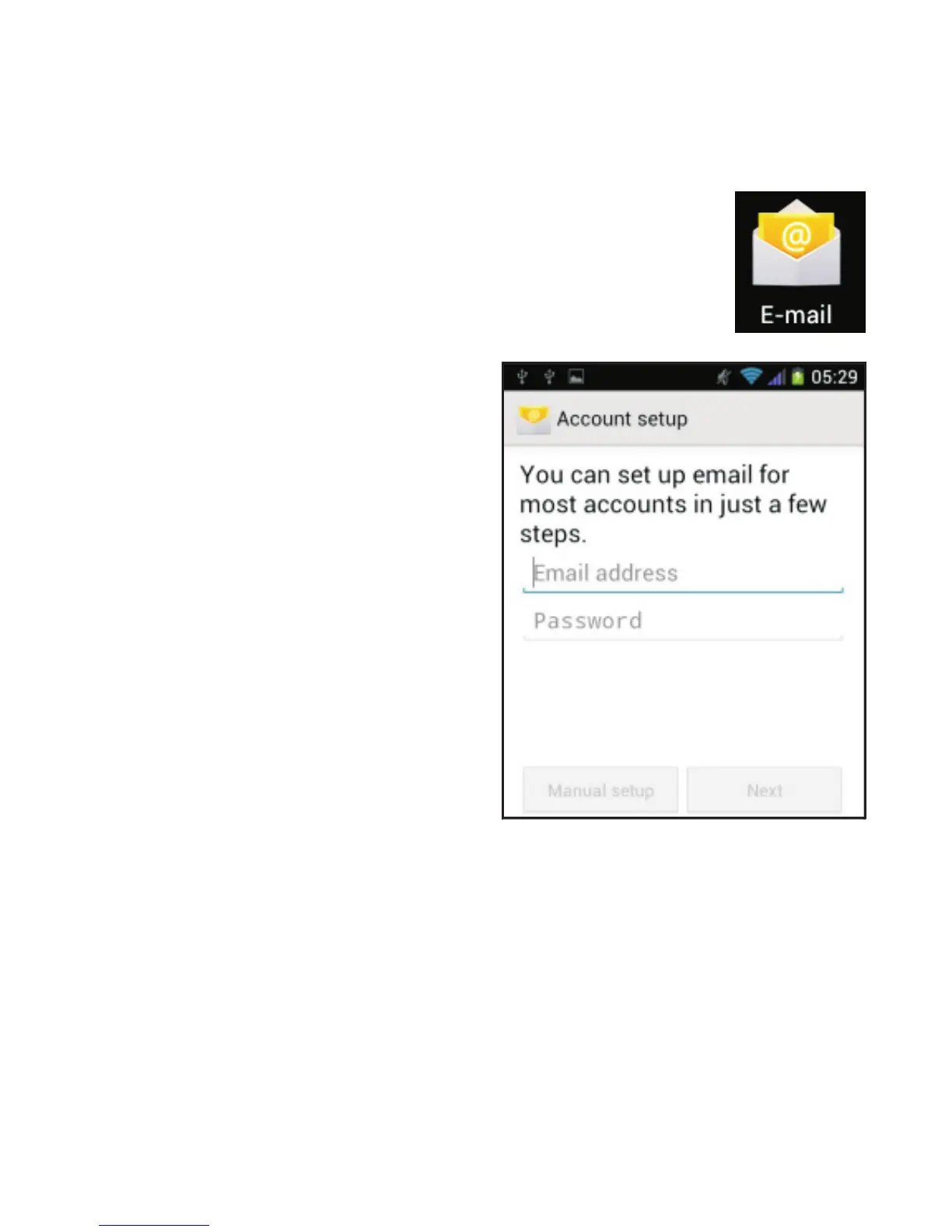
On the Home screen, tap the “E-mail” icon.
If you have not yet set up an
account, the following page
appears on the screen.
Enter your email address and password. Popular email
accounts, such as Hotmail, Yahoo and Gmail will be
configured automatically. Simply tap “Next” to complete
the installation. For business accounts (Exchange
account) and other email accounts, tap “Manual setup”
and then enter the settings parameters provided by your
email service provider.



 To Next Page