Instructions when driving - Do not send text
messages, place or receive phone calls, input
destinations, change settings, or access any functions
requiring prolonged use of the device's controls while
driving. Cloudy weather or sun-insulation windshield
may hamper geolocalization. Therefore the phone must
be positioned as close as possible to the windshield, at
the left of the driver.
-
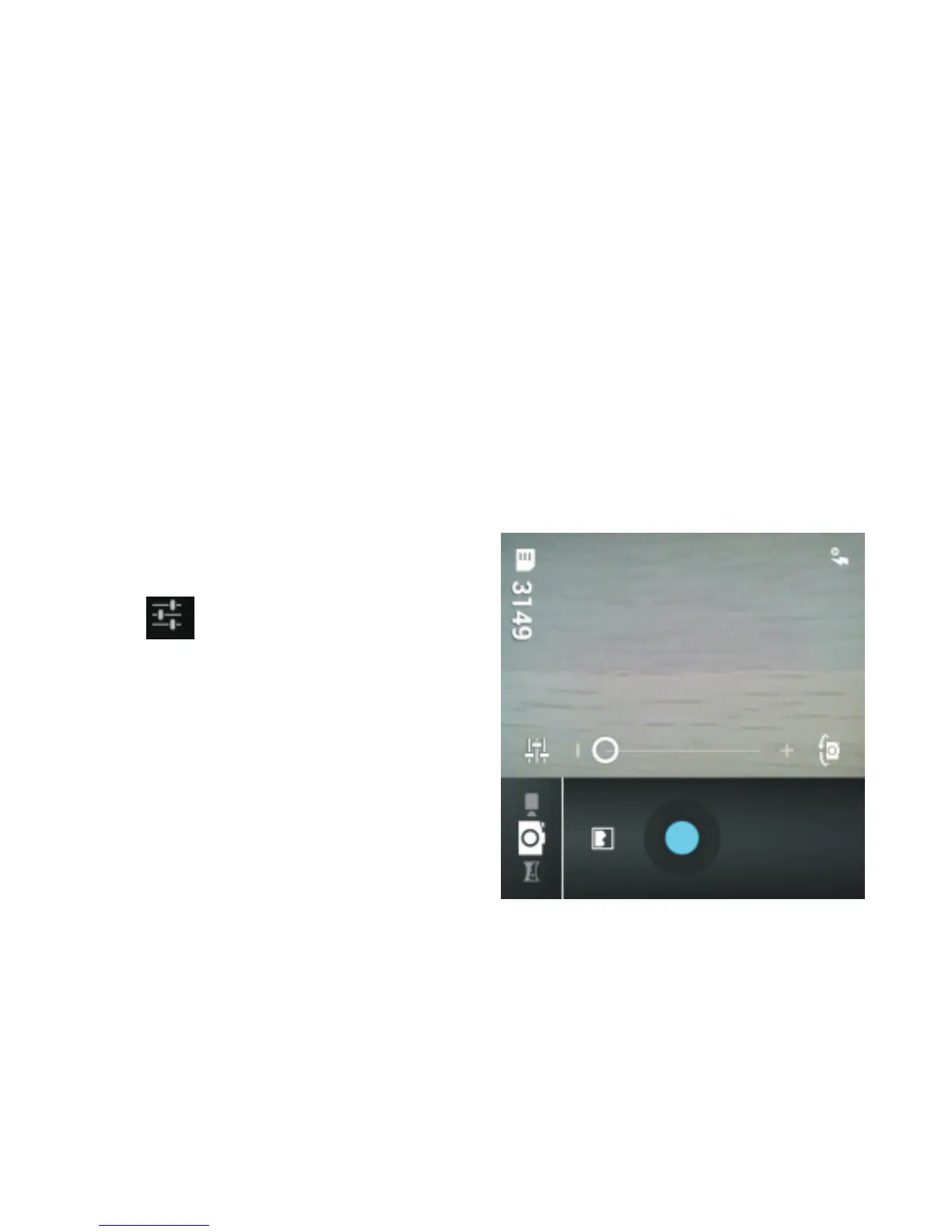
Tap the “Camera” icon on
the Home screen. Then,
tap to view available
options. For example, you
can enable or disable the
flash, change color effects
and select scene mode.
2.5. Multimedia Applications
2.5.1. Camera
2.5.2. Multimedia Player
Tap the “Music” icon on the Home screen. To use the music
player, you must first insert a Micro SD memory card into
the phone.
- 36-



 To Next Page