- 42-
3.4. Shortcut Icons
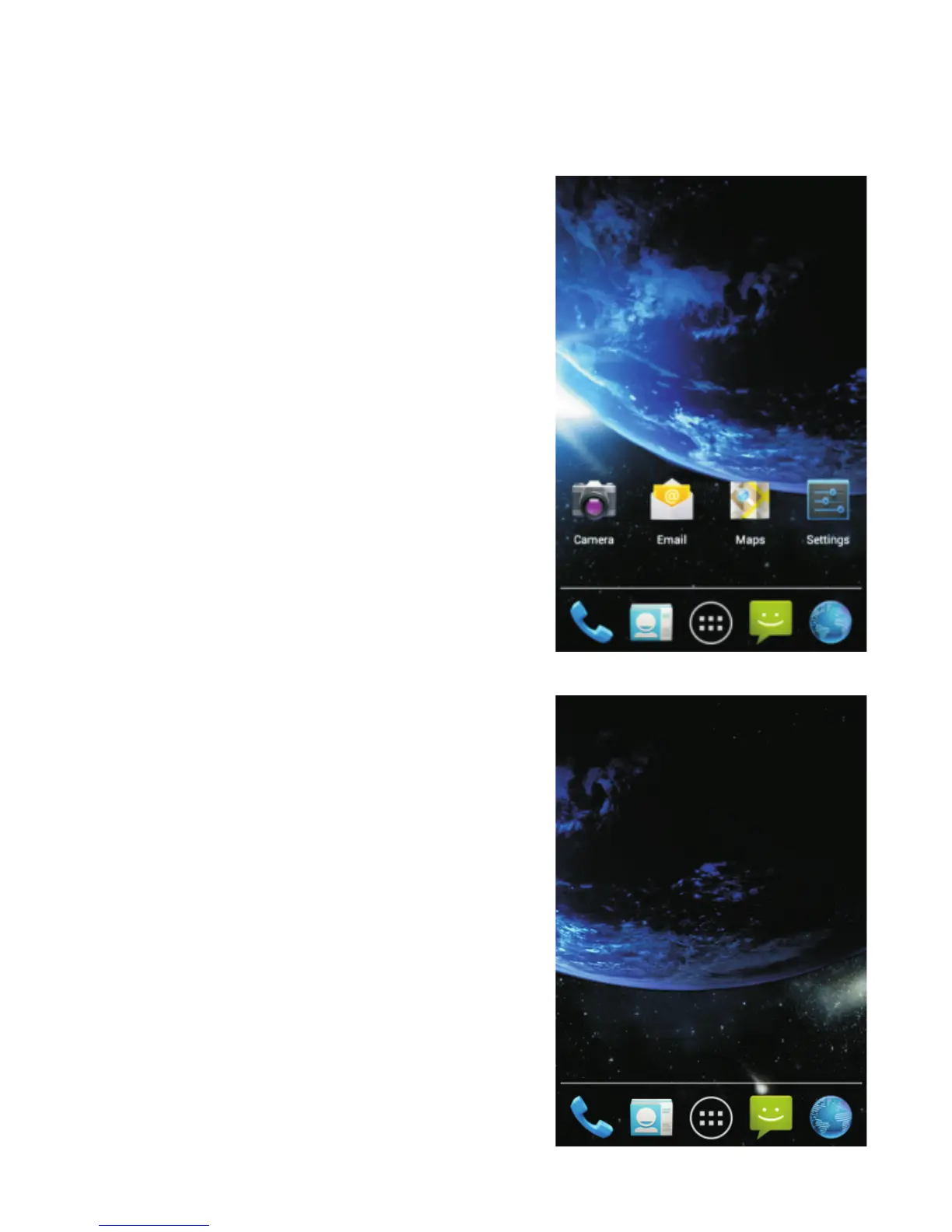
The main interface has several
screens, which can display
shortcuts to many applications.
From the below screen, sweep
your finger left or right in order
to scroll to a new screen. These
screens are currently empty and
y o u c a n i n s e r t y o u r o w n
shortcuts, widgets and folders.
To c r eat e a n e w s hor t c u t :
Sweep the screen with your
finger left or right in order to
choose an empty one. A screen
similar to the one below should
appear.



 To Next Page