- 41-
The application icons that you keep in this bar remain
visible on each Home screen.
The . Tap it
to access all the installed applications on the phone.
icon in the center is displayed permanently
3.3. Shortcuts
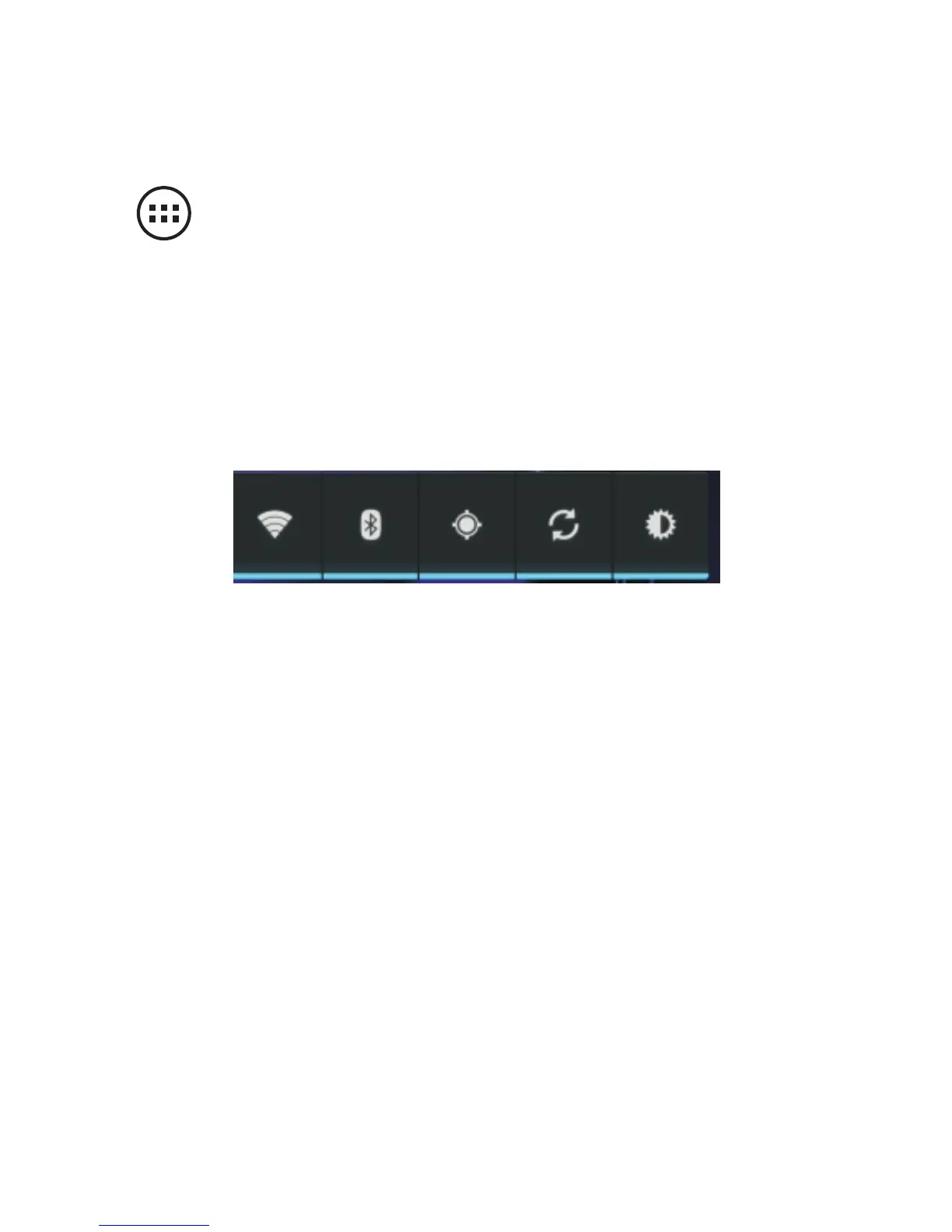
The shortcut bar illustrated below allows you to easily
activate certain modes without having to go to the settings
menu.
From left to right:
1. To activate Wi-Fi. Tap to connect to the Wi-Fi network
previously saved in memory.
2. To enable Bluetooth
3. To turn on the GPS function
4. To enable automatic synchronization (“push mail”) in
order to receive new emails as soon as they are
received by the server (the E-mail application on the
Home screen should also be set accordingly)
5. To choose screen brightness: automatic, low, medium
or high.
Note: To save battery power, always disable the modes
that you do not use. Activating Wi-Fi, Bluetooth, GPS,
Push Mail and opting for high screen brightness
significantly drain the battery and reduce the use times.



 To Next Page