- 16-
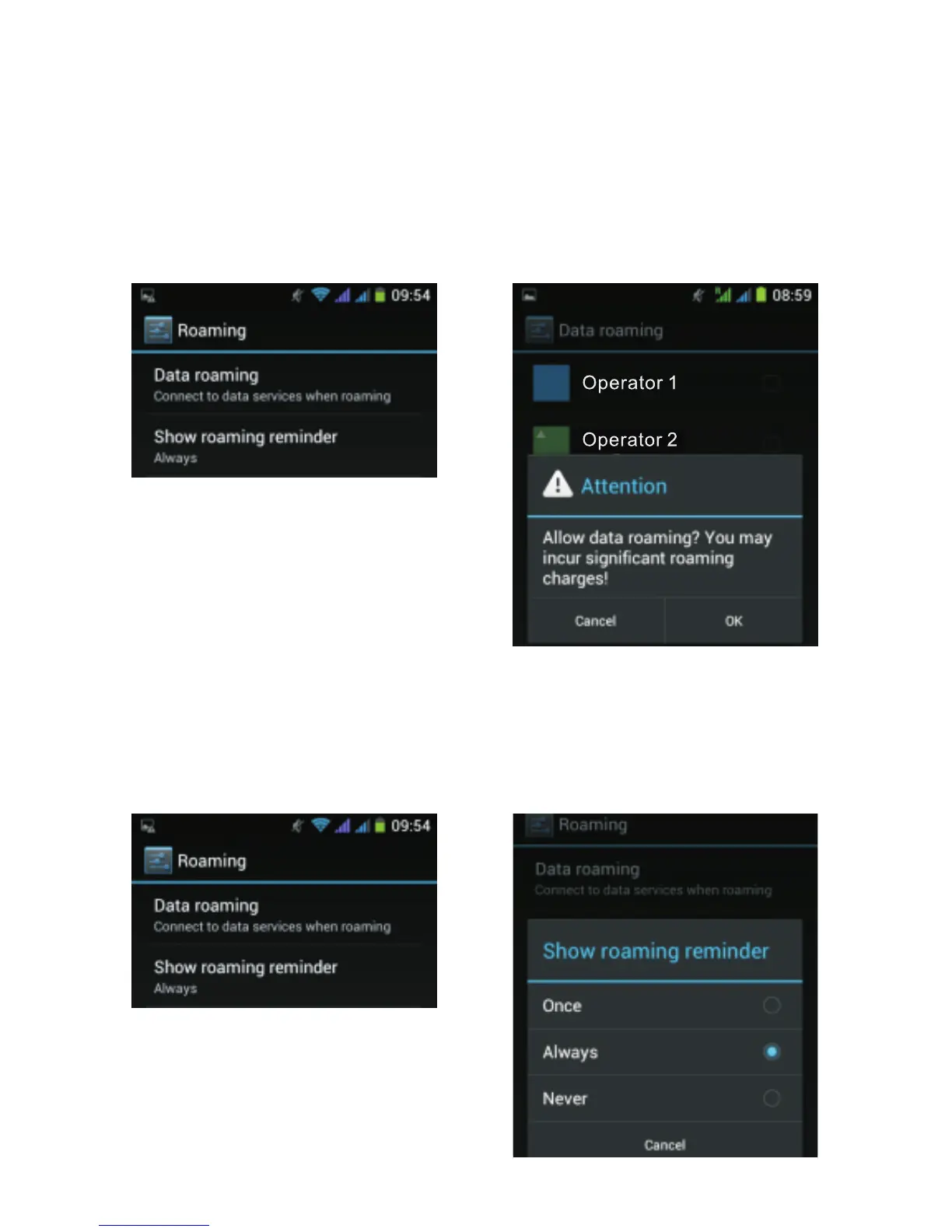
If you do not want the phone to display the roaming alert
message in data mode (when you connect to the Internet,
for example), select the option “Data roaming” in the
below screen. Then tap OK to validate the warning
message and select your network operator.
After that, select the second option “Always”. By default,
you are always notified whenever additional cost is
generated during roaming. To stop displaying the alert
message, select “Never”.



 To Next Page