- 23-
Directions for first-time use
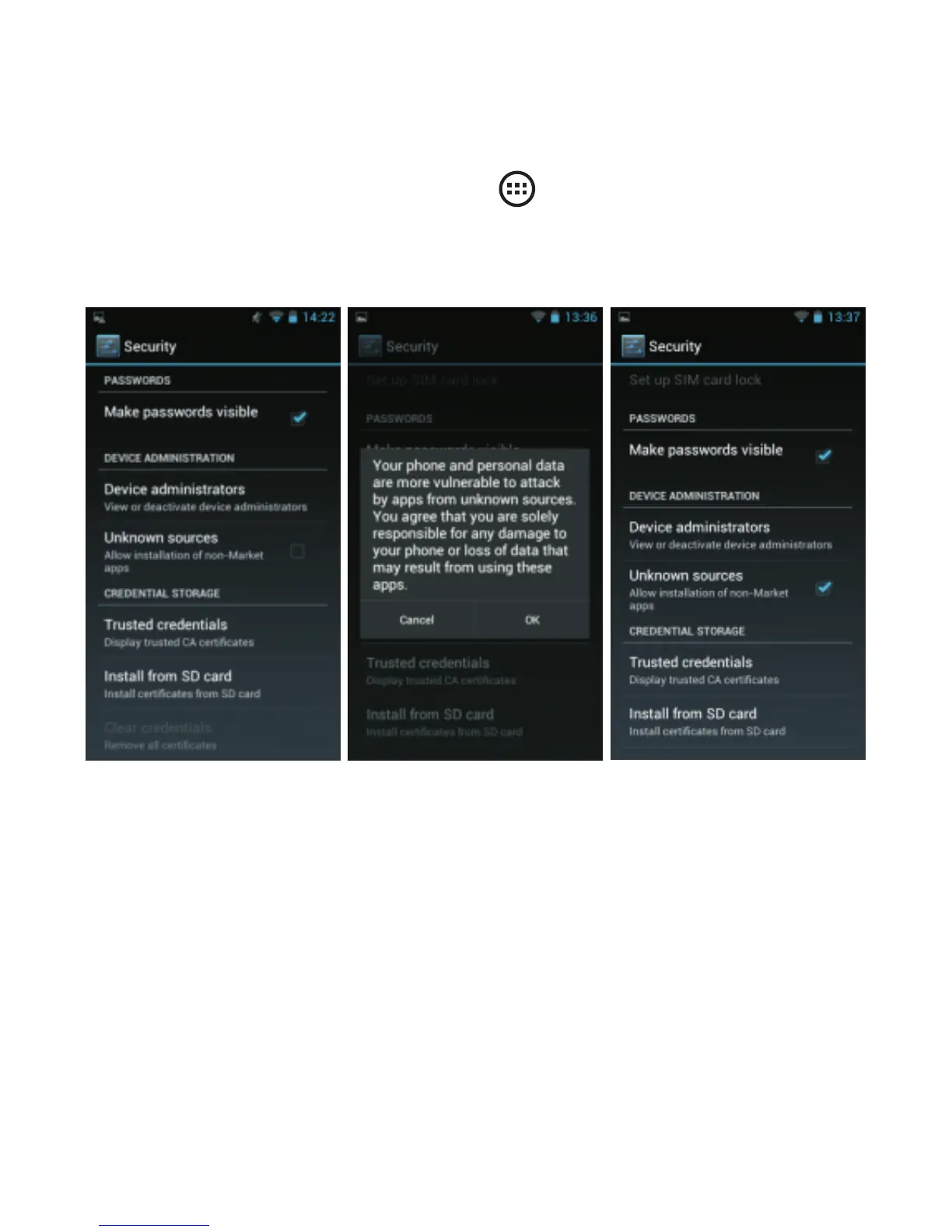
F i r s t t i m e , y o u n e e d t o a l l o w d o w n l o a d s f r o m
1MobileMarket. To do so, tap to go app screen, then
tap “System settings”, then tap “Security”. Drag down
to“Unknown sources” and activate the option.
Please note that, by activating this option, your
smartphone will be vulnerable to virus and malwares in the
same way as a computer is. Unknown apps from
1MobileMarket or other platforms may contain virus or
malicious programs. The only protection is to be cautious
and only download apps from known sources. Also
download an antivirus to increase your protection.



 To Next Page