- 61-
Choose one of the two SIM cards or choose “Always ask”.
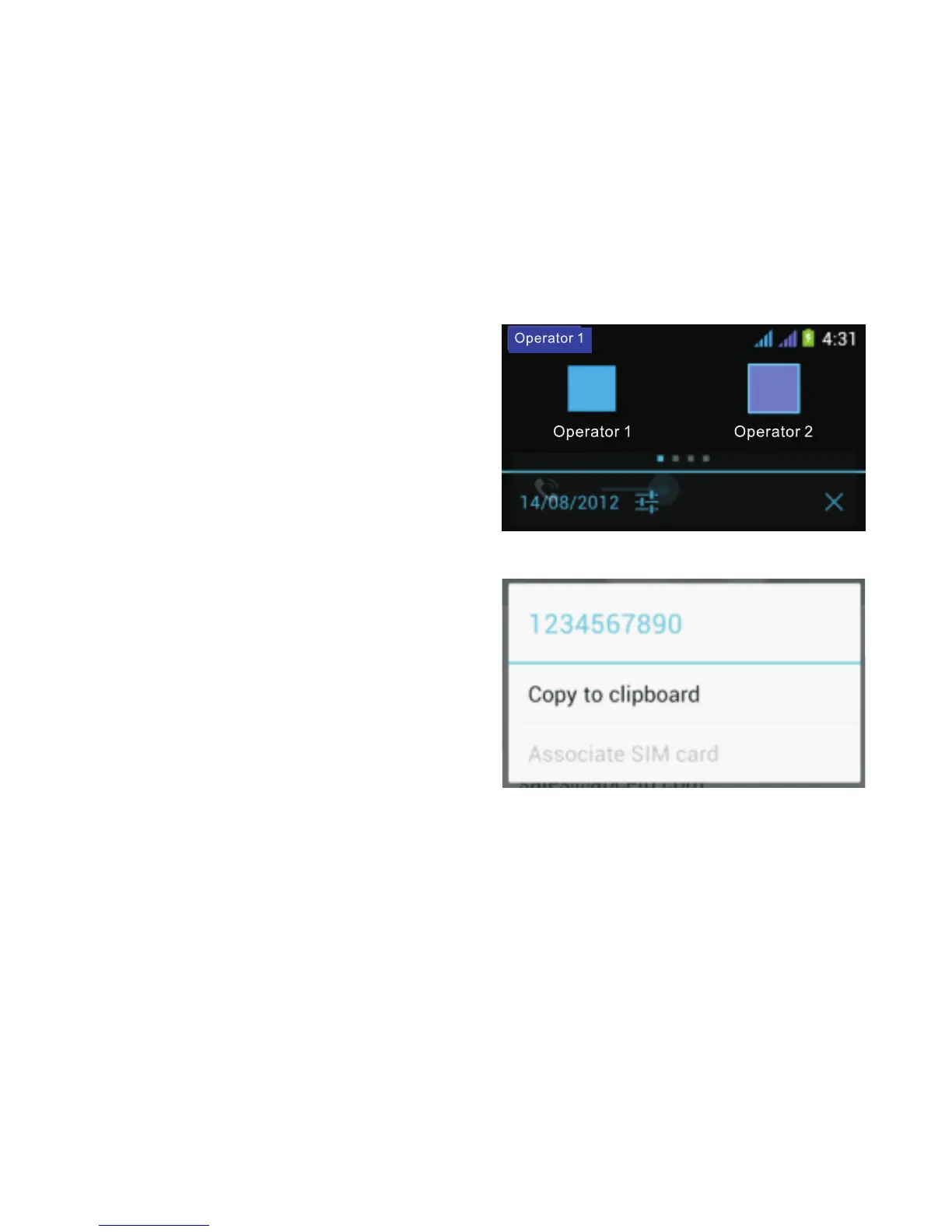
In the first case, when dialing a call, the name of the
network operator appears at the top left corner of the
screen in the notification bar. Simply sweep down the
notification bar to select the other network operator if
necessary. In the latter case, if you choose the option
“Always ask”, the phone
will ask you to confirm
which operator to use
each time you dial a call
(or send an SMS/MMS).
To assign a phone number
to a SIM card: go to your
contacts then long press
the phone number. The
message below appears
on the screen. Choose
“Assign SIM card”.



 To Next Page