THUNDER LASER NOVA-51
www.thunderlaser.com DONGGUAN THUNDER LASER EQUIPMENT CO.,LTD
tech@thunderlaser.com No.197, Hudong Road, Shatian Town,
Tel :(86)769 826653 Dongguan, Guangdong, China
4.6.5 Set the Layer Parameters
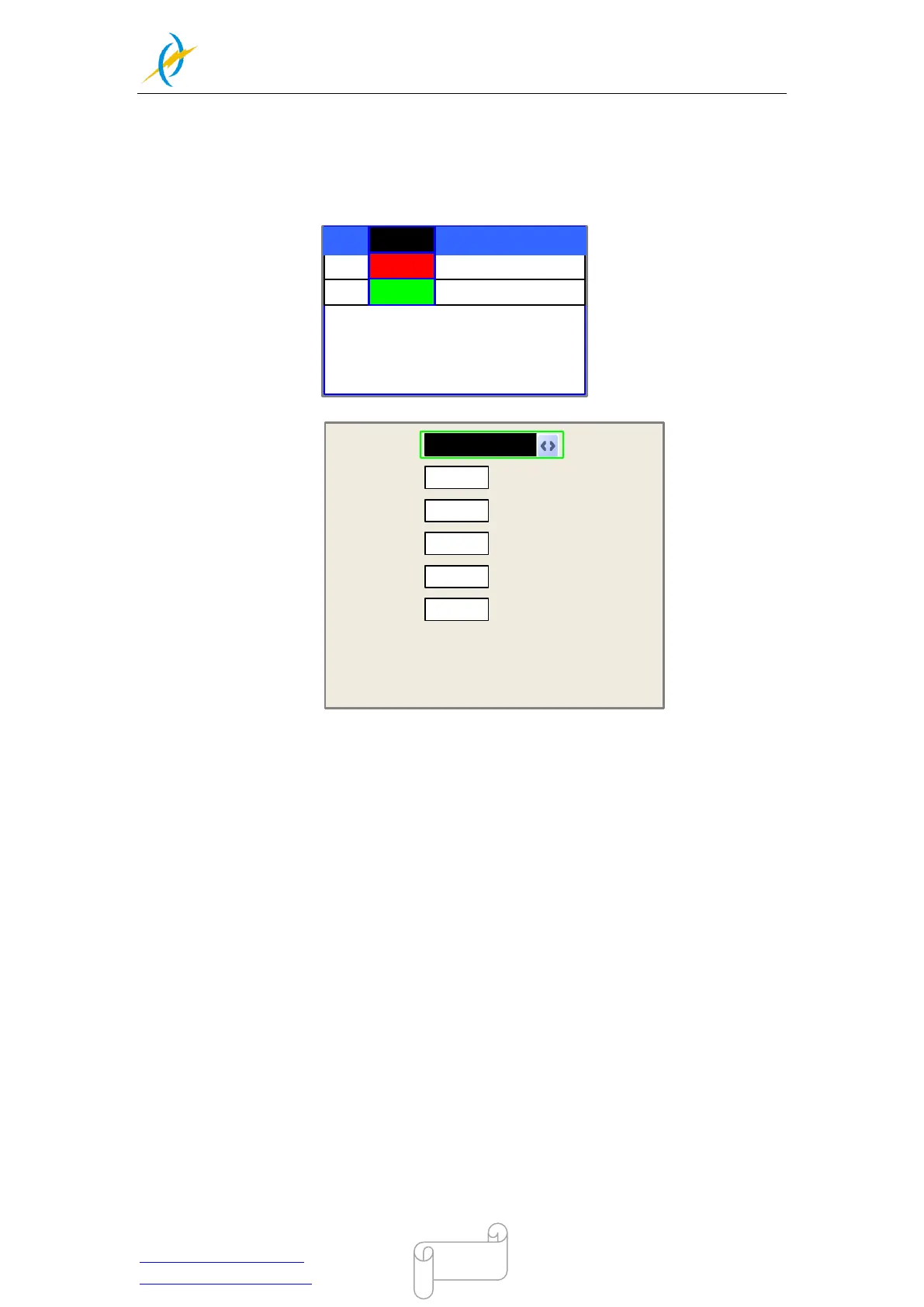
After selecting a file to preview on the main interface, user can push “Enter” key to let the
cursor move to the first layer, then “Y+/-” Keys can be pushed to select the intent layer, on
that time, user can push “Enter” key to check the selected layer’s parameters, show as
below:
02 200 29.1
03 100 31.5
01 400 25.1
MaxPower1:
%
Modified press Enter
30.0
MaxPower2:
Press Z/U move item
%
30.0
Layer0:
MinPower1:
%
22.0
MinPower2:
%
30.0
Speed:
mm/s
400
User can push “Z/U” Keys to move the green block on the intent parameter, then he could
change the parameter if needed. “OK” to validate the change, and “Esc” to invalidate the
change.
4.6.6 Z/U Key
The Z/U key can be pressed when the system is idle or the work is finished. On pressing
this key, it will show some entries in the following interface:



 To Next Page