THUNDER LASER NOVA-51
www.thunderlaser.com DONGGUAN THUNDER LASER EQUIPMENT CO.,LTD
tech@thunderlaser.com No.197, Hudong Road, Shatian Town,
Tel :(86)769 826653 Dongguan, Guangdong, China
4.6.10 Manual Set+
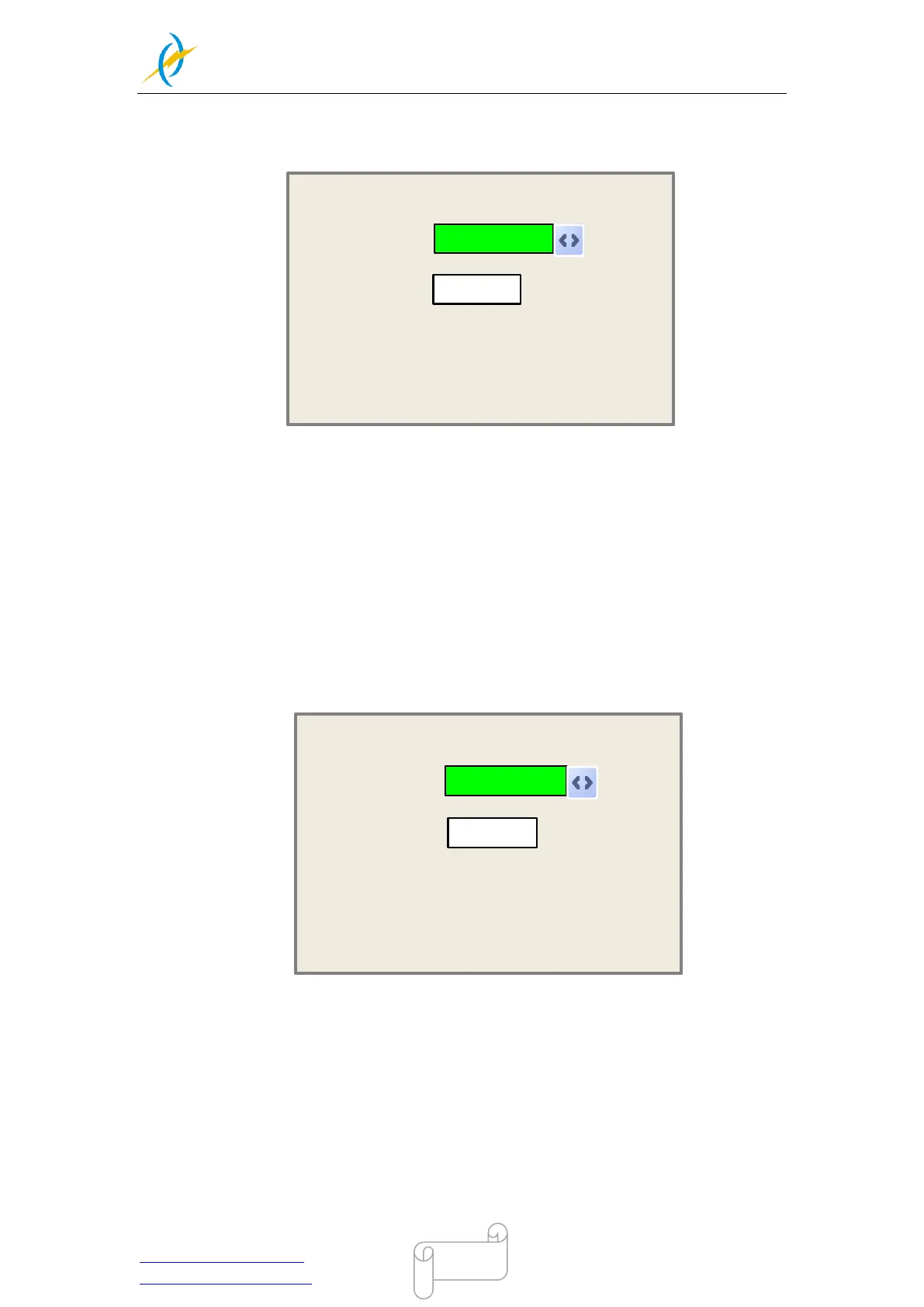
When the green block is on this item, push the “Enter” key to show as below:
manual:
mm
Modified press Enter
300
Mode:
Press Z/U move item
continue
Push “Z/U” key to move the green block, and when the green block is on the “Mode” item,
push “X+-“ keys to select the anticipant value, “Continue” or “Manual”. When “Continue”
item is selected, then the “Manual” item is not valid, on that time, push the direction keys
to move the corresponding axes, and when the pushed key is loosed, then the
corresponding axes will finish moving. When the Mode item is “manual”, then pushing the
direction key one time, the corresponding axes will move a fixed length, unless the scope
is overstepped.
4.6.11 Laser Set+
When the green block is on this item, push the “Enter” key to show as below:
Laser Set:
ms
Modified press Enter
50
Mode:
Press Z/U move item
continue
Push “Z/U” key to move the green block, and when the green block is on the “Mode” item,
push “X+-“ keys to select the anticipant value, “Continue” or “Manual”. When “Continue”
item is selected, then the “Laser Set” item is not valid, on that time, push the Laser key
to splash the enabled lasers, and when Laser key is loosed, then the lasers will finish
splashing. When the Mode item is “manual”, then pushing the Laser key one time, the
enabled lasers will splash a fixed time.



 To Next Page