THUNDER LASER NOVA-51
www.thunderlaser.com DONGGUAN THUNDER LASER EQUIPMENT CO.,LTD
tech@thunderlaser.com No.197, Hudong Road, Shatian Town,
Tel :(86)769 826653 Dongguan, Guangdong, China
4.6.17 IP Setup
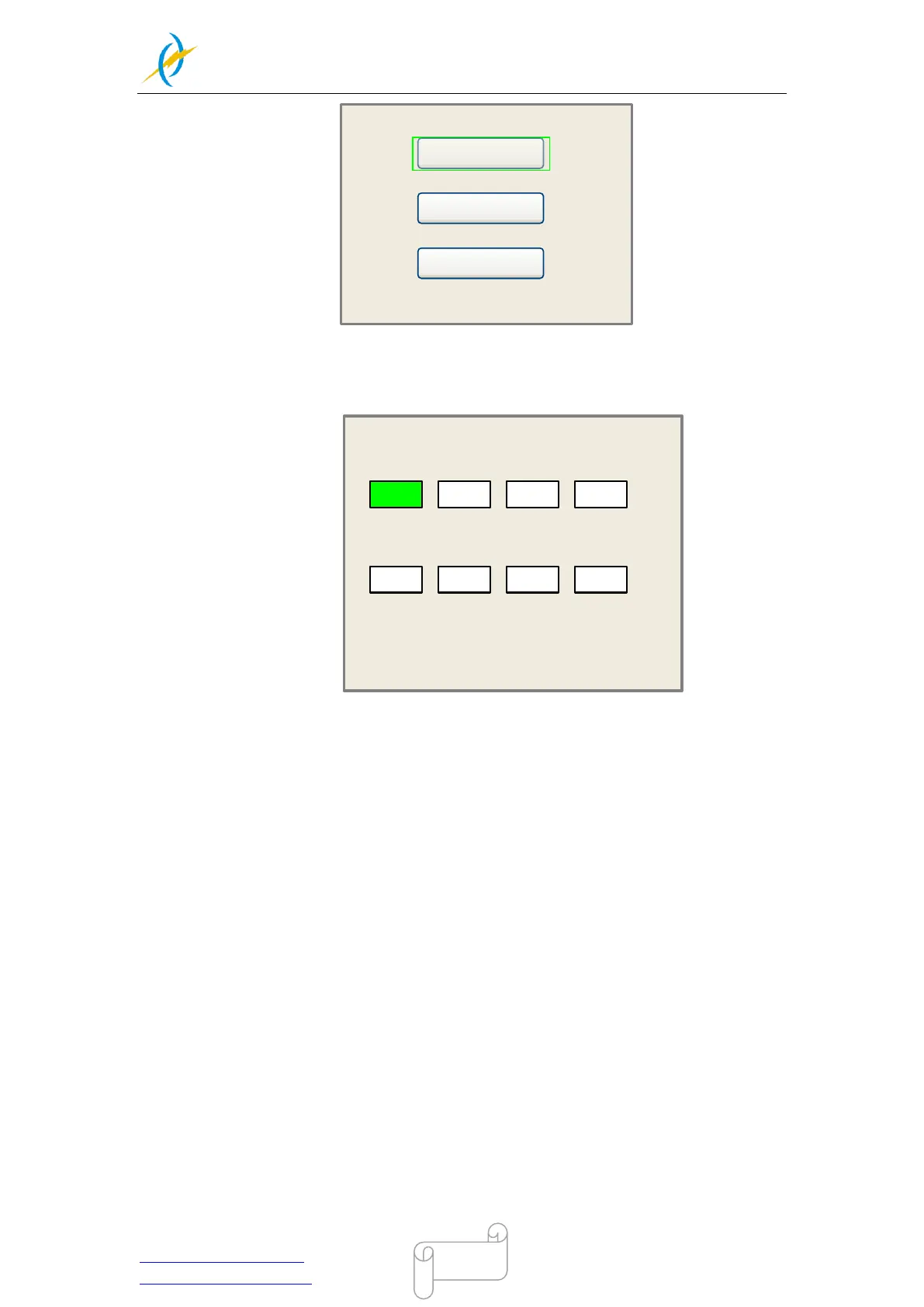
When the green block is on this item, push the “Enter” key to show as below:
IP address:
192
Gateway:
. . .
168 1 100
202
. . .
96 134
133
Modified press Enter
Press Z/U move item
Push “Z/U” key to move the changing item, then push “X+/-” keys and “Y+/-” keys to
change the value, when all the IP value and the Gateway value are changed, push “Enter”
key to validate the change, or “Esc” key to invalidate the change.
4.6.18 Diagnoses
If the “Diagnoses” item is pressed, the system will show as below:



 To Next Page