THUNDER LASER NOVA-51
www.thunderlaser.com DONGGUAN THUNDER LASER EQUIPMENT CO.,LTD
tech@thunderlaser.com No.197, Hudong Road, Shatian Town,
Tel :(86)769 826653 Dongguan, Guangdong, China
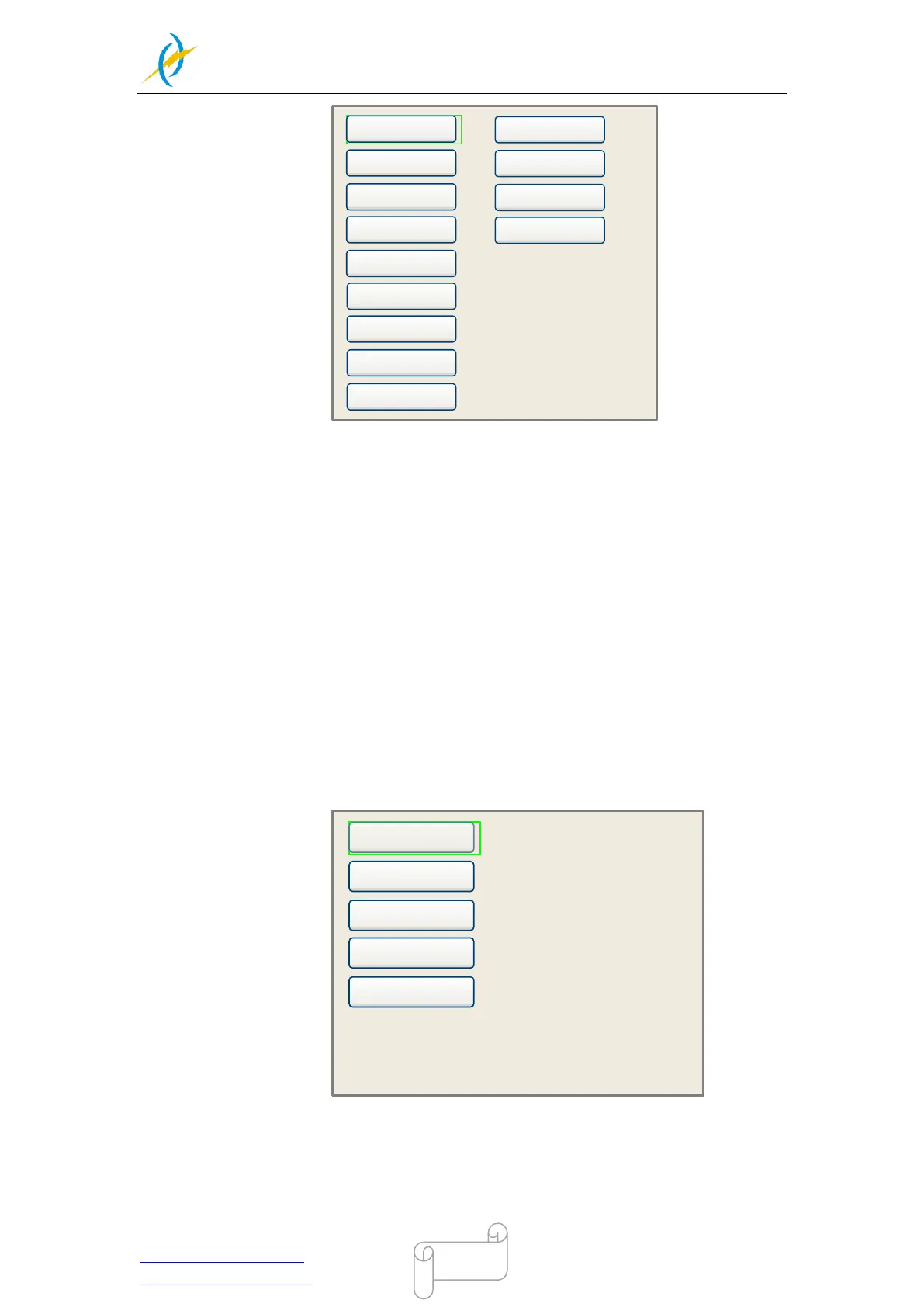
U move
Axis reset+
Manual Set+
Laser Set+
Origin set+
Set Fact Para
Def Fact Para
Auto Focus
Language+
IP setup+
Diagnoses+
Screen Origin+
Z move
Press up and down arrow keys to move the green block to the anticipant item, and then
push the “Enter” key to display the sub menu.
4.6.7 Z Move
When the green block is on “Z Move” item, to move the Z-axis table up and down by press
left and right arrow keys, then press ESC to go back to normal x & Y axis control.
4.6.8 U Move
When the green block is on “U Move” item, to move the Z-axis table up and down by press
left and right arrow keys,
4.6.9 Axis Reset+
When the green block is on this item, push the “Enter” key to show as below:
X axis reset
Y axis reset
Z axis reset
U axis reset
XY axis reset
Press up and down arrow keys to move the cursor to one of the entry, then push “Enter”
key to restart the selected axis, the screen will show some information when resetting.



 To Next Page