21
Bill Acceptor Cleaning
Cleaning the Bill Acceptors may be performed by using a Tidel ap-
proved cleaning card (Part # 644-0107-005S):
Step 1: Navigate to “CLEAN ACCEPTORS”.
Log In > More > Maintenance > Bill Acceptors > Clean
Acceptors > Enable Bill Acceptors to allow insertion of
cleaning cards.
Step 2: Insert the cleaning card into the Bill Acceptor throat.
Step 3: The cleaning card will be pulled in by the Bill Acceptor,
then ejected. Remove and reinsert the cleaning card as
many times as necessary.
Step 4: Insert and hold the cleaning card to clean the Bill Acceptor
rollers.
Step 5: To remove the cleaning reminder, navigate to “CLEAR ALL
ODOMETERS
Log In > More > Maintenance > Bill Acceptors > Clean
Acceptors > Clear All Odometers.
CashCode Bill Acceptors
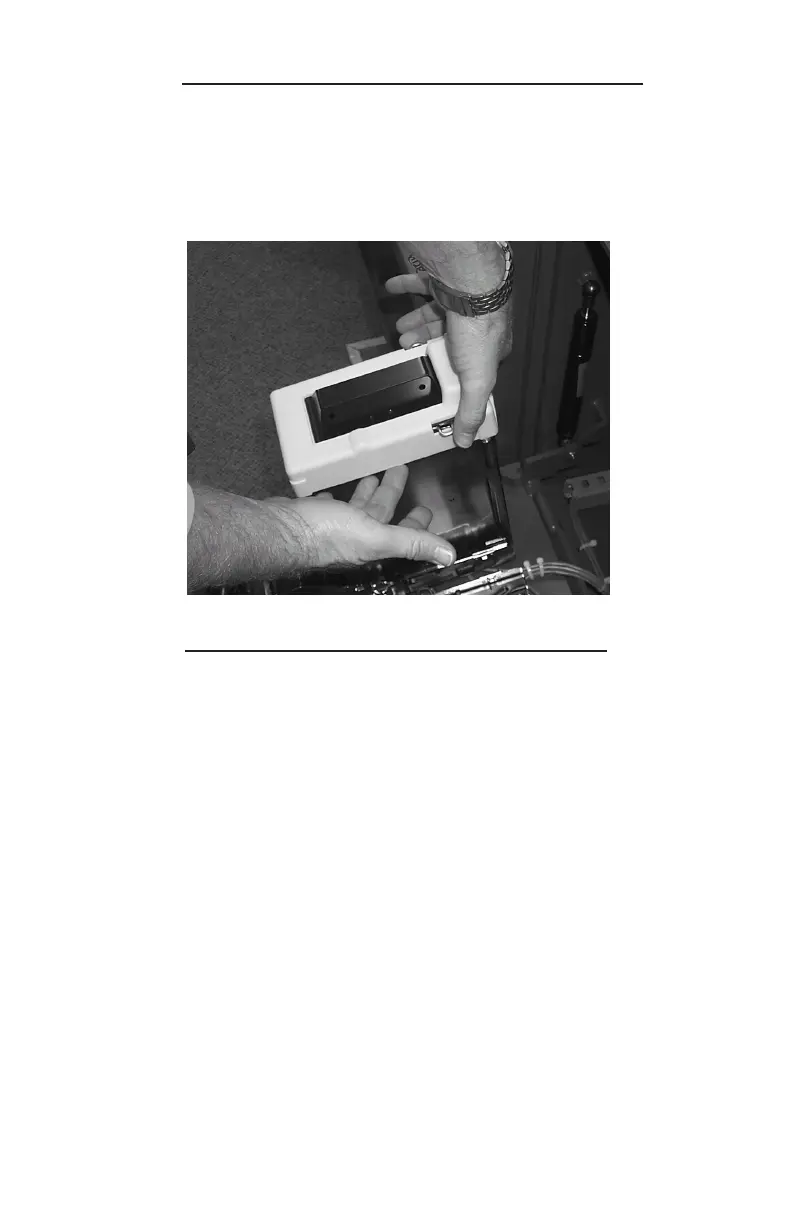
To remove the protective cover from the storage position on the
cassette:
Step 1: While the cassette is in place on the Bill Acceptor, press
inward on the cassette catch clip while pulling the protec-
tive cover from the side.



 To Next Page