11
6.6.2 Placement when connected to home network using Wi-Fi
If the IHD103 is connected to the router using Wi-Fi, it must be considered to not place the
Wi-Fi extender too far away from the router, since this will then give a poor Wi-Fi connection
between the router and the Wi-Fi extender. Ideally it is a place where there is still good Wi-Fi
connection, but if going further away from the router Wi-Fi becomes poor.
The reason for this is that even if the connection between the home device, such as a smart
phone, laptop etc and the Wi-Fi extender is good, the internet connection will still be poor if
the Wi-Fi extender has a poor connection to the router.
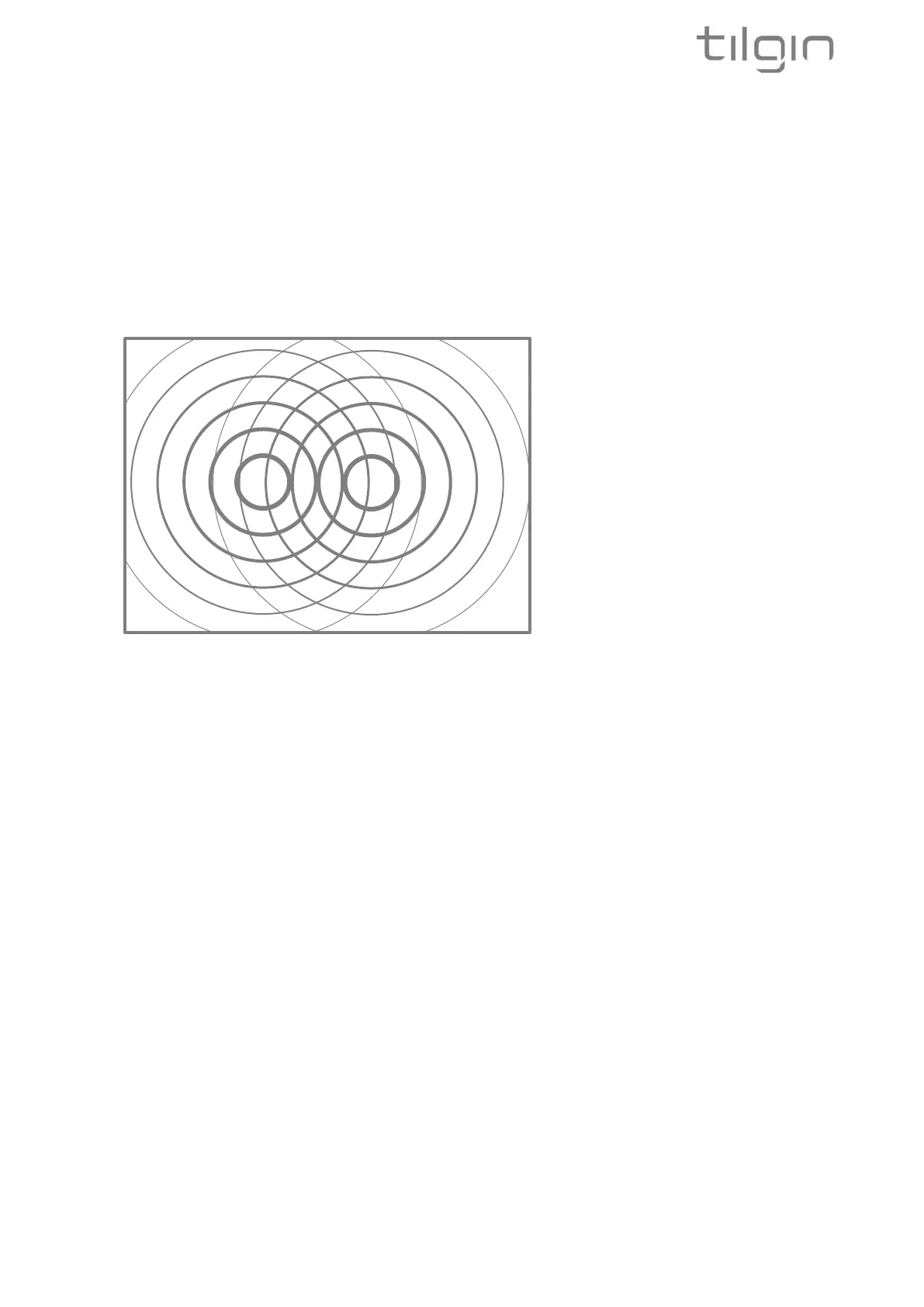
The picture above illustrates that the Router and the Extender are close enough in range to
give proper Wi-Fi connection between the Router and the Wi-Fi Extender. The picture
illustrates that the Extender and the Router are within each other’s Wi-Fi reach
The Wi-Fi LED on the Wi-Fi extender will give you guidance on where to place the Wi-Fi
extender.
RED flashing - indicates that there is no connection to the router
Action - Move the Wi-Fi extender closer to the router and try again.
If this does not help, redo the Wi-Fi connection procedure in chapter 7.2 once again to see if
it helps.
RED stable - indicates that there is a connection to the router, but it is poor
Action - Move the Wi-Fi extender closer to the router
ORANGE stable - indicates that the connection to the router is fair
Action - This could be a suitable location for the Wi-Fi extender, but you can also try to
relocate the Wi-Fi extender to get a better Wi-Fi connection. Please see the chapter
describing how to connect a device and check Wi-Fi coverage.
GREEN stable - indicates that the connection to the router is very good
Action - This could be a suitable location for the Wi-Fi extender, but you can also try to
relocate the Wi-Fi extender and place it a little bit further away, depending on whether the Wi-
Fi extender gives good Wi-Fi signal for your devices in the home or not. Please see the
chapter describing how to connect a device and check Wi-Fi coverage.


 To Next Page