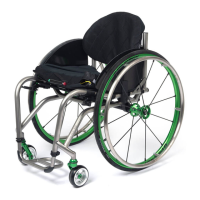
11-2
ZRA_Aero Z Owner’s Manual
OM_ZRA_Aero Z_0913RevA
CHAPTER 11: CASTERS And FORKS
SLIPSTREAM SINGLE-SIDED FORK
Replacing Casters
Tools Needed:
• 1/8” Allen Wrench
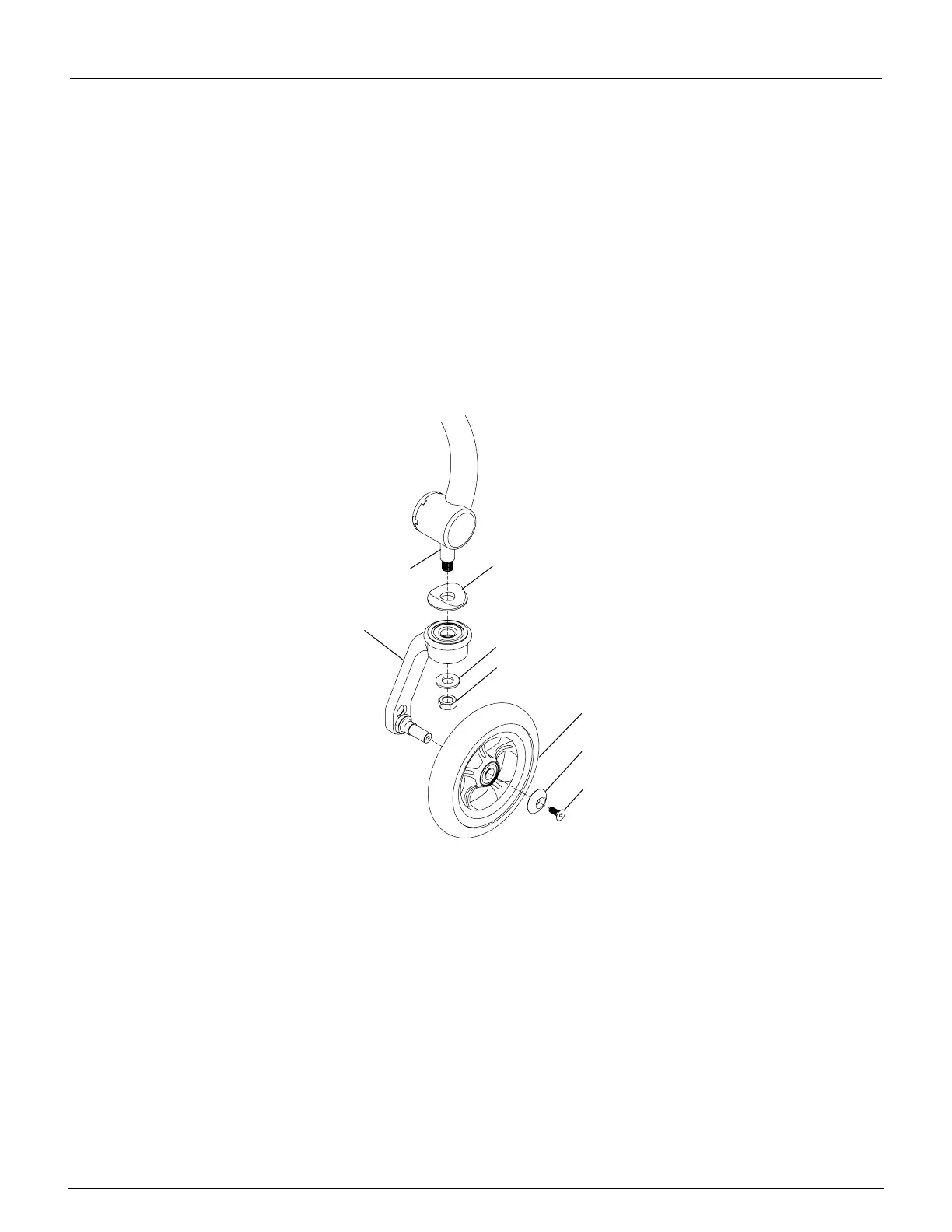
1. Remove the Allen screw and caster cap from the caster. See Figure 11-2.
2. Remove the caster from the Single-Sided Fork.
3. Install the new caster onto the Single-Sided Fork, replace the single-sided caster cap and securely tighten the
screw so there is no space between the caster and the Single-Sided Fork side. If you have Performance casters
be sure the “dish” of the caster faces outward as the fork is trailing rearward.
Note: If you are replacing your casters with a wider caster, you must replace the axle with a longer axle.
Likewise, if you are replacing your wide caster with a smaller width caster, make sure you also order the shorter axle.
Figure 11-2
Slipstream Single-Sided Fork
Fork Stem
Mono Fork
Caster Cap
Washer
Nylock Nut
Caster
Caster Cap
Allen
Screw
Replacing Forks
Tools Needed:
• 9/16” Wrench
• 1/8” Allen Wrench
1. Remove the casters. See “Slipstream Single-Sided Forks - Replacing Casters” on page 11-2.
2. Remove the nylock nut and washer that secure the fork to the fork stem. See Figure 11-2.
3. Remove the old fork and install the replacement fork on the fork stem.
4. Replace the nylock nut and washer and securely tighten.
5. Reinstall the casters. See “Slipstream Single-Sided Forks - Replacing Casters” on page 11-2.
Adjusting the Front Seat Height
Note: Depending on the fork that came with your chair, you may be able to adjust the Front Seat Height of your chair
up or down without changing the casters to a larger or smaller size. Follow the procedures under “Standard Forks
- Replacing Casters” on page 11-1 to mount the casters in the alternative axle holes in the fork. The full range of
adjustability will not be available with 5” or 6” casters. Additional adjustability may be achieved with different forks or
casters or with fork stem extensions. Contact TiLite Customer Service for assistance.


 To Next Page