General Settings
Phone Status
You can view the status of your phone using the Phone interface or the Web interface.
This option allows you to review:
IP;
MAC;
Firmware;
Network: MAC, WAN, LAN, Gateway, DNS, etc;
Phone: Model, Hardware, Firmware, Product ID and MAC;
Accounts: The 2 SIP accounts status;
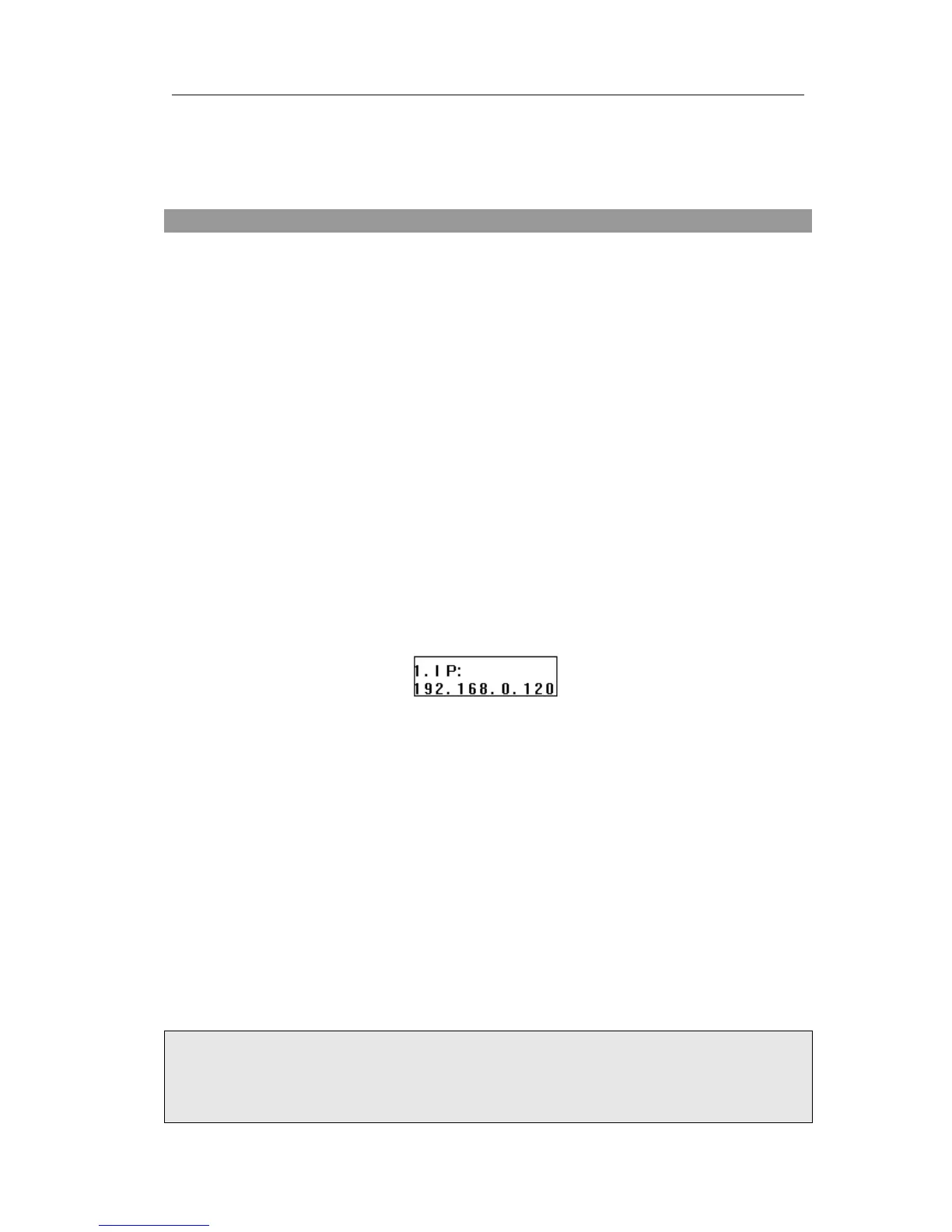
To check the Phone Status via Phone interface:
1) Press OK button directly to check the IP.
2) Use the navigation keys to check the other information.
To view the Phone Status via Web interface:
Open the web browsers and input the IP Address http://WAN-ip-address; Enter the
account and password (default account and password are both “admin”), choose Status
directly to check the status.
Language
The default Phone interface language is English. The Web interface language depends
on your computer Operation System. It will automatically match the language with your
computer and browser.
It also supports French, German, Italian, Polish, Turkish, Portuguese, Spanish, etc. You
can change the language for the phone user interface and the web user interface
independently from each other.
Note:
All languages may not be available for selection. The available languages depend on the
language packs currently loaded to the IP phone. Please contact with your system
administrator for more information about loading language packs.



 To Next Page