Other Settings
Key as Send
Users can set a specific button (“#” or “*”) to active as the send button.
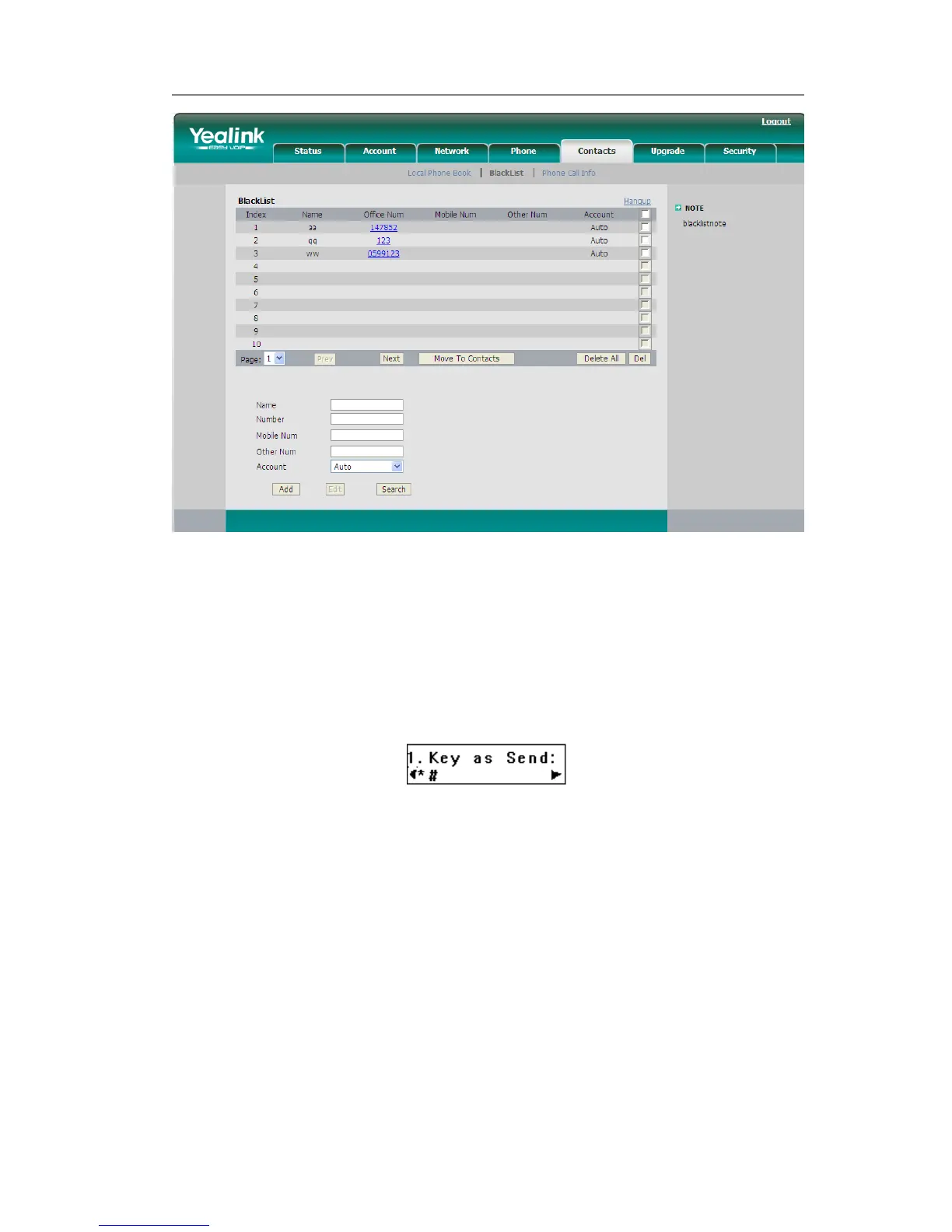
To set the send key via the IP phone interface:
1) Press MENU->Features->Key as Send->OK to enter the configuration page.
2) Press the Left/Right navigation keys to choose a button that you want to use as the
send key: “#”, “*”, or disable this option.
3) Press the OK button to save the changes.
To set the send key via the Web interface:
1) Choose Phone->Features->Key As Send.
2) Highlight the specific one in the pull-down menu, then click confirm button to save
the change.



 To Next Page