HTTPS
This IP phone can support HTTPS (Hypertext Transfer Protocol over Secure Socket
Layer). Adding SSL layer under HTTP, in short, it is a security version of HTTP. Users can
set this transmission mode via web page.
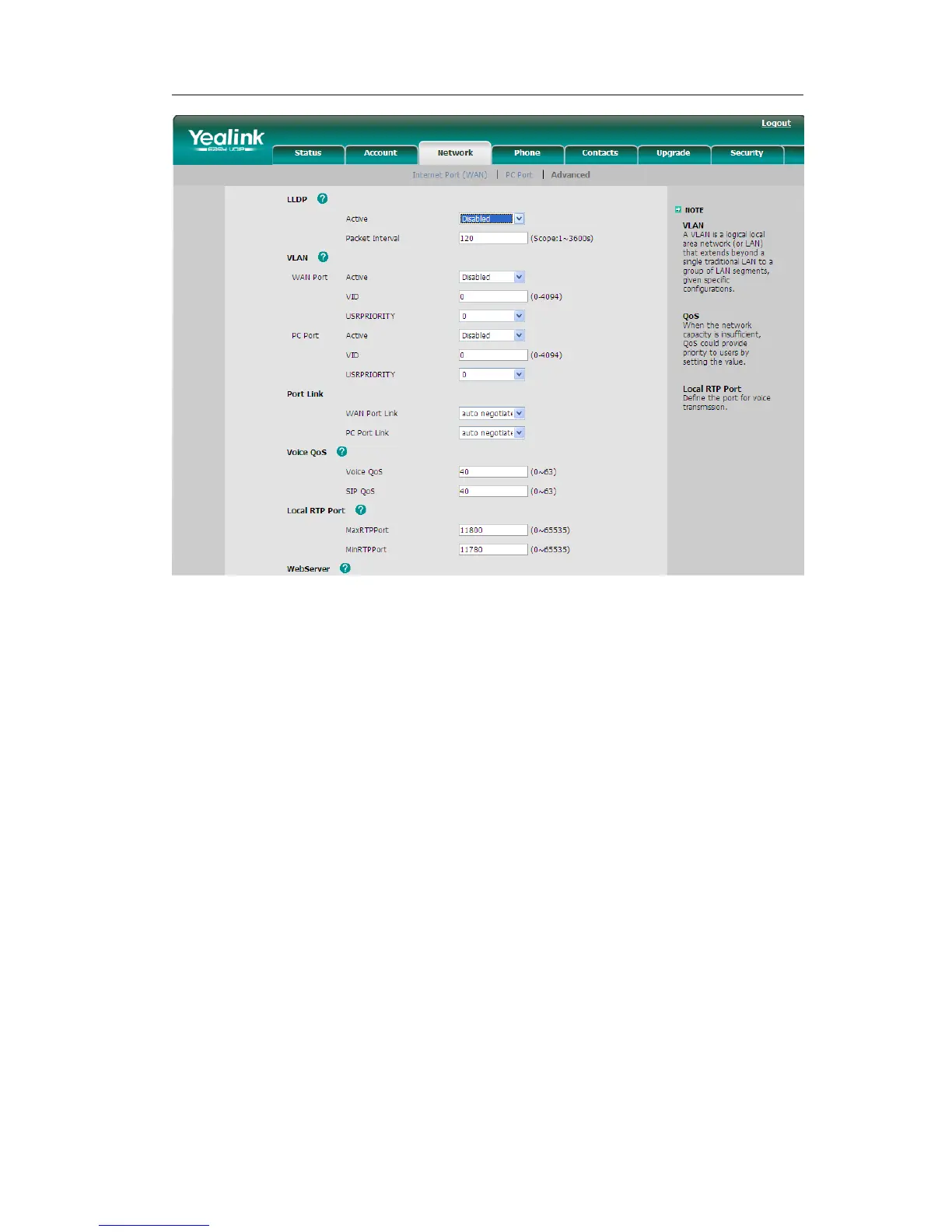
To configure HTTPS settings via Web interface:
Go to Network->Advanced, choose WebServer option, in the pull-down menu of Type
field, choose the transmission mode, and then click the Confirm button to save the
changes.



 To Next Page