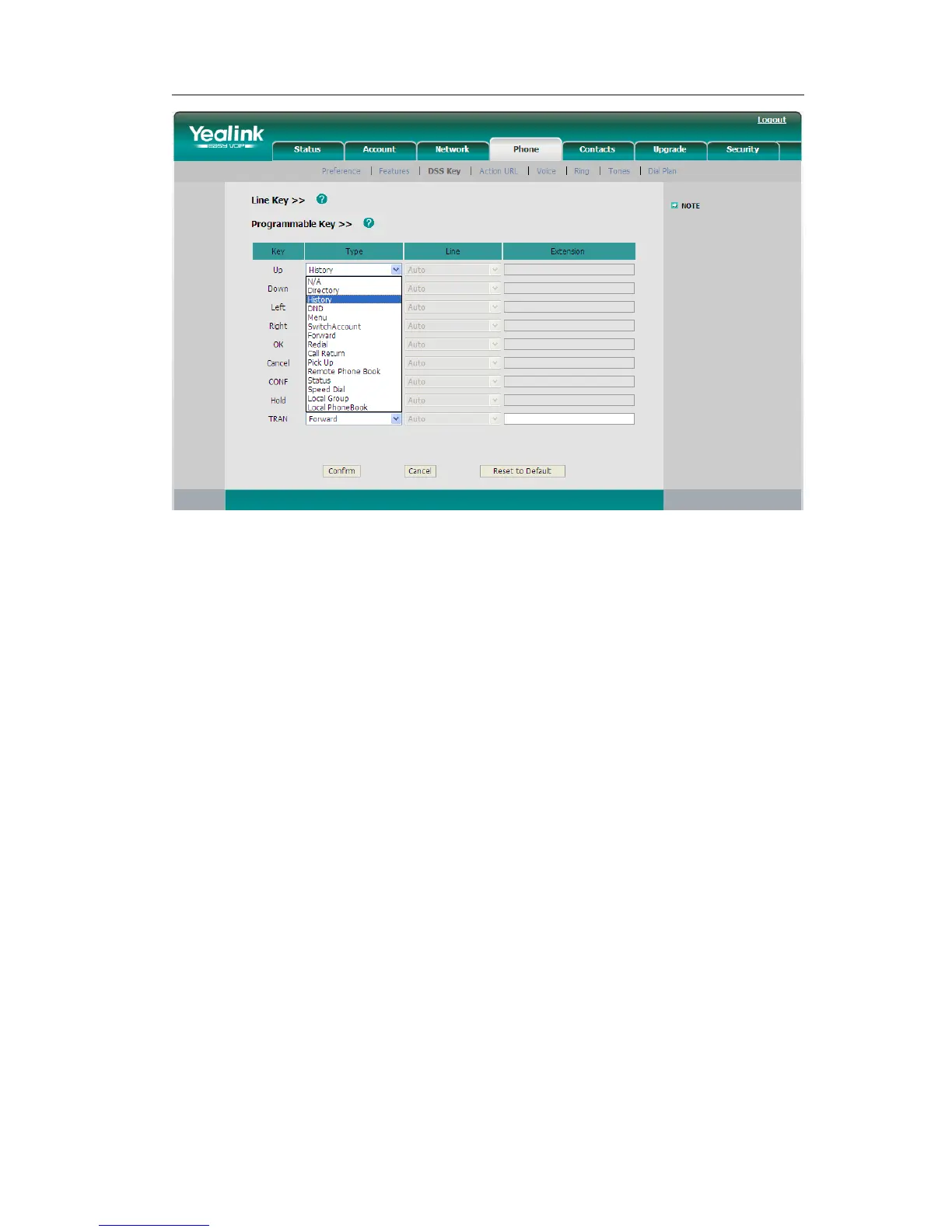
2) Choose and customize specific features for these keys.
3) Click Confirm button to save the changes.
Live Dialpad
Defines whether to dial out the dialed number automatically.
This function can only be set via the Web interface:
1) Choose Phone->Preference->Live Dialpad.
2) Enable or disable it in the pull-down menu.
3) Click Confirm button to save the change.



 To Next Page