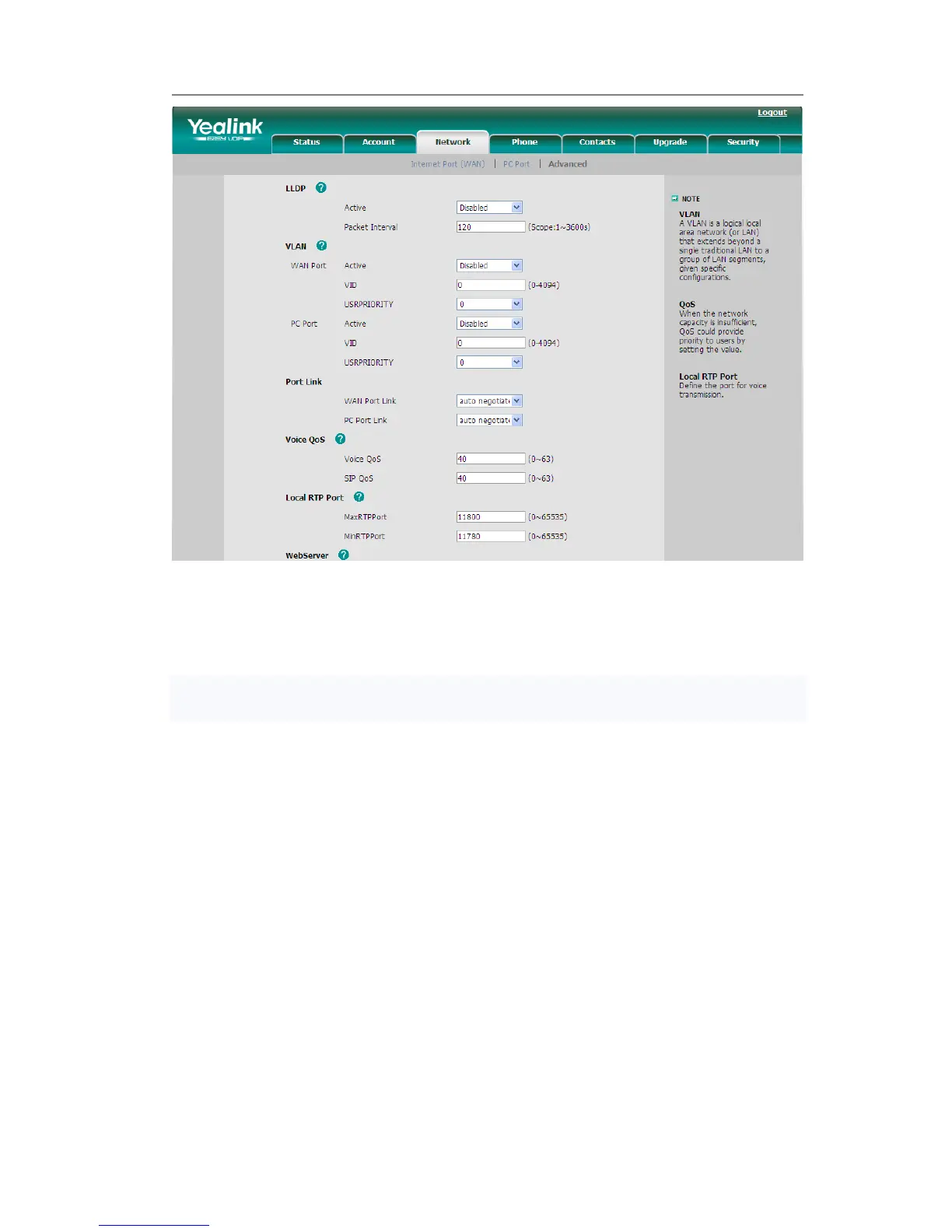
LLDP
The Link Layer Discovery Protocol (LLDP)is a vendor-neutral Layer 2 protocol that
allows a network device to advertise its identity and capabilities on the local network.
Enable LLDP function; the phone will go to switch to get related VLAN parameters
automatically. (Synchronous with VALAN in switch)
To configure LLDP settings via Web interface:
1) Choose Network->Advanced->LLDP->Active option, in the pull-down menu,
choose enable.
2) Then enter the corresponding Packet Interval in Packet Interval field.
3) You can also disable this function when you choose disable in active field.
4) Click the Confirm button to save the change.



 To Next Page