Enterprise IP Phone Getting Started
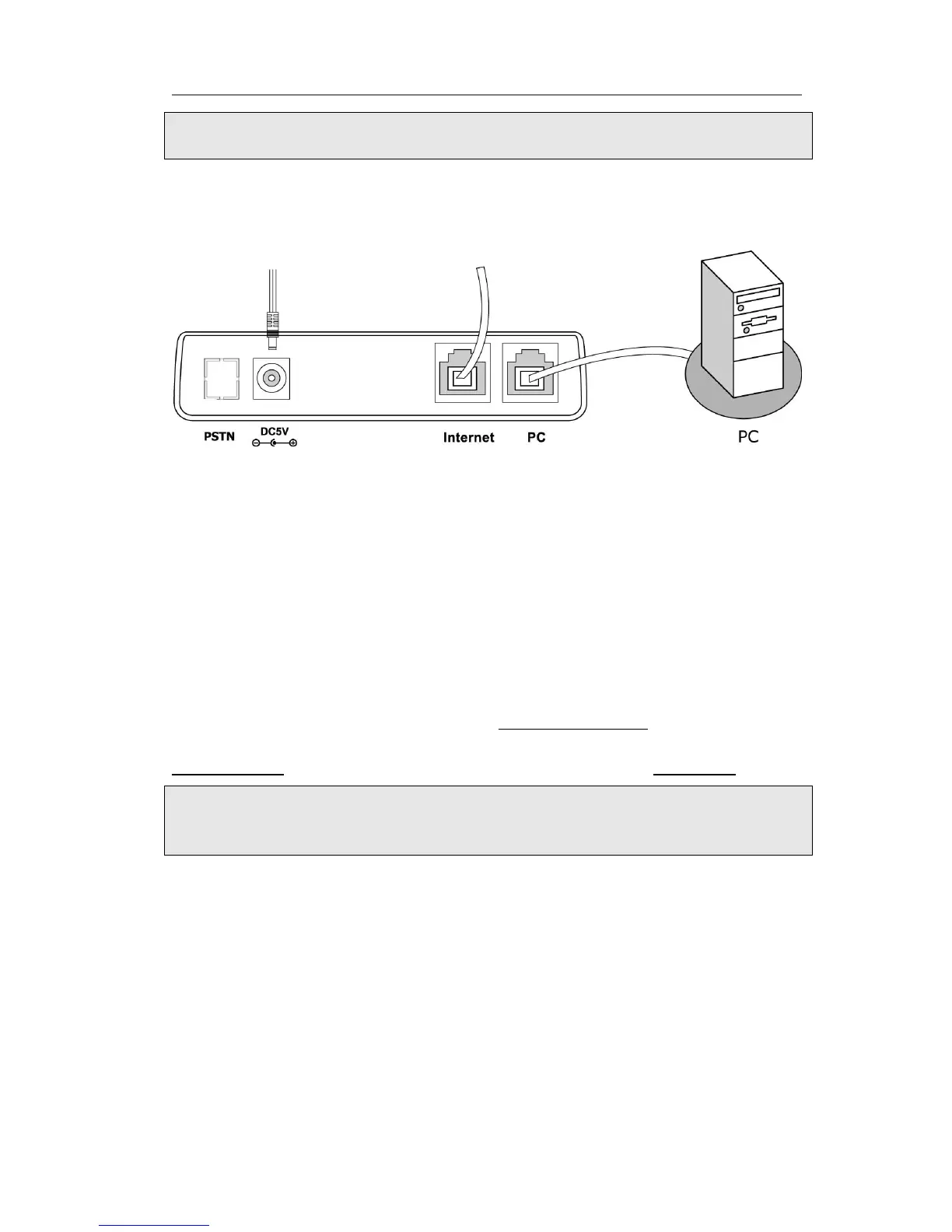
2. The Internet Port can be also connected to Hub/Switch/IP PBX or other internet
devices.
The phone can also share the network connection with other network devices such as
PC. Connect the phone’s PC port and computer’s Network Port together using an
Ethernet cable, shown as below:
Configuration and Registration
If you are administrator, you need to do some simple configuration to make the phone
work. If not, please contact with your internet administrator or service provider for
more details.
Configuring via Web Page
Press OK button on the keypad of the phone to enter the status page and find out the
IP address of IP phone. Enter it (for example http://192.168.3.28) into the address bar
of web browser. The default administrator’s login name and password are
admin/admin. The default user’s login name and password are user/user.
Note:
Please locate your PC in the same network segment of IP phone (192.168.3.X) to
access the web configuration page. Please consult your system administrator for help.
Network Settings
Choose Network->Internet Port(WAN).
DHCP: Under the default situation the phone attempts to contact a DHCP Server in
your network in order to obtain its valid network settings, e.g. IP address, sub mask,
gateway, DNS server, etc.
Static IP Address: If your phone cannot contact a DHCP Server for any reason, you
need to enter the network settings manually via Static IP Address. Please contact your
internet administrator for more details.
PPPoE: If you are using the xDSL Modem, you can connect your phone to the internet
via PPPoE mode. Please contact your ISP for the User Name and Password for internet
access.



 To Next Page