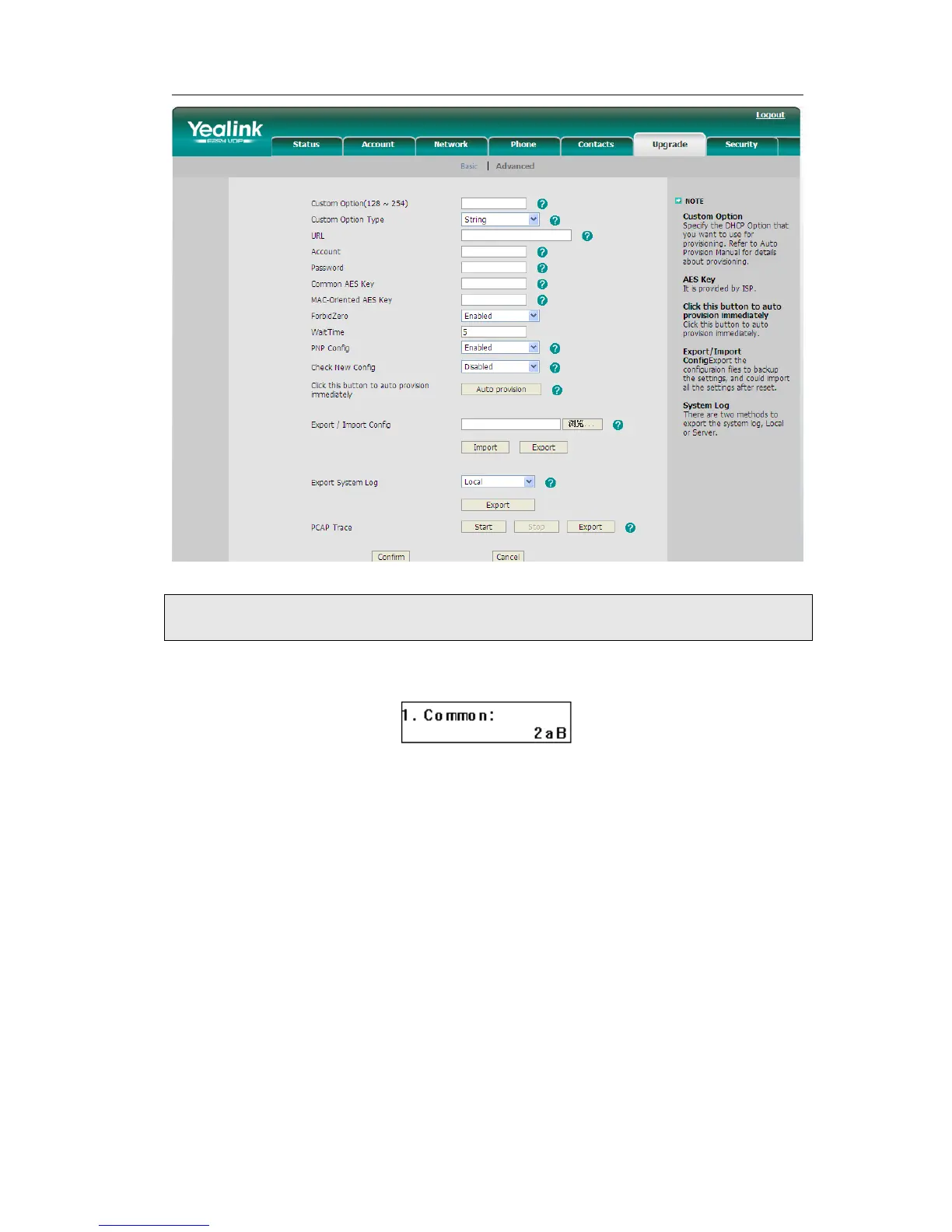
Set AES Key via phone interface:
1) Go to MENU->Settings->Advanced->Set AES Key.
2) Enter the Common AES and the MAC-oriented option.
3) Press the OK button to save the changes.
Zero-sp-touch
Zero-sp-touch this function can help users to configure AUTOP and network parameters
quickly.
Enable this function, when the power is on or press the corresponding DSSKEY, the
phone will turn to the zero-sp-touch interface.
Turn on Zero-sp-touch via web interface:
1) Choose Upgrade->Advanced-> Zero Active, in the pull-down menu, choose enable
to turn on this function.
2) Click Confirm to save.



 To Next Page