seconds.
4) Press the navigation keys to choose and set the redial times.
5) Press OK button to save the changes.
Note:
If you enable the auto redial function, then without operations for 5 seconds in the auto
redial interface, it will turn to the idle interface automatically.
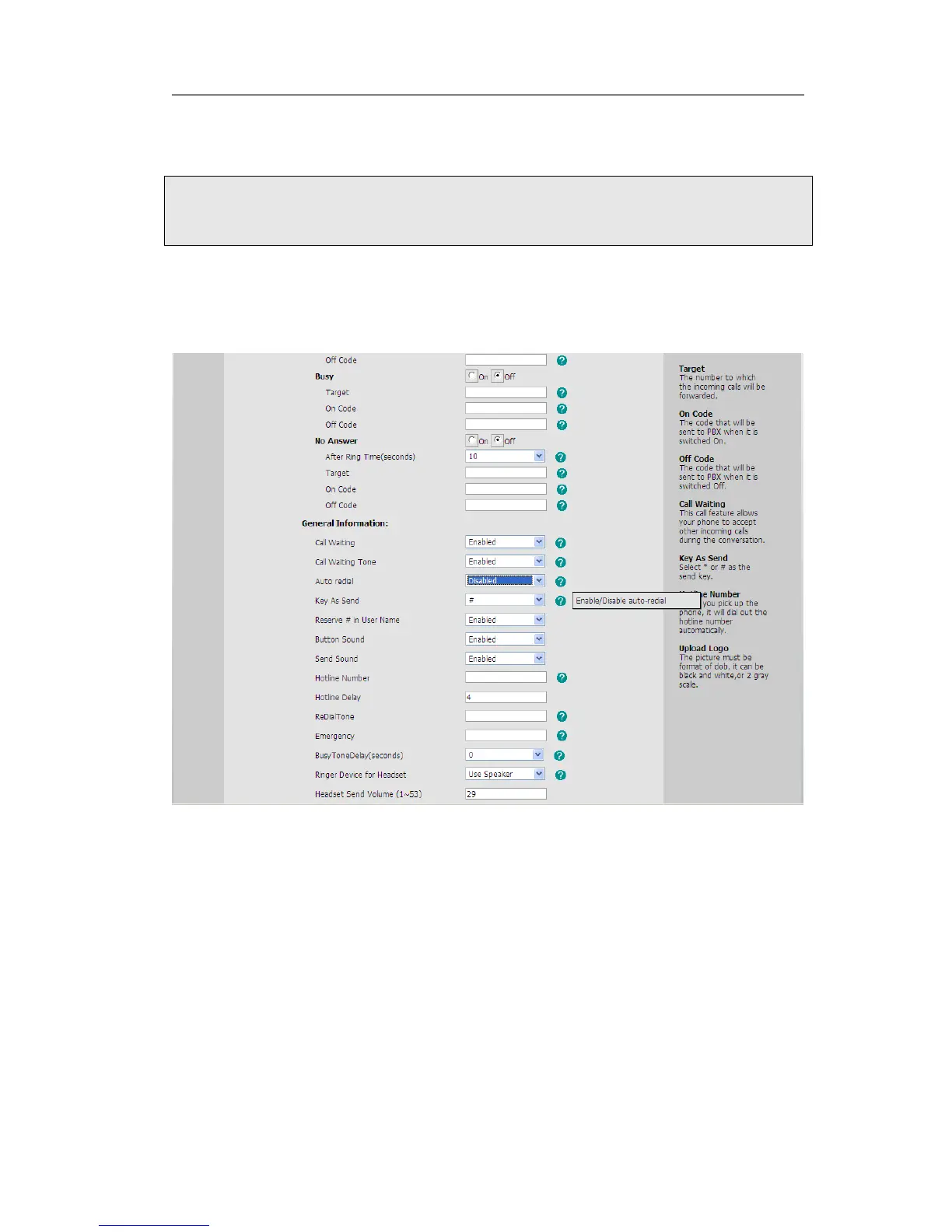
To set auto redial via the Web interface:
3) Choose Phone->Features->Auto Redial.
4) Choose Enabled or Disabled in the pull-down menu, then click Confirm button to
save the change.
Auto Answer
Auto-answer allows an incoming call to be answered without requiring any action by the
user. This is a useful feature for people who have difficulty in using their hands or
fingers, who have a visual impairment, or who have a cognitive impairment. You can set
this function to a special account.
To set Auto Answer via the IP phone interface:
1) Press MENU->Settings->Advanced, enter the password and press OK button
2) Then choose Accounts->Line X to enter the configuration page, use the navigation
keys to choose Auto Answer option.



 To Next Page