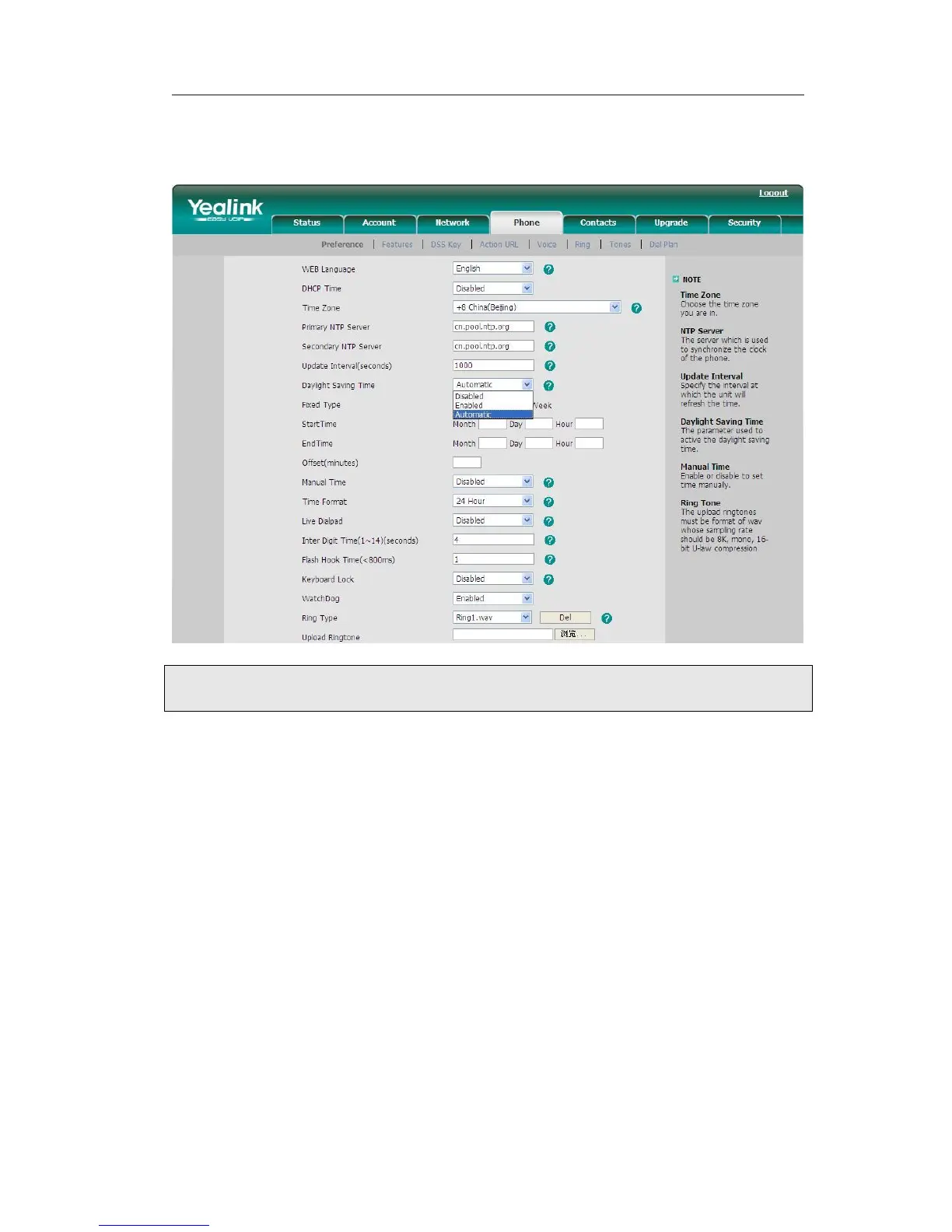
configuration file, If the table includes daylight saving time of your time zone, it will
show the Fixed Type: By Date or By Week. And the daylight saving time is
unchangeable, unless to update the AutoDST.xml via auto provision.
Keypad Lock
You can lock the keypad of your phone when you are temporarily not using it. This
function helps you to protect your phone from unauthorized use. You can lock the
following specific keys:
Menu Key: The Menu keys can not be used until unlocked. You can not access the
menu of the phone.
Function Keys: The hard function keys can not be used until unlocked. You can not
access the MESSAGE, HEADSET, TRAN, RD, Speaker, CONF, HOLD,
Navigation Keys, OK button, Mute button, Volume Adjustment button,
etc.
All Keys: All of the keys can not be used until unlocked. You can only use the
phone to answer the incoming calls.
Lock&Answer: You can only use the phone to answer the incoming calls(But can not
hung up the call by your party). Or enter the menu pages to do some
configurations.



 To Next Page