7) Press the OK button to save the changes.
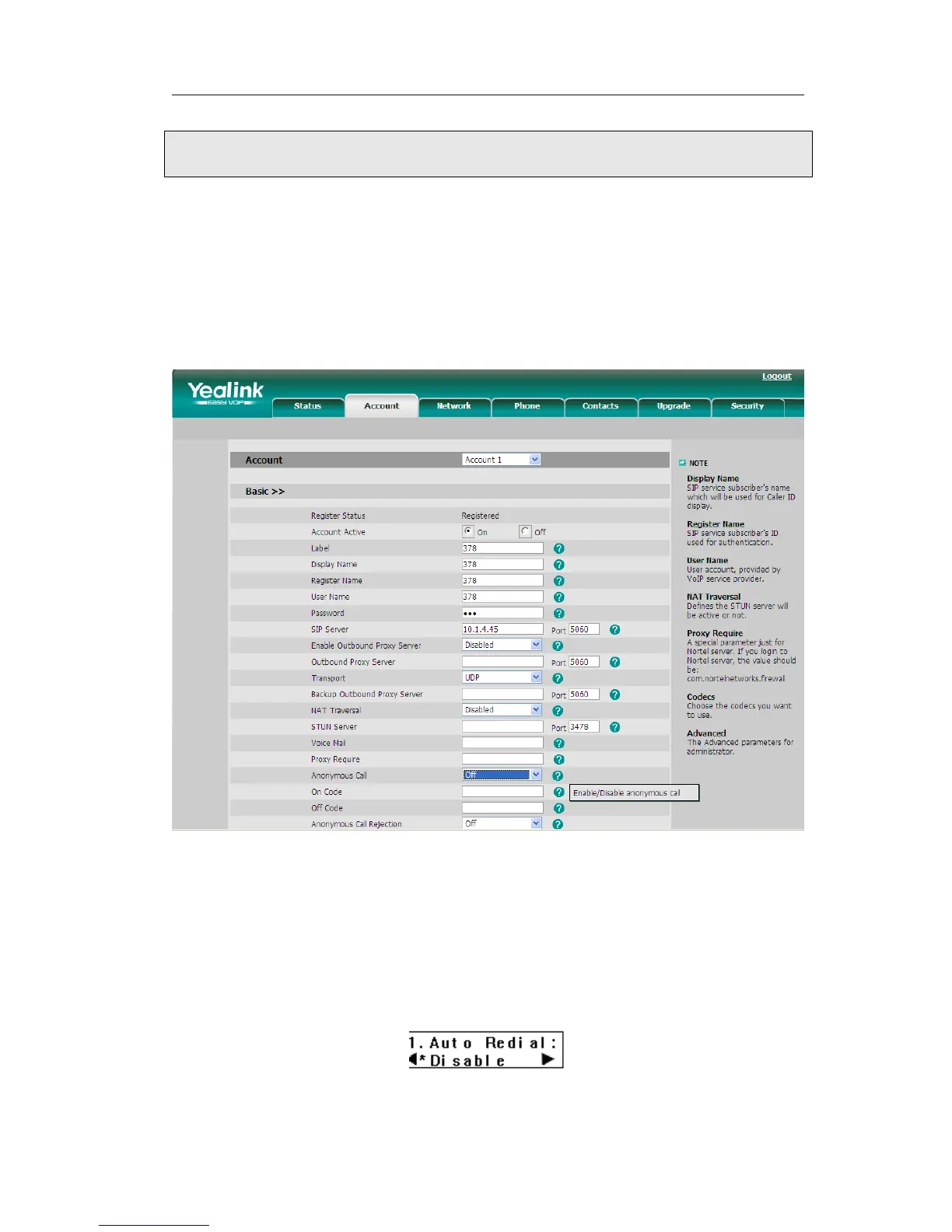
To set the anonymous call via the Web interface:
1) Choose Account-> Basic-> Anonymous Call to do the relating changes. Please refer
to the instruction above for the parameters’ detail.
2) Then click the Confirm button to save the changes.
Auto Redial
Auto redial is a telephone feature that redials a busy number in a fixed number of times
before giving up.
To set auto redial via the IP phone interface:
1) Press MENU->Features->Auto Redial->OK to enter the configuration page.
2) By the navigation keys, you can choose whether to enable the auto redial function.
3) Press the navigation keys to choose and set the redial interval. It is measured by



 To Next Page