Enterprise IP Phone Using the Basic Phone Functions
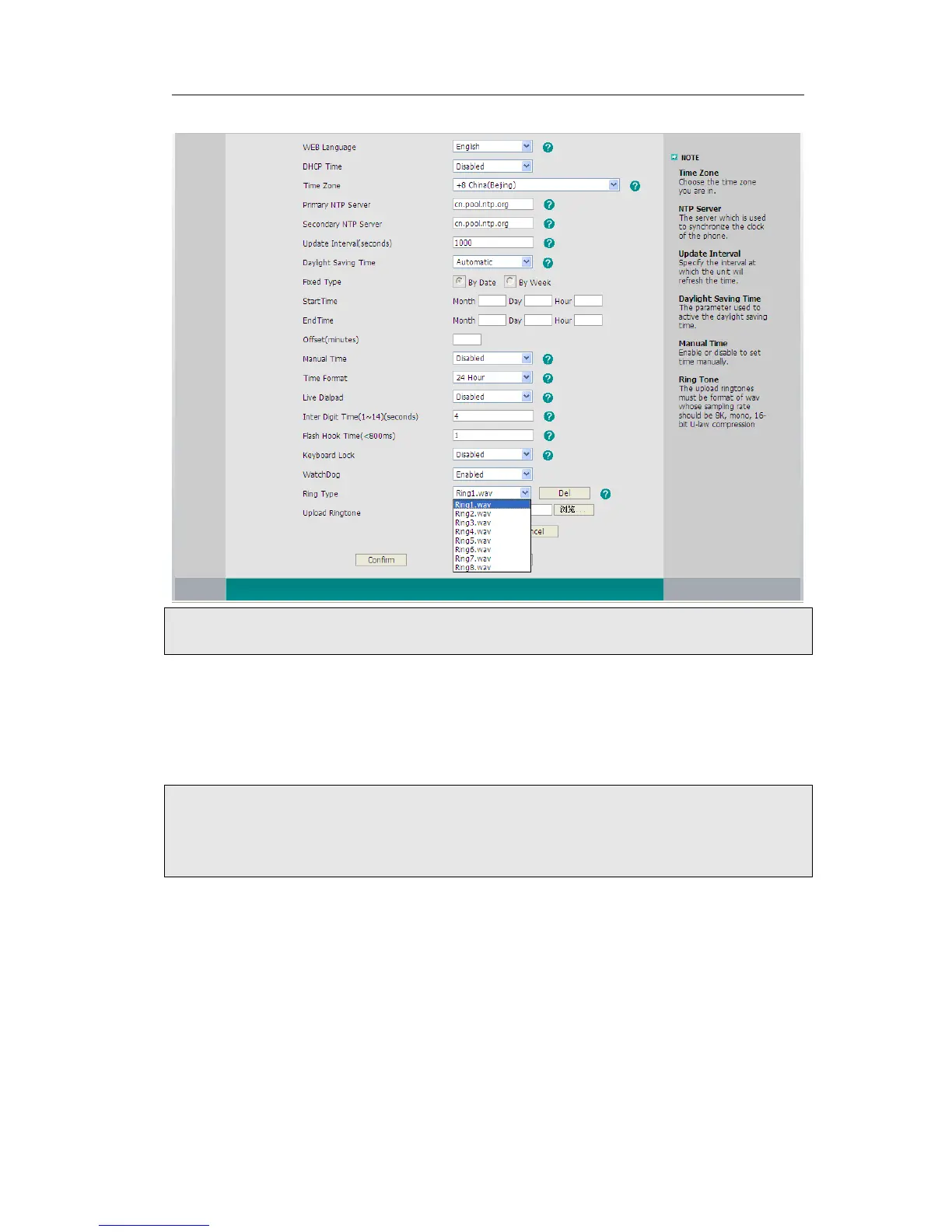
by clicking the Delete button.
Note:
The ring tone file of system can not be deleted.
To upload the new Ring Tone via Web interface:
1) Choose Phone->Preference->Upload Ringtone.
2) Click Browse button to choose the specific ring tone file.
3) Click Upload button to upload the file.
Note:
The ring tone file format must be in 16bits WAV format (via Ulaw Compression), 8K
sample rate (monophony). Blank or other special characters can not be included in the
file name.
To specify ring tones for a specific account via Web interface:
Choose Account->Basic->Ring Type option, and highlight the preferred one for the
chosen account in the scroll-down menu, then click confirm button to update the
change.



 To Next Page