User Manual - Network Dome - TKID45F2S - TKID85F2S - TKID45M1S - TKID85M1S
EN
14
3DUDPHWHU6HWWLQJ
2.1 Sensor Setting Interface
Operation Procedure
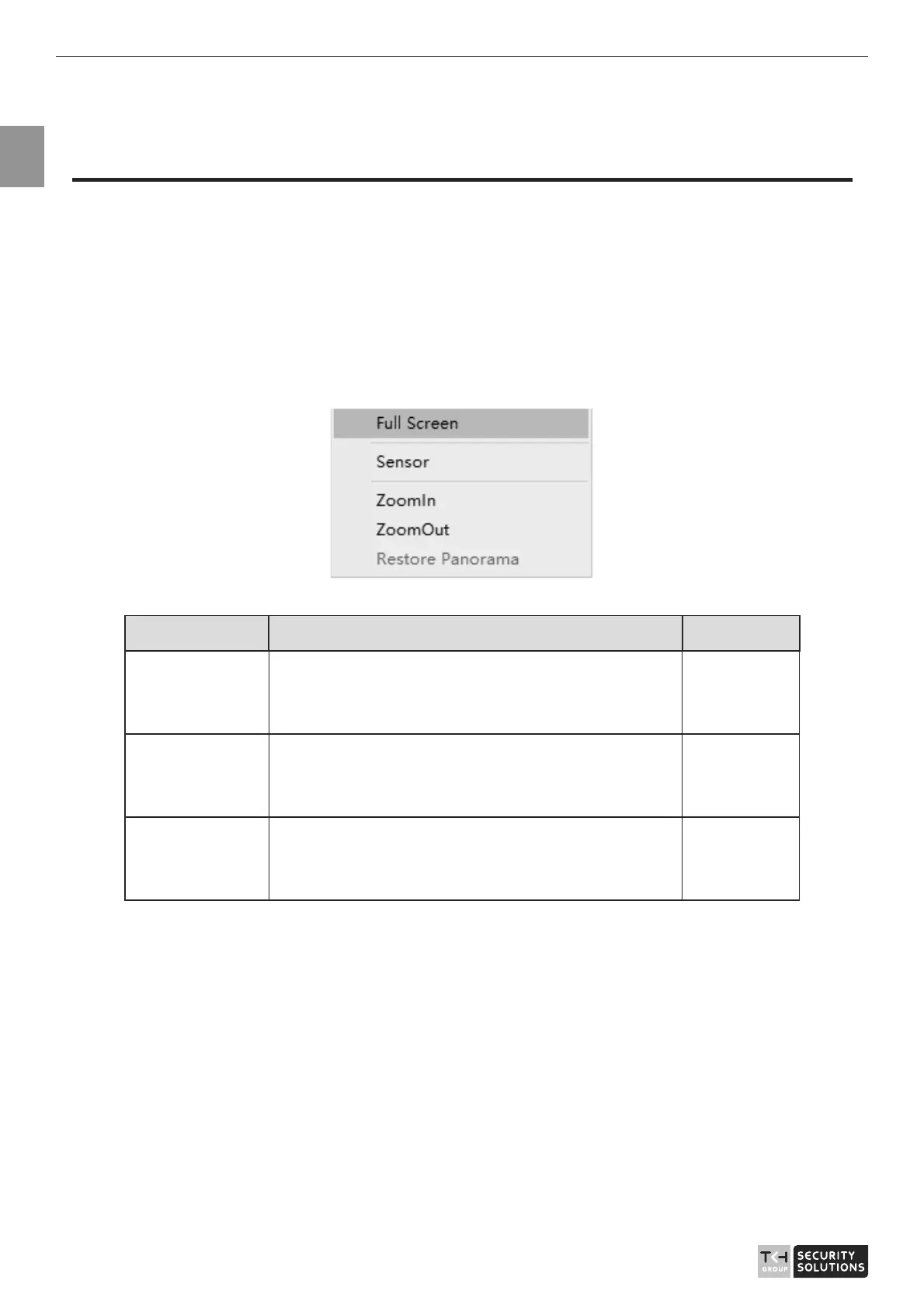
Step 1 On the Internet Explorer interface or the client software interface, select and right-click
the surveillance image to the set, as shown in Figure 2-1.
Figure 2-1 Sensor Setting
Table 2-1 Right-click setting parameters
Parameter Description Setting
Full screen Click it, the live video will display in full screen [Setting
method]
Click
Sensor Set parameters of sensor, more details please
refer next chapters.
[Setting
method]
Click
Zoom In/
Zoom Out
N/A [Setting
method]
Click
Step 2 Choose Sensor. The Sensor Configuration dialog box is displayed, as shown in
Figure 2-2.
2.2 Time Segment
Figure 2-2 shows the time segment interface.



 To Next Page